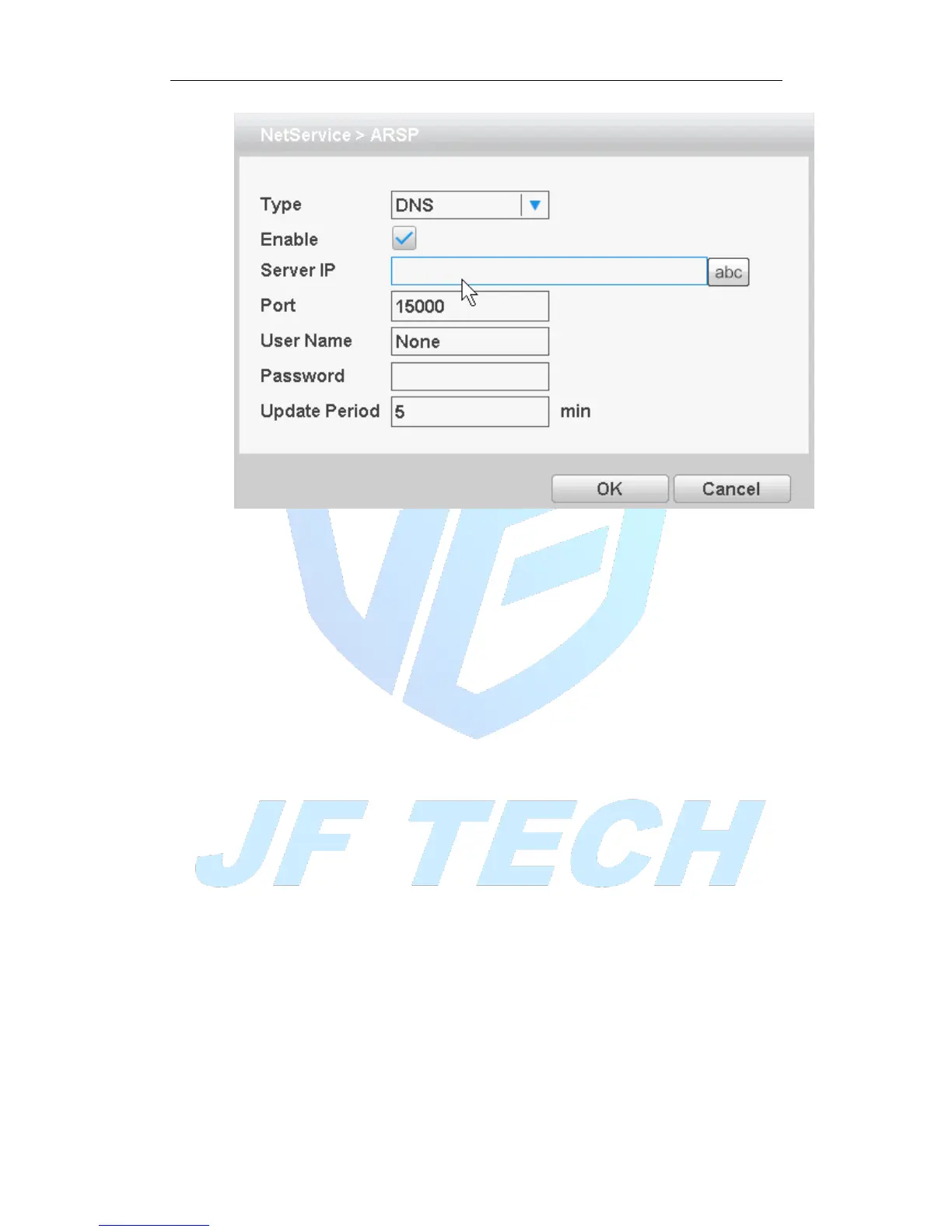
Figure 4.24ARSP
[Type]: Select the DNS
[Enable]: Anti ■ means, select Enable, set to take effect;
[Server Ip]: IP address of the DDNS server;
[Port]: Device port number corresponding DDNS server "service listening port";
[User Name]: The user name of the device login DDNS server;
[Password]: The password corresponding to the user name;
[Update Period]: Equipment and DDNS synchronization interval
Note: before using the need to build DDNS Server
[Alarm Server]
After an alarm, it report alarm information to alarm server.



 To Next Page