[Enable]: Anti ■ means, select Enable, set to take effect;
[Type]: Dial type, default automatic
[Wireless AP]: 3G access point, the default can
[Dial number]: 3G dial number, the default can
[User name]: Dial 3G username
[Password]: dial the user's password
[IP address]: The IP address of the dial-up number to get
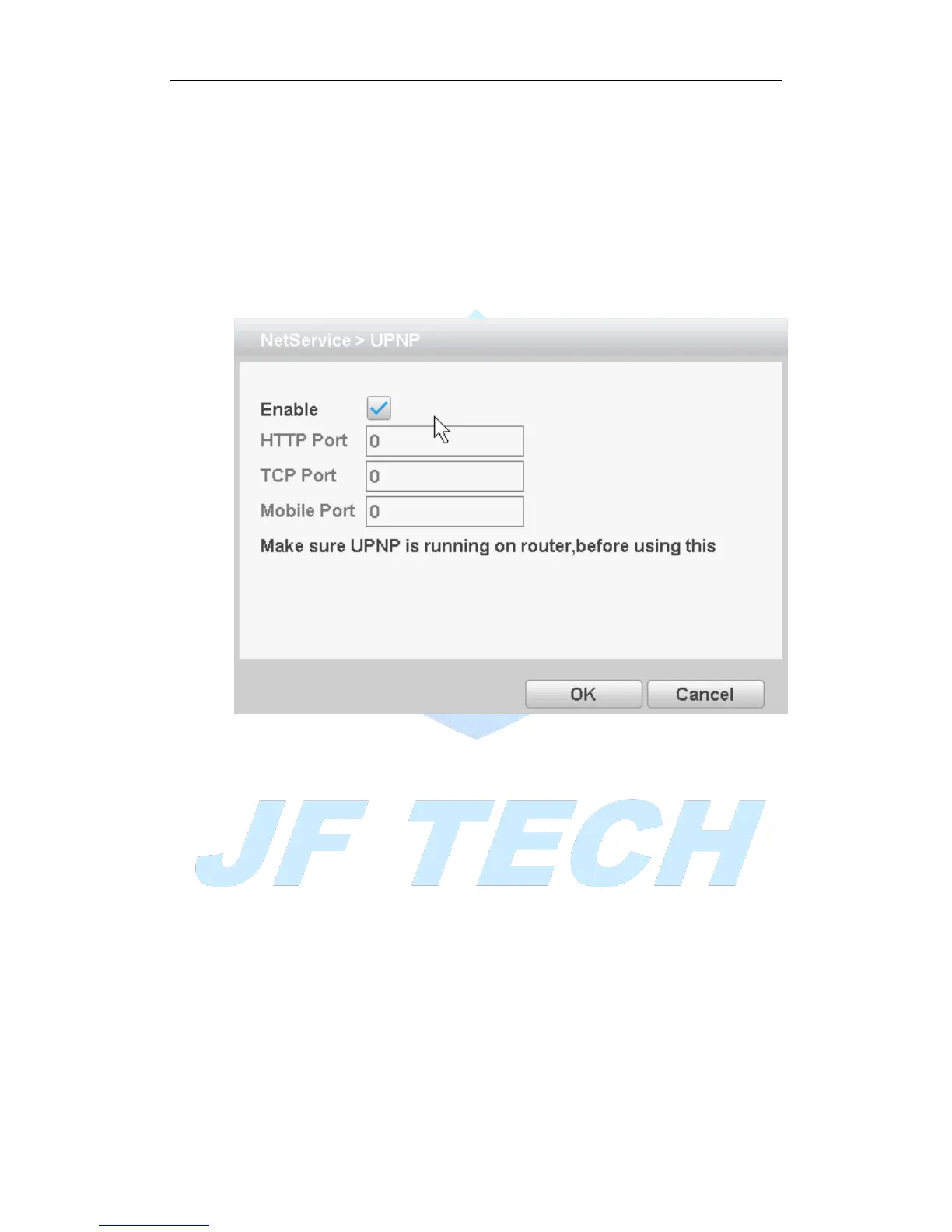
[UPNP]
UPNP protocol can forward automatically on the router.
Figure 4.27 UPNP settings
[Enable] ■ means, open the UPNP feature, select the Enable, set to take effect;
[HTTP Port]: router for the device is automatically assigned port numbers, IE browser,
the need to add the port number to access;
[TCP Port]: When the router is automatically assigned port for the device, client
software monitoring required by the port number;
[Mobile port]: router for the device is automatically assigned port numbers, mobile
phone monitoring needs through the port number;
[WIFI]
Connect to the wireless router via the wireless module. To access the device via IP,
provided the use of this feature is that the DVR has access to WIFI module.



 To Next Page