AD-1272 Advanced Thermal Dispersion Probe Airflow Measuring System Technical Bulletin
16
Analog Output 2 Parameters
The Analog Output 2 Parameters menu allows you to select the process variables that Output 2 represents.
Available process variables include flow, temperature, and none. If flow is selected, the output represents the
defined flow design range. If temperature is selected, the default output span for temperature is -25.6 to 120.2°F
(-32°C to 49°C).
Note: The factory-default setting for Analog Output 2 is temperature.
Updating Analog Output 2
1. In the Operator Menu, press UP or DOWN to scroll to the Analog Output 2 submenu.
2. Press ENTER.
3. Make any necessary updates to the submenu selection. See Table 7 for a description of the Analog Output 2
submenu selection option and its configurable option.
Table 7: Analog Output 2 Submenu and Configurable Options
Analog Output 2
Submenu
Configurable Option
Output 2
Parameters
Select between none, flow, and temperature.
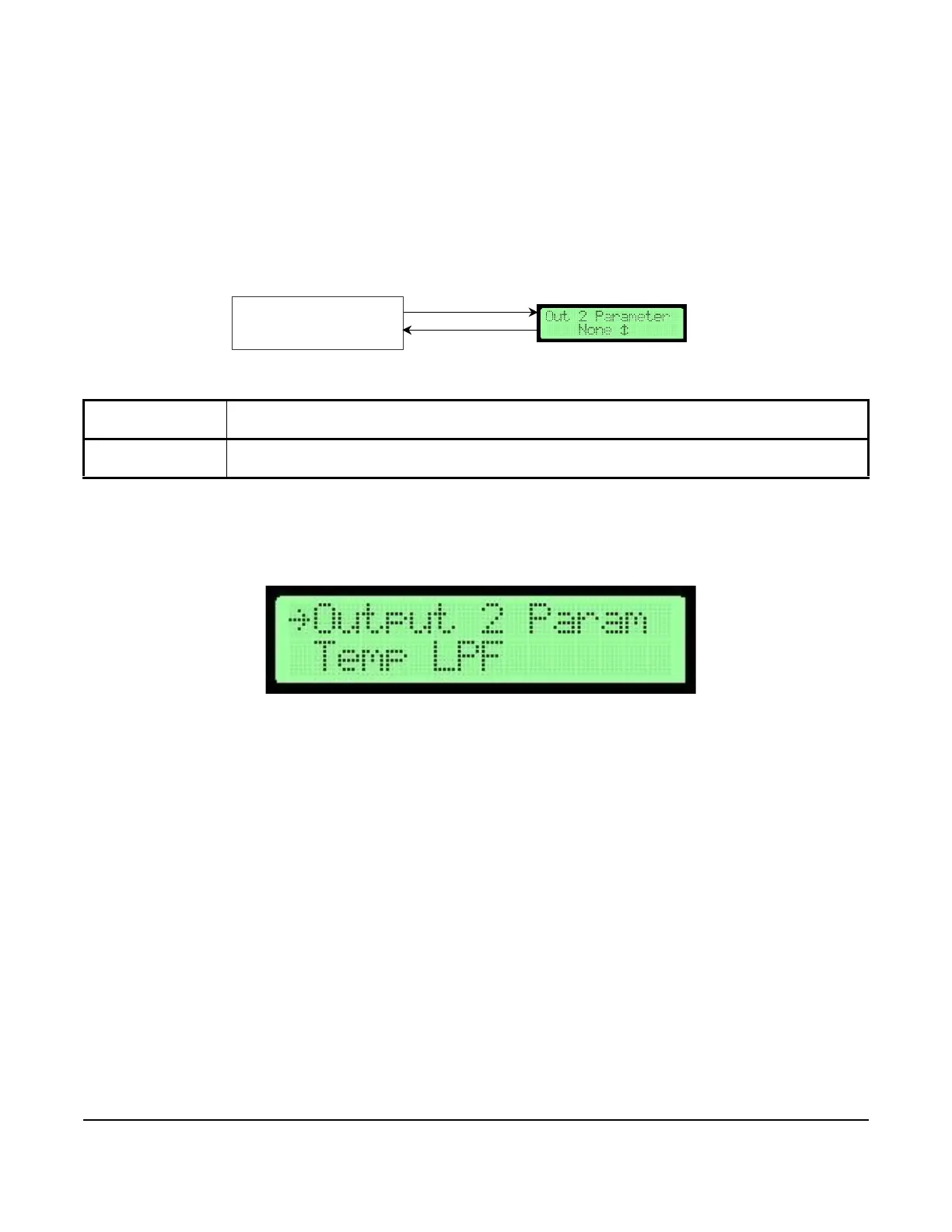
Figure 20: Analog Output 2 Parameters Flowchart
Analog Output 2
Parameters
ENTER
ESC or ENTER
Submenu Selection Display
Figure 21: Output 2 Parameter Selection Screen



 To Next Page