AD-1272 Advanced Thermal Dispersion Probe Airflow Measuring System Technical Bulletin
25
Configuring the K-Factor
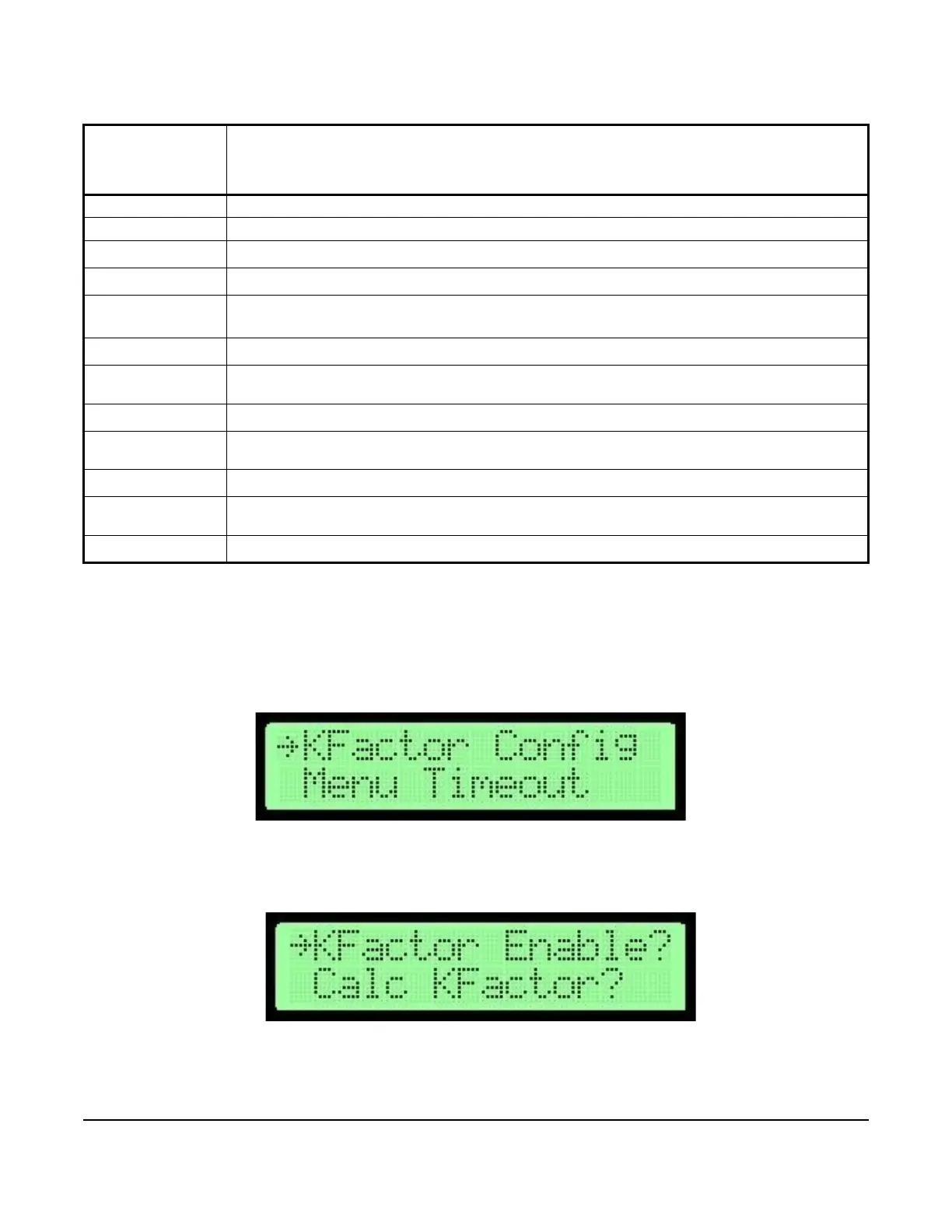
1. In the Operator Menu, press UP or DOWN to scroll to the K-Factor Configuration submenu.
2. Press ENTER to view the K-Factor Configuration submenu. Scroll to the K-Factor Enable? submenu
selection.
Table 12: K-Factor Configuration Submenu Selections and Configurable Options
K-Factor
Configuration
Submenu
Selections
Configurable Options
K-Factor Enable? Select On or Off.
Calculate K-Factor Select between Yes or No.
Manual Gain
1
1. This submenu selection only appears when Calculate K-Factor is set to No.
Update the currently selected value.
Manual Offset
1
Update the currently selected value.
Number of Data
Points
2
2. This submenu selection only appears when Calculate K-Factor is set to Yes.
Select between one to three points for calculating the K-Factor.
System at Point 1
2
Record the current velocity over the sensors as reference point 1.
Point 1 Velocity
2
Update the currently selected value. Reference point 1 is displayed on the right side and the
measured value is entered on the left.
System at Point 2
2
Record the current velocity over the sensors as reference point 2.
Point 2 Velocity
2
Update the currently selected value. Reference point 2 is displayed on the right side and the
measured value is entered on the left.
System at Point 3
2
Record the current velocity over the sensors as reference point 3.
Point 3 Velocity
2
Update the currently selected value. Reference point 3 is displayed on the right side and the
measured value is entered on the left.
Generate K-Factor
2
Calculate and update the K-Factor values used then display the calculated values.
Figure 38: K-Factor Configuration Selection Screen
Figure 39: K-Factor Enable Selection Screen



 To Next Page