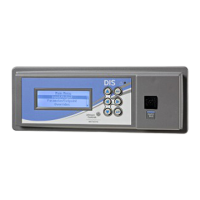
FX-DIS Local Controller Display Technical Bulletin 7
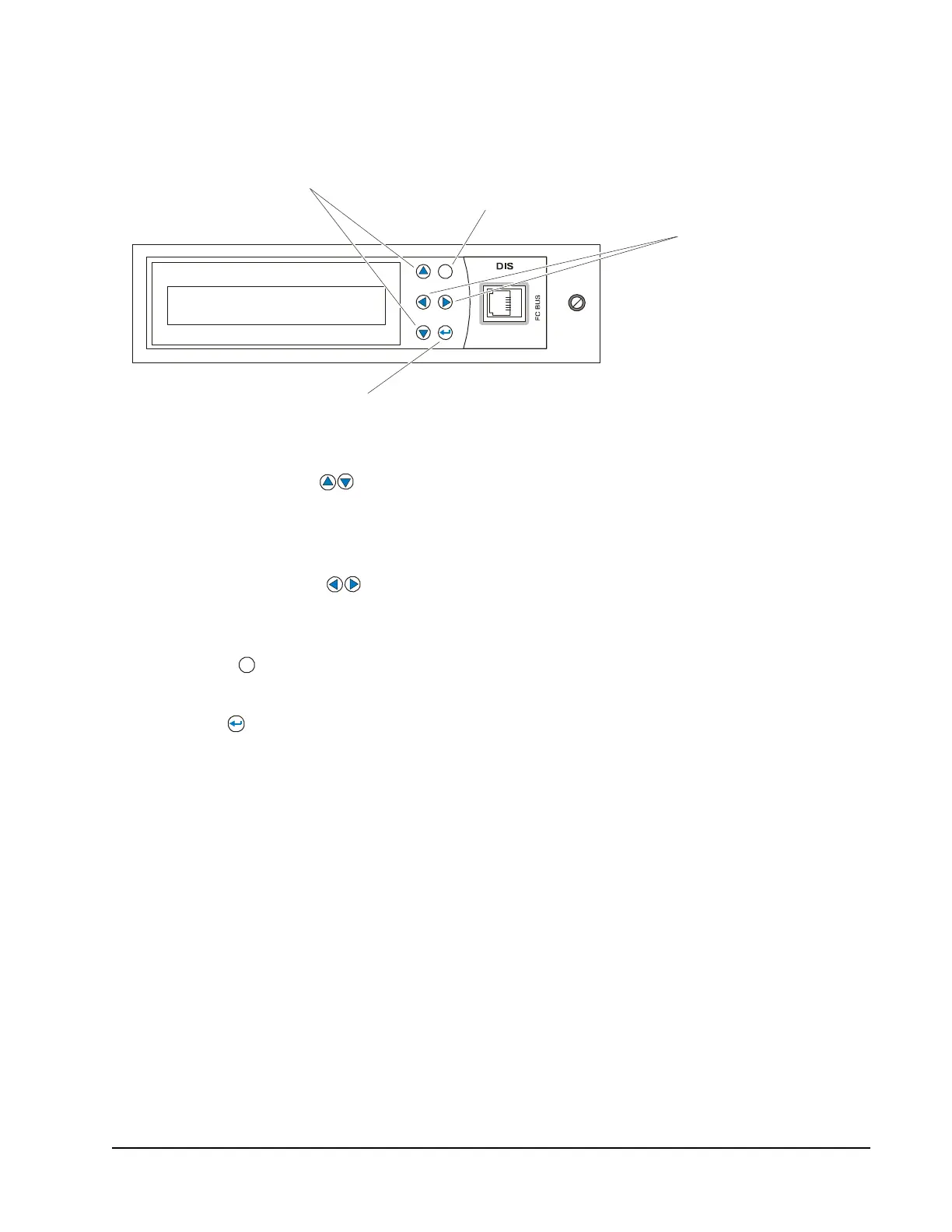
Local Controller Display Keypad
The Local Controller Display has six keys that are used to navigate the menu
structure (Figure 4):
• Up/Down Arrows () move the highlighted field up or down on the
current display, or within a menu. These arrows also allow for incrementing
and decrementing a number or digit within a number, and move between fields
on pages that contain multiple fields.
• Left/Right Arrows () move the highlighted field to the right or left on the
current display. These arrows also allow for selecting a digit within a number
for modification purposes, and scroll the Idle page four items at a time.
• Escape ( ) button cancels the current data value or selection. This button
also returns the display to the previous page.
• Enter ( ) button performs the action of the highlighted field on the display.
This button also accesses the next menu level.
• Pressing Escape + Enter simultaneously logs off the user. The display then
returns to the Idle/Favorites page.
All keys on the Local Controller Display have a repeat function in where key
action is repeated when the key is held down for more than 1 second. For example,
if you hold down the up key, the highlighted field moves up one selection each
second. The repeat rate is the same for all the keys.
Figure 4: Local Controller Display Keypad
Up/Down
Arrows
Escape
Left/Right
Arrows
Enter
FIG:navbutns
esc



 To Next Page
 Loading...