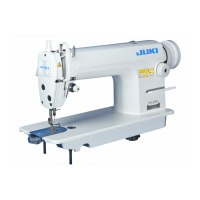
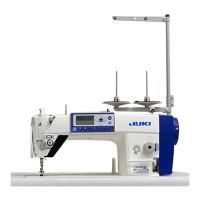
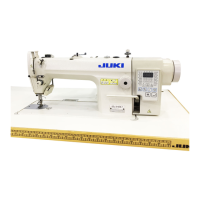
13. Removing the rear cover
WARNING :
To prevent personal injuries caused by electric shock hazards or abrupt start of the sewing machine,
remove the cover after turning OFF the power switch and a lapse of 5 minutes or more.
To
prevent
personal injuries, when a fuse has blown out, be sure to replace it with a new one with the same
capacity after turning
OFF the power switch and removing the cause of the blown-out of the fuse.
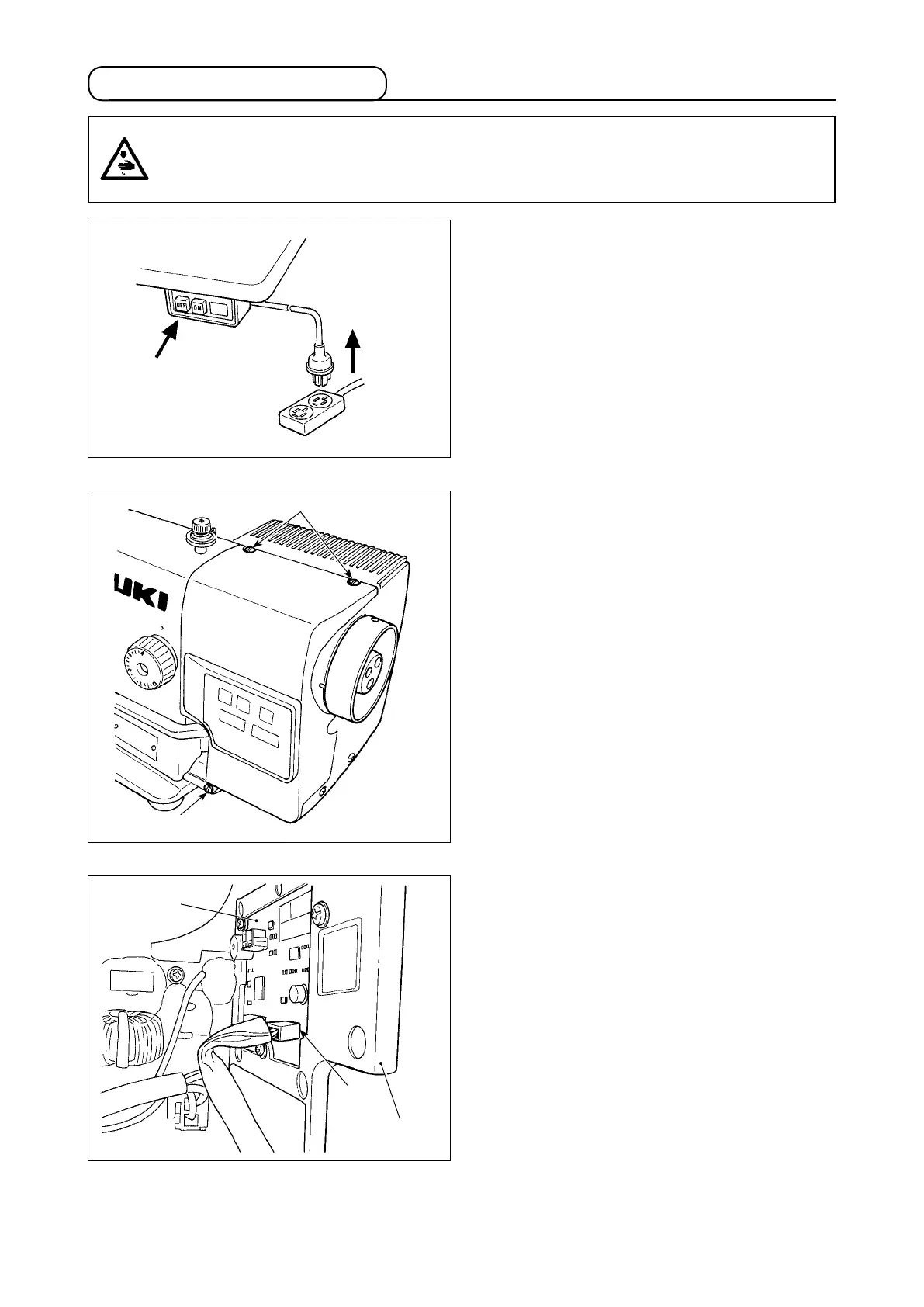
1) Press the OFF button of the power switch to turn
OFF the power after conrming that the sewing
machine has stopped.
2) Draw out the power cord coming from the power
plug socket after conrming that the power
switch is turned OFF. Perform the work of step
3) after conrming that the power has been cut
and it has passed for 5 minutes or more.
1
1
Panel PWB
Front cover
2
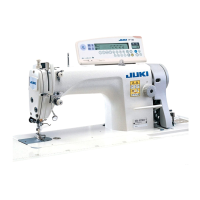
3) Remove three screws
1
wh
ich fasten the front
cover and rear cover together.
4)
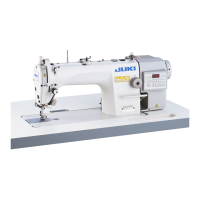
Remove the front cover partly. Remove the pan-
el cable, wh
ich is connected to the panel PWB
inside the cover, from connector
2
(CN200:
4P).



 To Next Page