Operating procedures
28
6. Operating procedures
6.1. Power connection
Caution:
• Only connect the unit to a power socket with earthing contact (PE –
protective earth)!
• The power supply plug serves as safe disconnecting device from the
line and must be always easily accessible.
• Never operate equipment with damaged mains power cables.
• Regularly check the mains power cables for material defects (e.g. for
cracks).
• We disclaim all liability for damage caused by incorrect line voltages!
Check to make sure that the line voltage matches the supply
voltage specified on the identification plate.
• Connect the circulator with mains power cable (21a) to the
mains outlet (20).
• Connect the control cable (15) between the connectors
(15a, 15b).
• Connect the refrigerated circulator with mains power cable
(21b) to the mains socket.
6.2. Switching on / Start - Stop
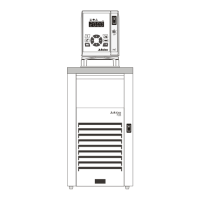
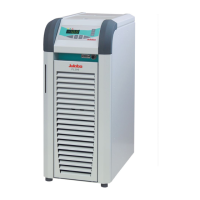
Version
F25
FP50
Switching on:
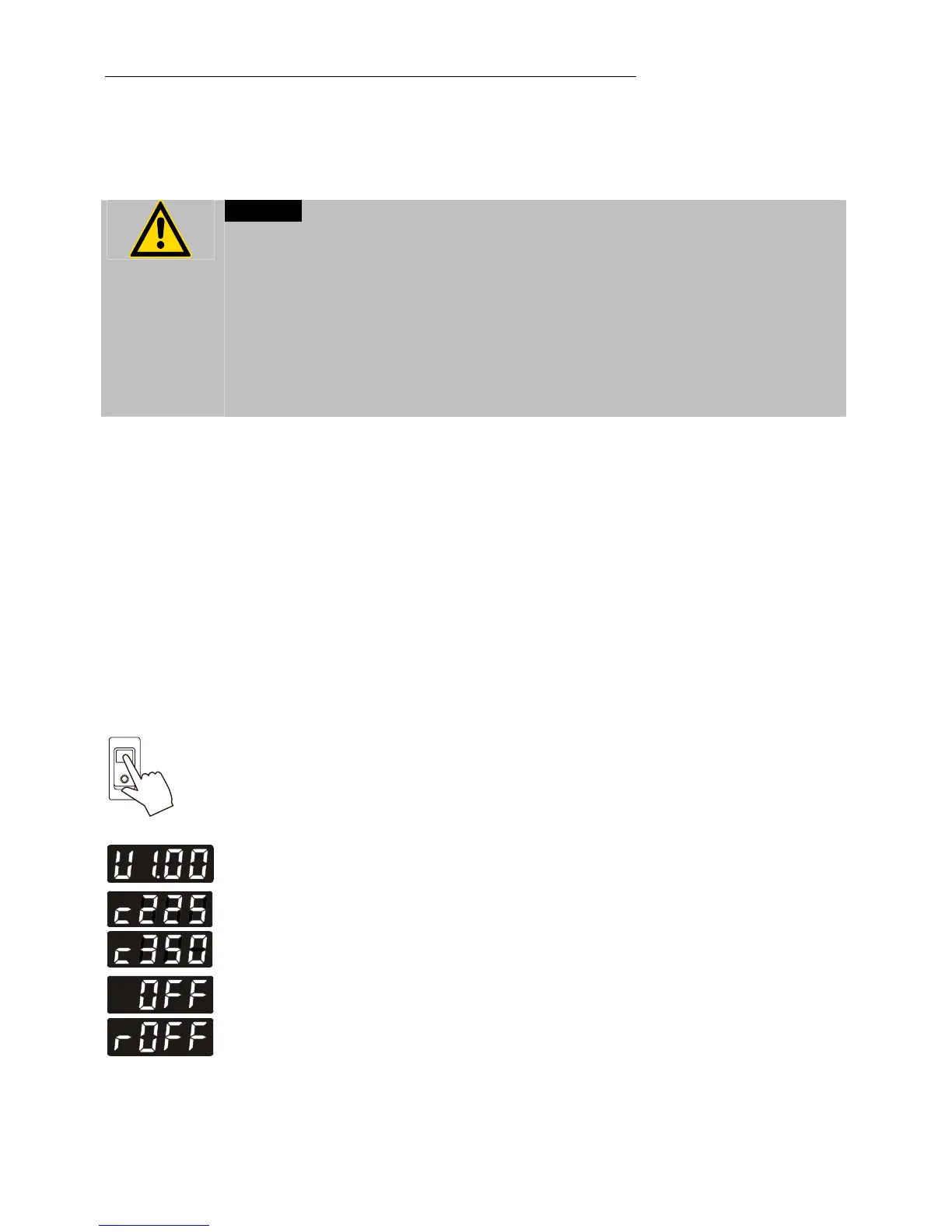
• Circulator and cooling machine may be turned on and off
with separate mains switches. The integrated control light
will illuminate to indicate that power has beeen applied.
L The unit performs a self-test. All segments of the 4-digit
MULTI-DISPLAY (LED) and all indicator lights will illuminate.
Then the software version (example: V1.00) and the
configuration (example: c225) of the unit appears.
The display „OFF“ or „R OFF“ indicates the unit is ready to
operate.
L The circulator enters the operating mode activated before
switching the circulator off:
keypad control mode (manual operation, factory setting)
or
remote control mode (operation via personal computer).



 To Next Page