Menu functions
44
9.5. Interface - Baud rate, Handshake, Parity
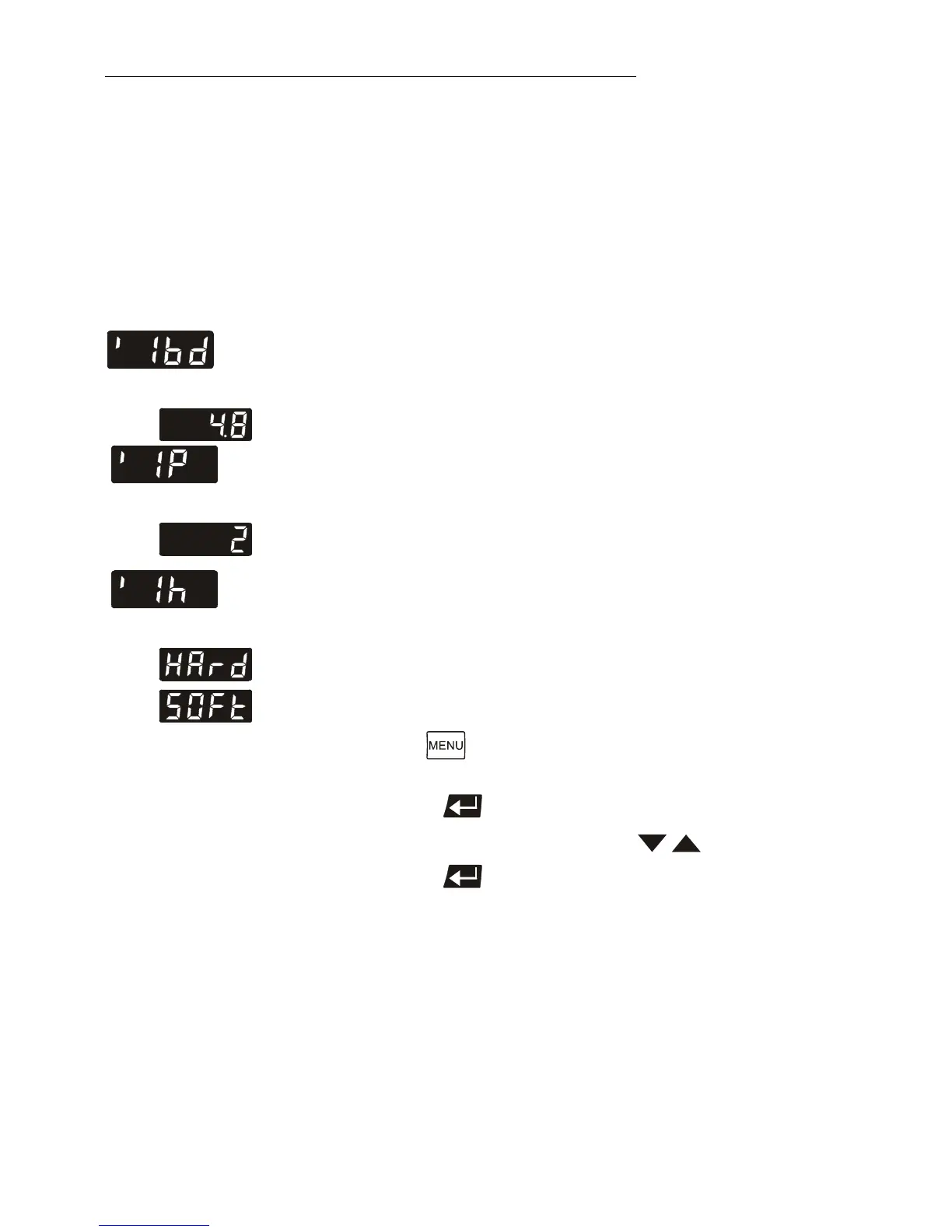
Factory settings:
4.8 kBauds
2 = even
Hardware handshake
To allow communication of the circulator with a PC or a
superordinated process control system take care the
interface parameters of both units match.
Adjustable interface parameters
Example: 4.8 kbauds
Baud rate 4.8 = 4800 bauds
9.6 = 9600 bauds
19.2 = 19200 bauds
38.4 = 38400 bauds
Example: 2 = even
Parity 0 = no Parity
1 = odd
2 = even
Handshake
0 = Xon/Xoff protocol software handshake
1 = Protocol RTS/CTS hardware handshake
Data bits = 7; Stop bits = 1
1. Press the button until the desired menu item is
displayed.
2. Press enter to indicate the parameter.
3. Select the parameter with the keys .
4. Press enter to store the selected parameter.



 To Next Page