1
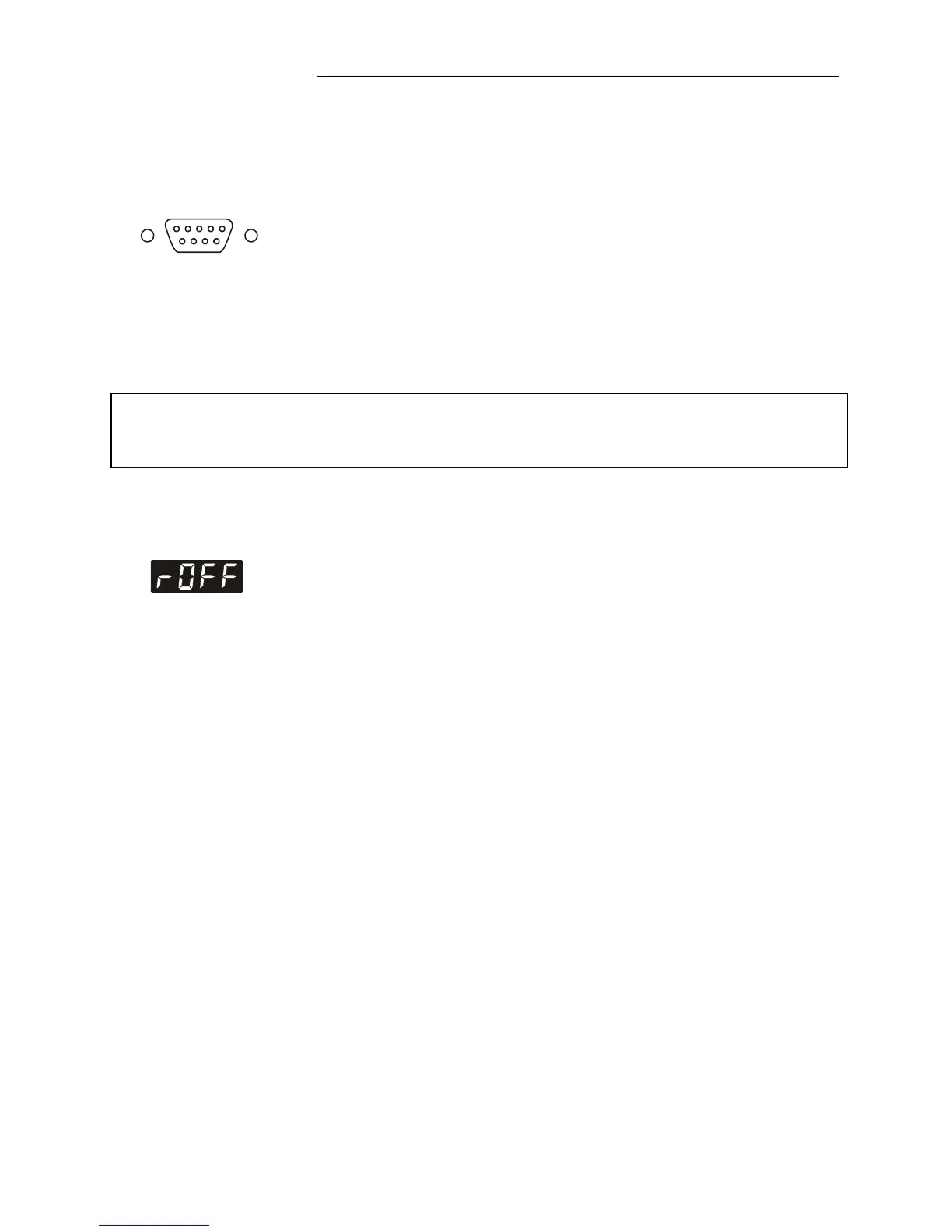
RS232C
• Check the interface parameters for both interfaces (on
circulator and PC) and make sure they match.
(Serial interface - see page 44)
• Set the menu item >Remote< from >no< to >YES<.
(see page 43).
• Connect both units with an interface cable.
Like all parameters which can be entered through the keypad,
interface parameters are stored in memory even after the
circulator is turned off.
12.2. Communication with a PC or a superordinated data system
If the circulator is put into remote control mode via the menu item
>Remote<, the MULTI-DISPLAY (LED) will read „R -OFF-„ =
REMOTE STOP. The circulator is now operated via the
computer.
In general, the computer (master) sends commands to the
circulator (slave). The circulator sends data (including error
messages) only when the computer sends a query.
In remote control mode: After a power interruption the order to
start and all values which have to be adjusted must be resent
from the personal computer via the interface.
AUTOSTART is not possible.
A transfer sequence consists of:
• command
• space (
⇔
; Hex: 20)
• parameter (the character separating decimals in a group is
the period)
• end of file (↵; Hex: 0D)
The commands are divided into in or out commands.
in commands: asking for parameters to be displayed
out commands: setting parameters



 To Next Page