7 Operation
48
7.2 Operation with rotary knob or with setup programm
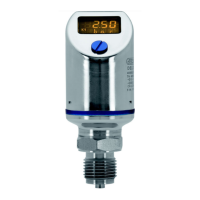
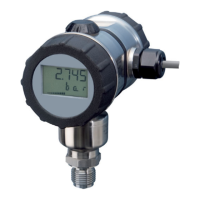
The device is operated either
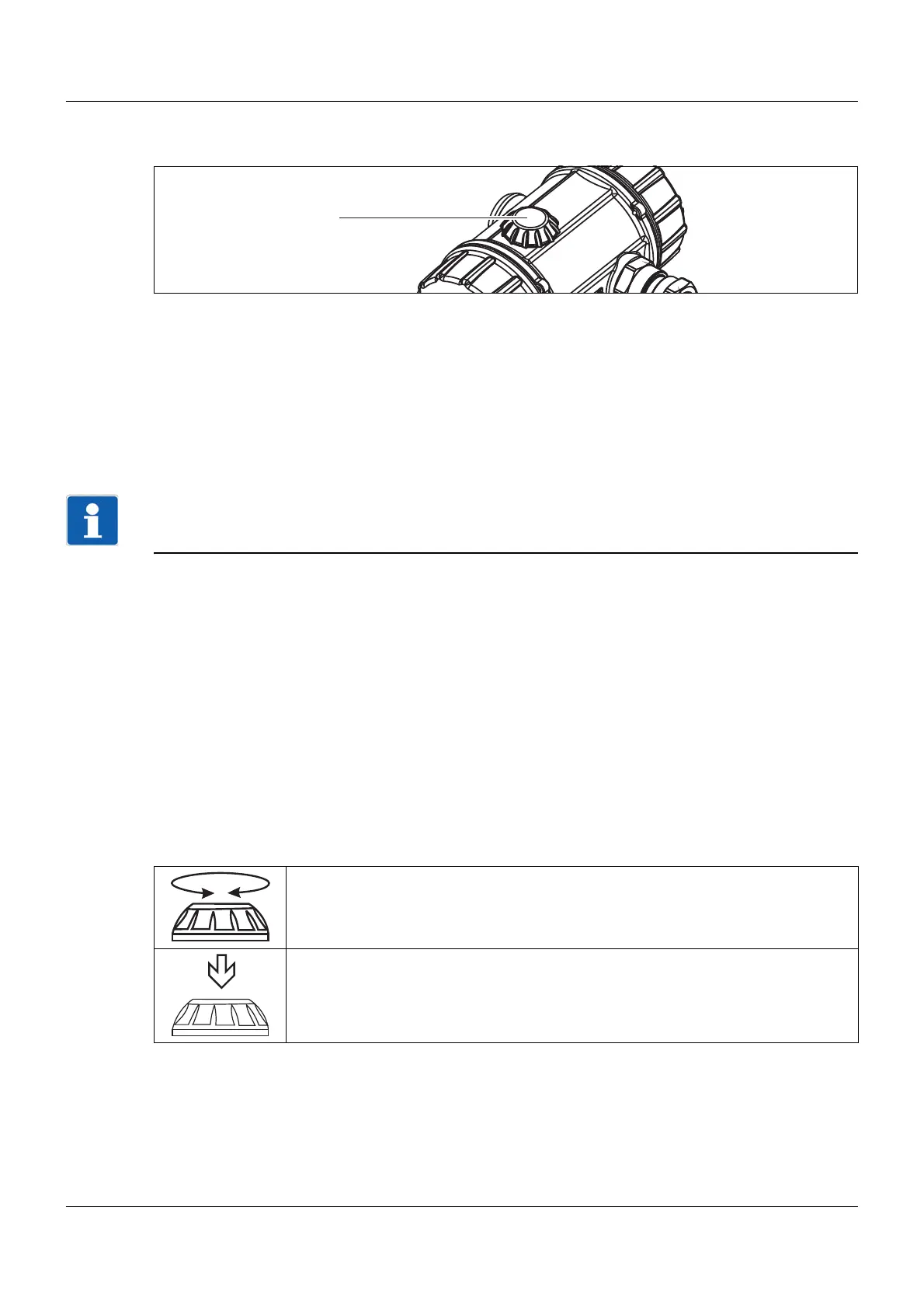
• with the rotary knob (1) or
• via the optional setup program or
• via the HART® interface, e.g. with a handheld or PC
program.
NOTE!
Alternatively, for operation via a rotary knob, all actual values and parameters can very easily be dis-
played or adjusted by means of the setup program.
Furthermore, the setup program offers an array of useful additional functions, e.g.:
• Recording the measured values
• Graphical view of temperature and pressure
• Detailed diagnostic messages
• Display of the complete order code and the device configuration (can be printed out, e.g. for project
documents or follow-up orders)
The setup program can address the device via the following interfaces:
• JUMO setup interface
The PC interface cable with USB/TTL converter (USB transmitter cable) is required to connect the
PC to the device, part no. 00456352
• HART® interface
A HART® modem is required to connect the PC to the device, part no. 00443447
Rotating and pressing
(1) Rotary knob
Rotate
Select parameter or set values
Press
Confirm parameter or values


 To Next Page