7 Operation
50
7.3.1 The display level
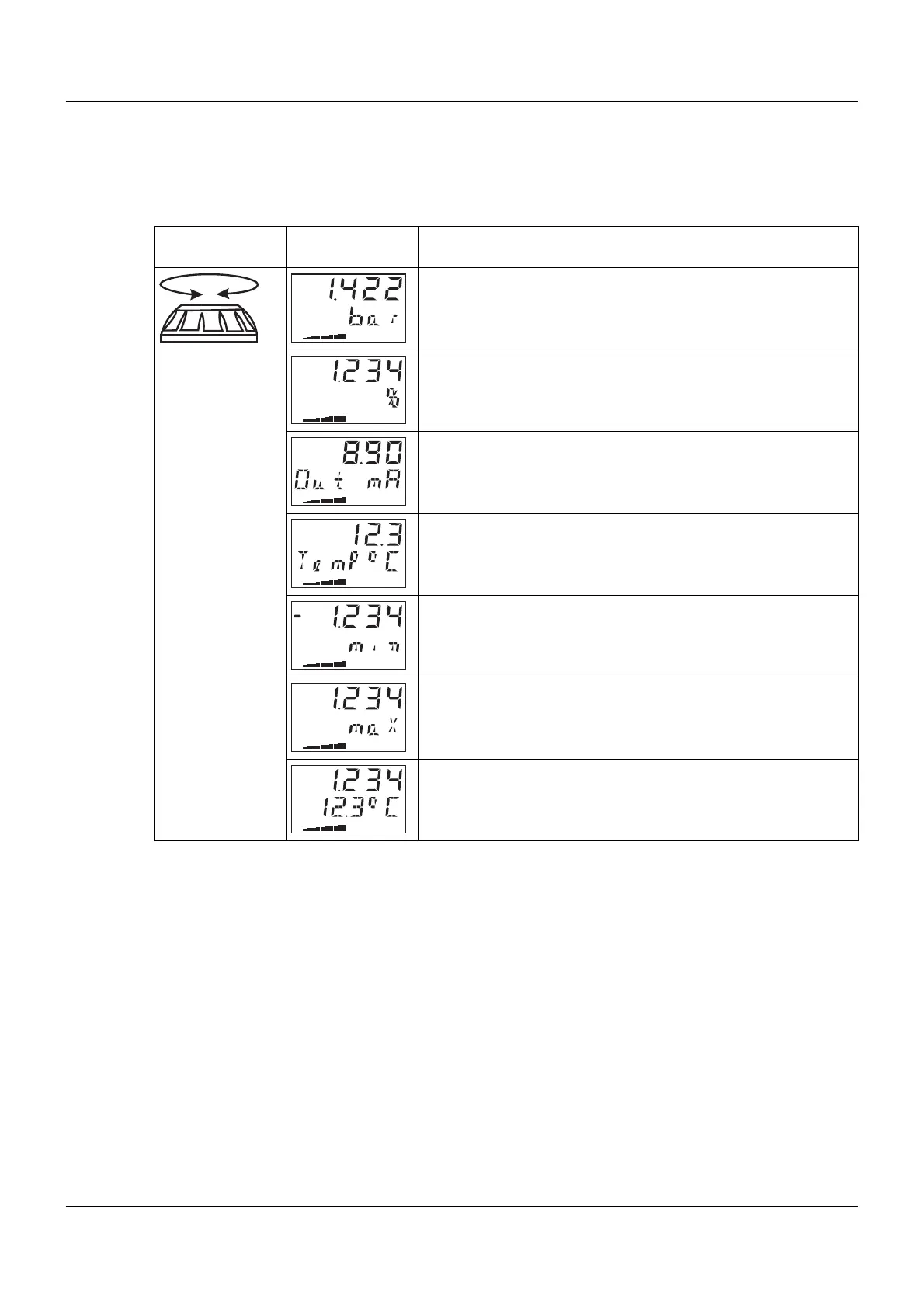
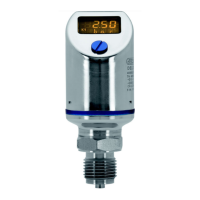
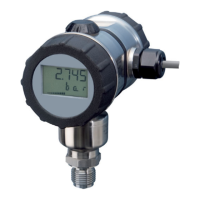
The measured pressure and other values are displayed at the display level. The output current is shown
in % as a bar chart in the third line of the display.
It is not possible to change parameters at the display level!
Action Display
(example)
Explanation
Displays the pressure with measuring unit
Displays the measured value in %
or
measured value scaled with a choice of measuring unit
Displays the calculated output current in mA.
Displays the sensor temperature in °C or °F.
Displays the stored minimum pressure in the selected measur-
ing unit
Displays the stored maximum pressure
Displays the pressure value and the sensor temperature in the
selected measuring units


 To Next Page