Connecting a Device to a Network 21
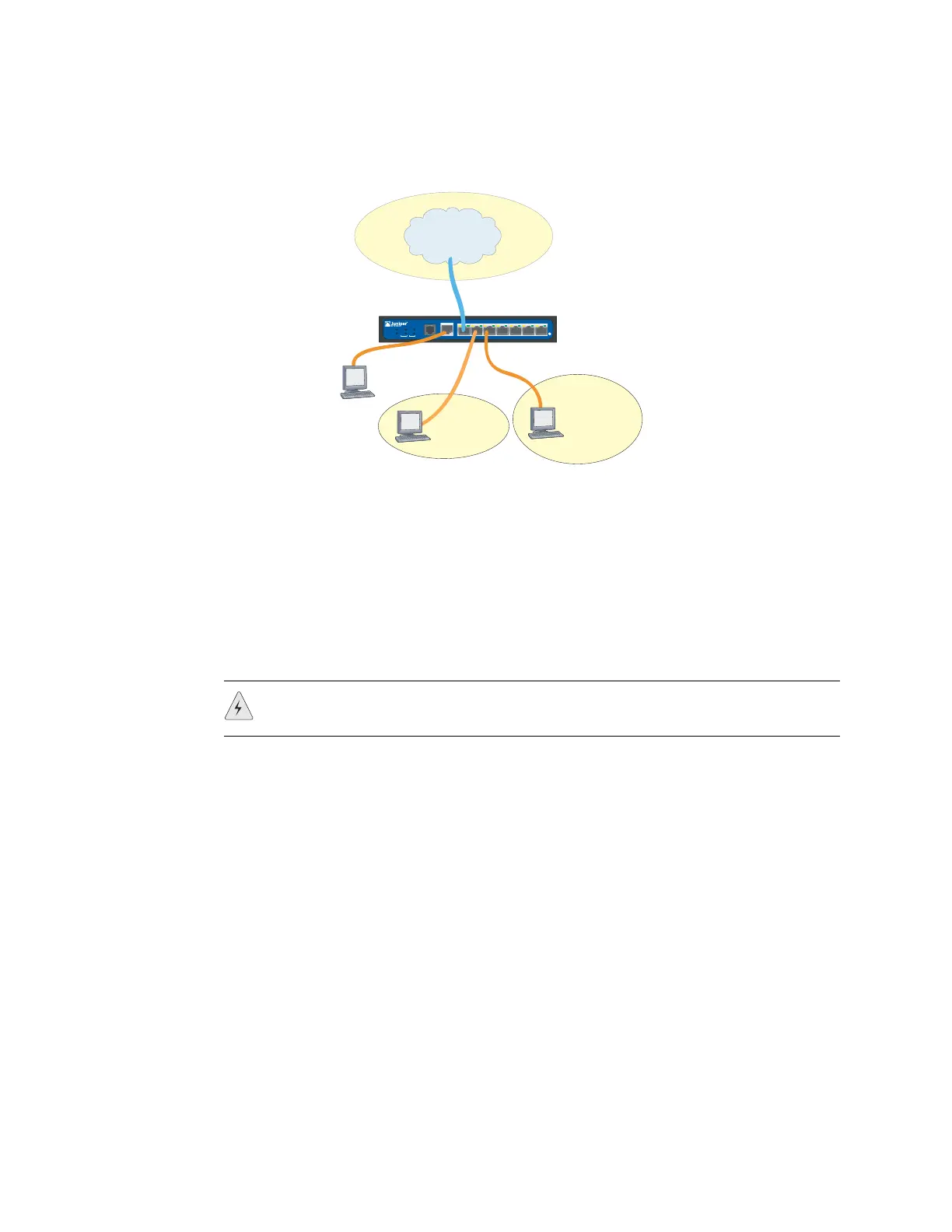
Figure 8: Basic Networking Example
Ethernet Ports
To establish a high-speed connection, connect the provided Ethernet cable from the
Ethernet port marked 0/0 on an SSG 5 device to the external router. The device
autosenses the correct speed, duplex, and MDI/MDIX settings.
Serial (AUX/Console) Ports
You can connect to the untrusted network with an RJ-45 straight-through serial
cable and external modem.
WAN Ports
1. Have ready a length of the type of cable used by the interface.
2. Insert the cable connector into the cable-connector port on the device.
3. Arrange the cable as follows to prevent it from dislodging or developing stress
points:
a. Secure the cable so that it is not supporting its own weight as it hangs to
the floor.
b. Place any excess cable out of the way in a neatly coiled loop.
c. Use fasteners to maintain the shape of the cable loops.
SSG 5
V.92
STATUS
POWER
CONSOL E
TX/RX
CD
0123456
TX/RX LINK TX/RX LINK TX/RX L INK T X/RX LI NK TX/RX L INK T X/RX L INK TX/RX LINK
10/100 10/100
10/100 10/100
10/100 10/100
10/100
B/G
WLAN
V.92
802.11A
Callouts
Untrust
Zone
Console
DMZ
Trust
Zone
WARNING: Make sure that you do not inadvertently connect the Console, AUX, or
Ethernet ports on the device to the telephone outlet.












 To Next Page