SSG 5 Hardware Installation and Configuration Guide
54
6. V.92 Modem Interface Window
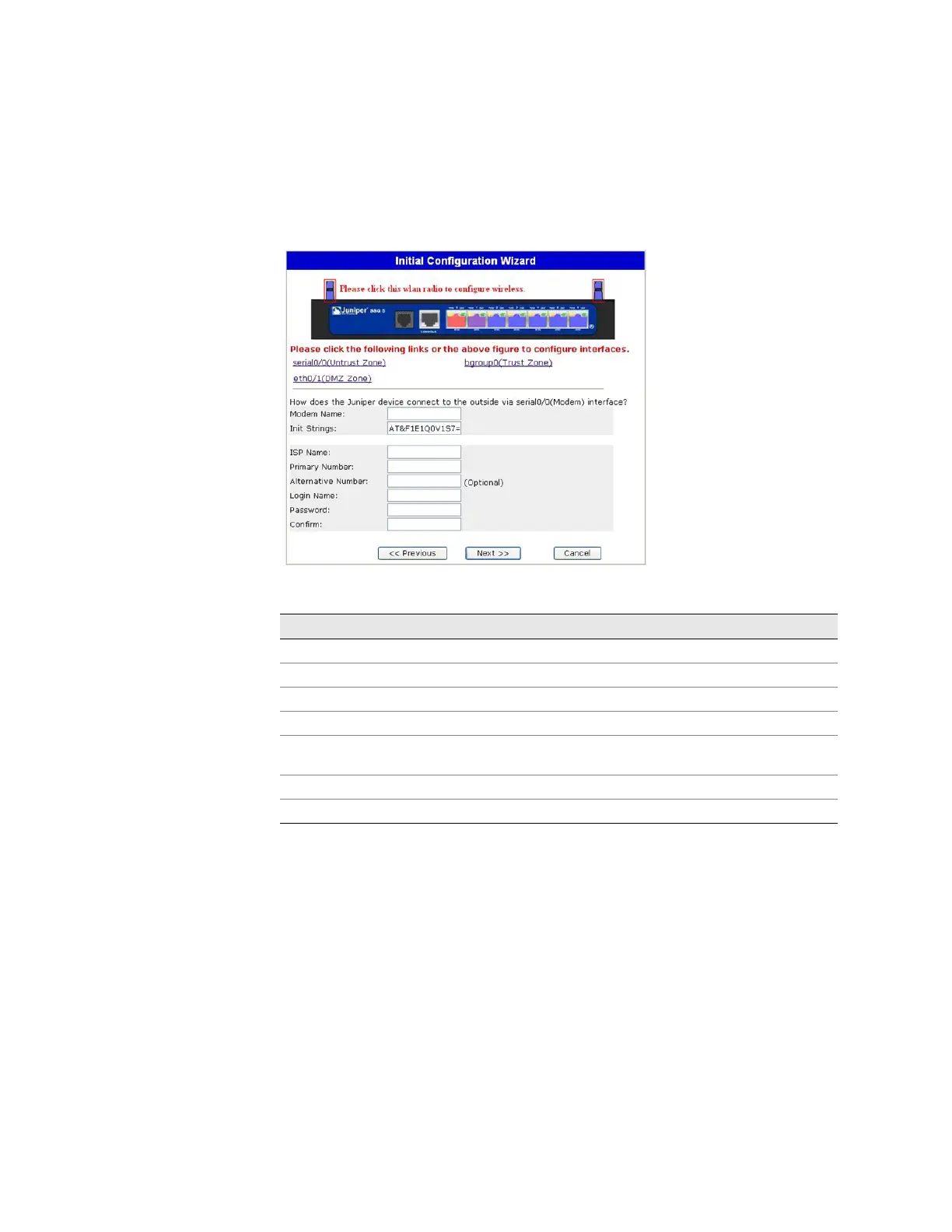
If you have one of the V.92 devices, the following window is displayed:
Figure 25: V.92 Modem Interface Window
Table 14: Fields in V.92 Modem Interface Window
Field Description
Modem Name Sets the name for the modem interface
Init Strings Sets the initialization string for the modem
ISP Name Assigns a name to the service provider
Primary Number Specifies the phone number to access the service provider
Alternative Number (optional) Specifies an alternative phone number to access the service
provider if the primary number does not connect
Login Name Sets the login name for the service provider account
Password Sets the password for the login name












 To Next Page