Port and Power Connectors 9
Chapter 1
Hardware Overview
This chapter provides detailed descriptions of the SSG 5 chassis and its
components. It contains the following sections:
“Port and Power Connectors” on page 9
“Front Panel” on page 10
“Back Panel” on page 13
Port and Power Connectors
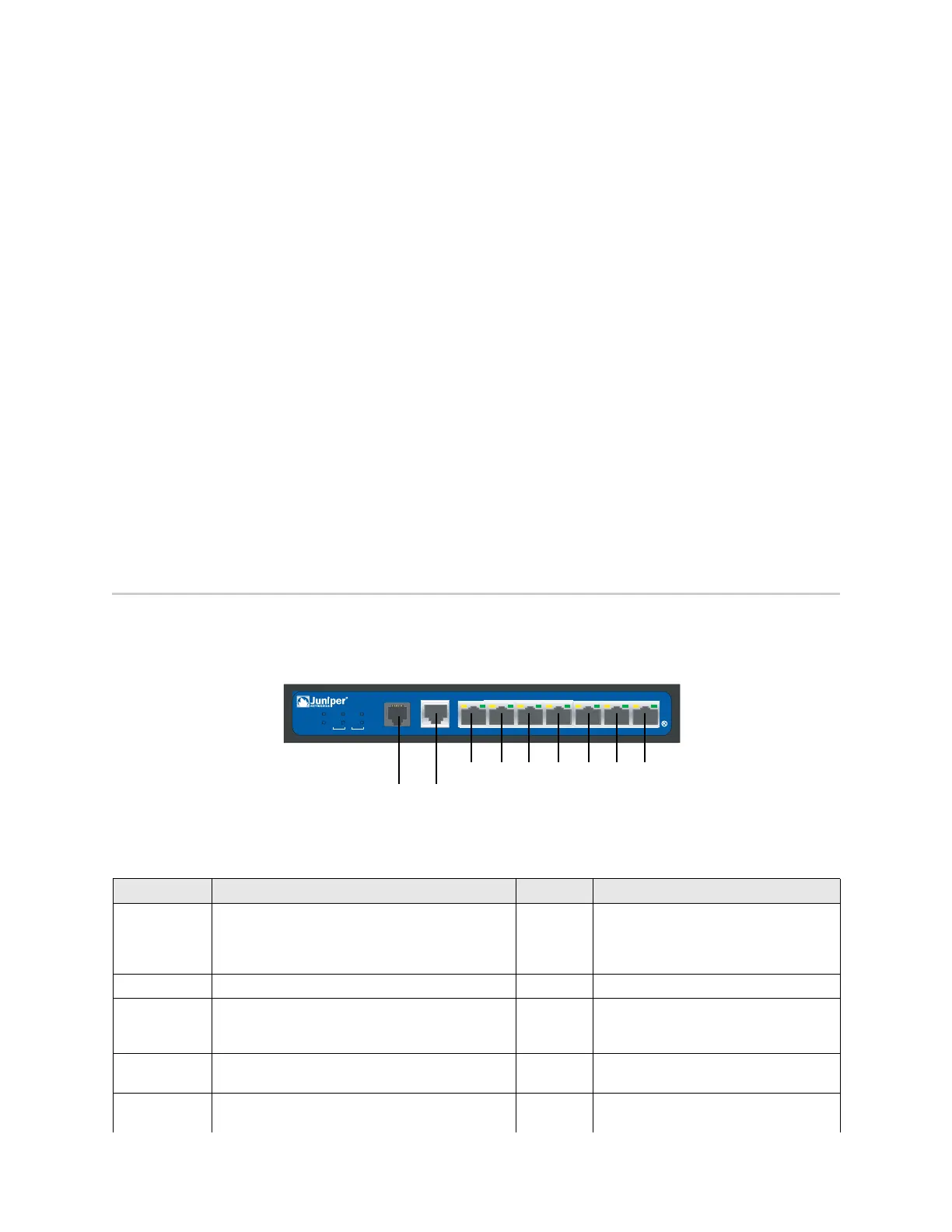
This section describes and displays the location of the built-in ports and power
connectors.
Figure 2: Built-in Port Locations
Table 1 shows the ports and power connectors on an SSG 5 device.
Table 1: SSG 5 Ports and Power Connectors
SSG 5
V.9 2
STATUS
POWER
CONSOL E
TX /R X
CD
0123 456
TX/RX LINK TX/RX LINK TX/RX LI NK TX/ RX LI NK TX/RX LINK TX/RX LI NK TX/ RX LI NK
10/100 10/100
10/100 10/100
10/100 10/100
10/100
B /G
WLAN
V.92
802.11A
0/60/50/40/30/20/10/0
Console
AUX, ISDN,
or V.92
Port Description Connector Speed/Protocol
0/0-0/6 Enables direct connections to workstations or a
LAN connection through a switch or hub. This
connection also allows you to manage the device
through a Telnet session or the WebUI.
RJ-45 10/100 Mbps Ethernet
Autosensing duplex and auto MDI/MDIX
USB Enables a 1.1 USB connection with the system. N/A 12M (full speed) or 1.5M (low speed)
Console Enables a serial connection with the system. Used
for terminal-emulation connectivity to launch CLI
sessions.
RJ-45 9600 bps/RS-232C serial
AUX Enables a backup RS-232 async serial Internet
connection through an external modem.
RJ-45 9600 bps — 115 Kbps/RS-232C serial
V.92 Modem Enables a primary or backup Internet or untrusted
network connection to a service provider.
RJ-11 9600 bps — 115 Kbps/RS-232 serial
autosensing duplex and polarity












 To Next Page