EasyManua.ls Logo

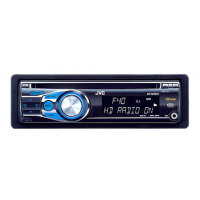
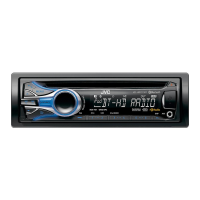
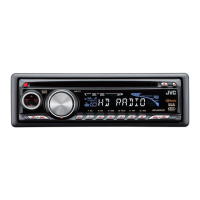
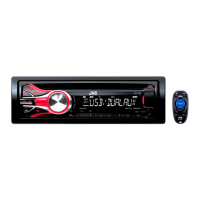
JVC KD-HDR20 - Warning (to Prevent Accidents and Damage)

JVC KD-HDR20
51 pages
Print Icon
To Next Page IconTo Next Page
To Previous Page IconTo Previous Page
Loading...
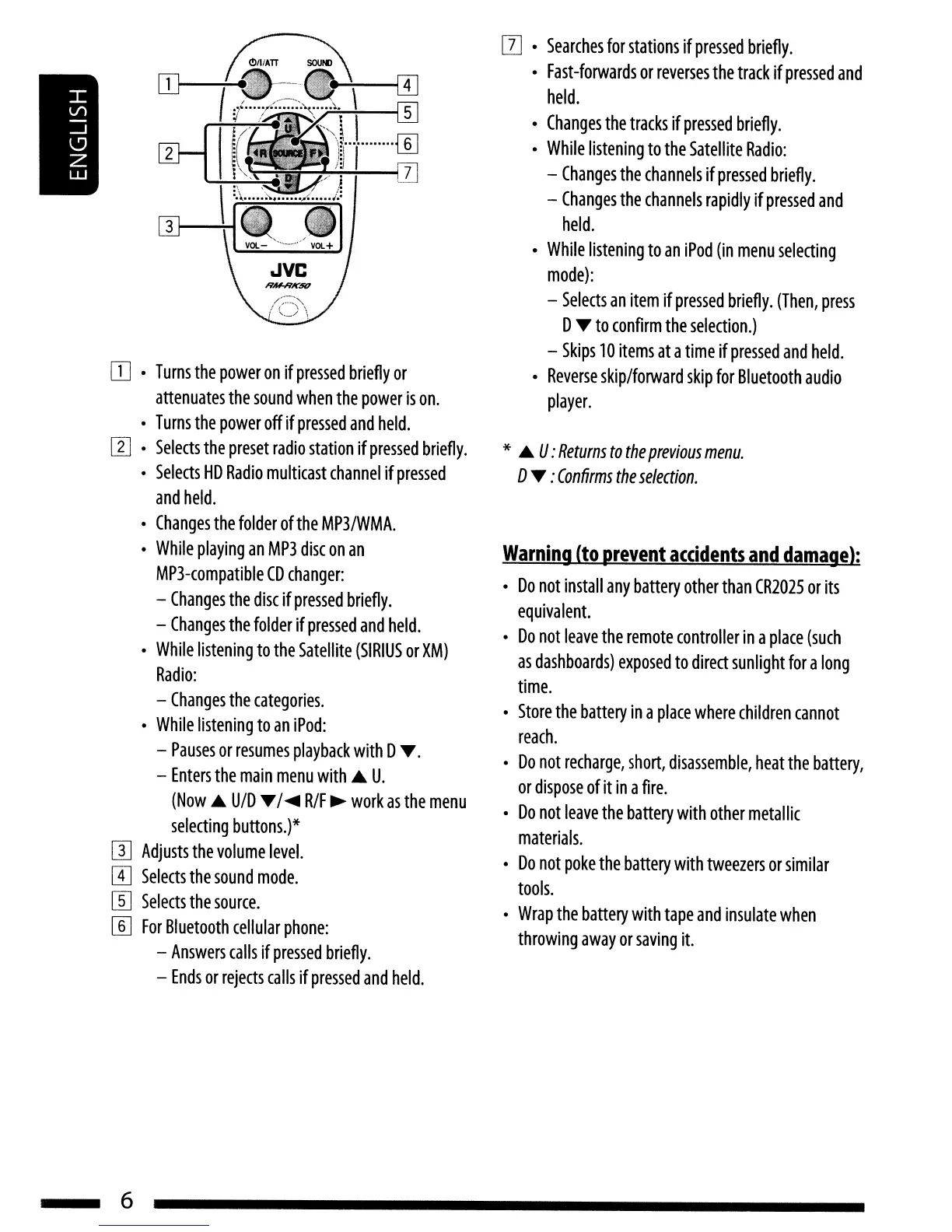
[[]
•
Turns
the
power
on
if
pressed
briefly
or
attenuates
the
sound
when
the
power
is
on.
•
Turns
the
power
off
if
pressed
a
nd
held.
[I]
.
Selects
the
preset
radio
station
if
pressed
briefly.
•
Selects
HD
Radio
multicast
channel
if
pressed
and
held.
•
Changes
the
folder
of
the
MP3/WMA.
•
While
playing
an
MP3
disc
on
an
MP3-compatible
CD
changer:
-
Changes
the
disc
if
pressed
briefly.
-
Changes
the
folder
if
pressed
and
held.
•
While
listening
to
the
Satellite
(SIRIUS
or
XM)
Radio:
-
Changes
the
categories.
•
While
listening
to
an
iPod:
-
Pauses
or
resumes
playback
with
D
.....
-
Enters
the
main
menu
with.A
U.
(Now
.A
UfD
....
/
....
R/F
~
work
as
the
menu
selecting
buttons.)*
IT]
Adjusts
the
volume
level.
W
Selects
the
sound
mode.
W
Selects
the
source.
[§]
For
Bluetooth
cellular
phone:
-
Answers
calls
if
pressed
briefly.
-
Ends
or
rejects
calls
if
pressed
and
held.
6
II]
.
Searches
for
stations
if
pressed
briefly.
•
Fast-forwards
or
reverses
the
track
if
pressed
and
held.
•
Changes
the
tracks
if
pressed
briefly.
•
While
listening
to
the
Satellite
Radio:
-
Changes
the
channels
if
pressed
briefly.
-
Changes
the
channels
rapidly
if
pressed
and
held.
•
While
listening
to
an
iPod
(in
menu
selecting
mode):
-
Selects
an
item
if
pressed
briefly.
(Then,
press
D
....
to
confirm
the
selection.)
-
Skips
10
items
at
a
time
if
pressed
and
held.
•
Reverse
skip/forward
skip
for
Bluetooth
audio
player.
*
.A
U:
Returns
to
the
previous
menu.
D
....
:
Confirms
the
selection.
Warning
(to
prevent
accidents
and
damage);
•
Do
not
install
any
battery
other
than
CR2025
or
its
equivalent.
•
Do
not
leave
the
remote
controller
in
a
place
(such
as
dashboards)
exposed
to
direct
sunlight
for
a
long
time.
•
Store
the
battery
in
a
place
where
children
cannot
reach.
•
Do
not
recharge,
short,
disassemble,
heat
the
battery,
or
dispose
of
it
in
a
fire.
•
Do
not
leave
the
battery
with
other
metallic
materials.
•
Do
not
poke
the
battery
with
tweezers
or
similar
tools.
•
Wrap
the
battery
with
tape
and
insulate
when
throwing
away
or
saving
it.

Table of Contents