English
> P i c t u r e
Mode
Brightn e s s
Co n t r a s t
Sharpnes s
Co l o u r
Fl e s h t one
Co l o u r Te mperature
Noise R e d u c tion
Backlight
Standar d
60
75
50
60
Off
Co o l
Lo w
High
Move
Select
Brightn e s s 50
> P i c t u r e
Mode
Brightn e s s
Co n t r a s t
Sharpnes s
Co l o u r
Fl e s h t one
Co l o u r Te mperature
Noise R e d u c tion
Backlight
Manual
60
75
50
60
Off
Co o l
Lo w
High
Move Adjust
Reset
English-41
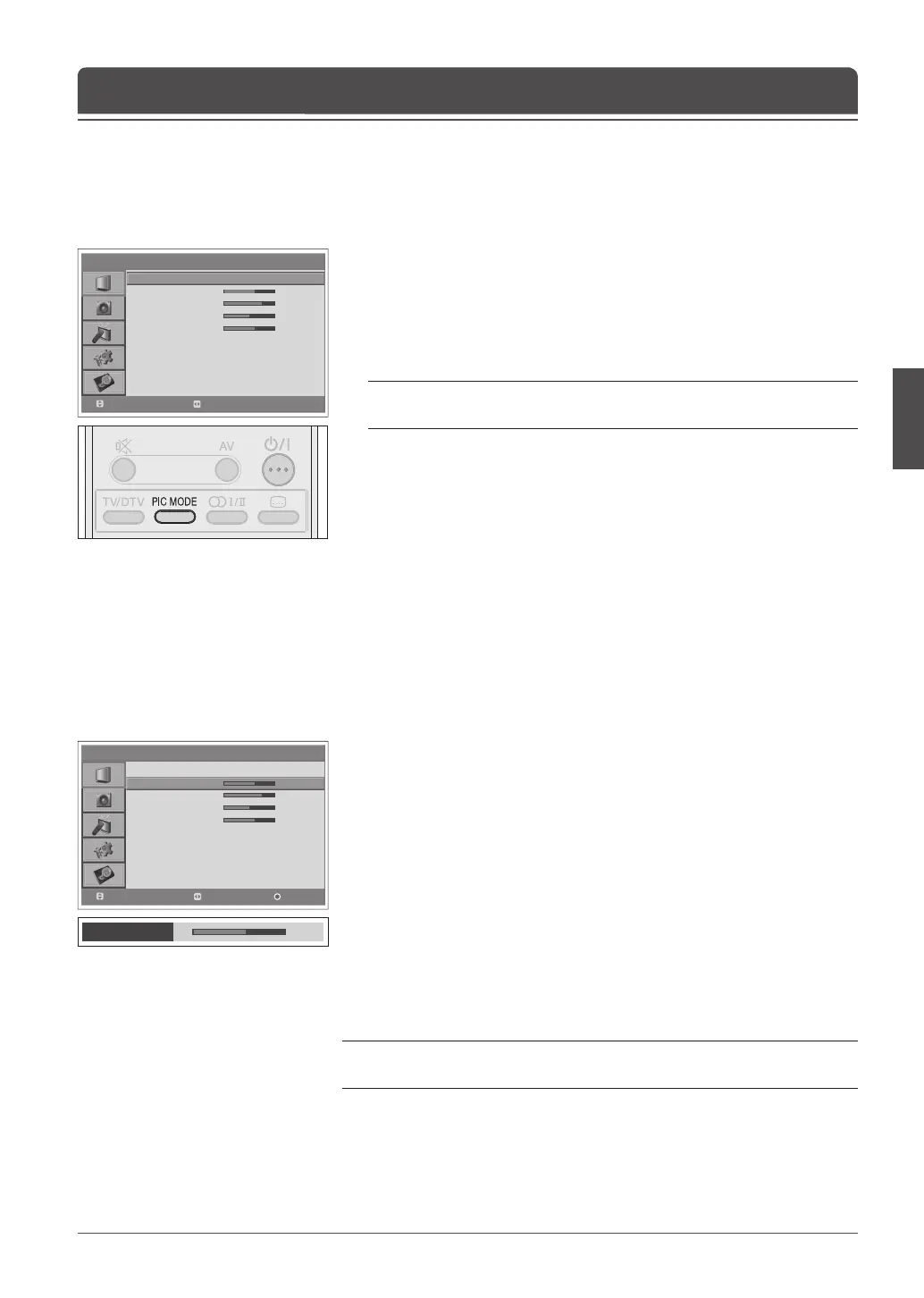
You can select the picture mode which best ts your viewing requirements.
1 Press the MENU button.
2 Select Picture using the ▲/▼ button and press the OK or ► button.
3 Select the required picture mode using the ◄/► button.
The following options are available:
Bright > Soft > Manual > Standard
Note: You can select a picture mode by simply pressing the PIC MODE
button on the remote control. Press again to switch.
4 Press the MENU button to return to Live TV or press the BACK button to
return to the previous menu.
Selecting a Picture Mode
Chapter 7 >> Setting the Picture
You can adjust the picture appearance to suit your preference and viewing
situations.
1 Press the MENU button.
2 Select Picture using the ▲/▼ button and press the OK or ► button.
3 Select the picture mode to Manual using the ◄/► buttons.
4 Select the required option using the ▲/▼ button and press the ◄/► button.
The following options are available:
Brightness > Contrast > Sharpness > Colour
5 Press the ◄/► button until you reach the optimal setting. Press the BLUE
button to reset to the default value.
To select other options, repeat the steps from 4 to 5.
6 Press the MENU button to return to Live TV or press the BACK button to
return to the previous menu.
Note: You can adjust the Hue when watching the NTSC signal in EXT-1, EXT-2,
EXT-4 or EXT-4S input mode.
Customizing the Picture Settings



 To Next Page
 Loading...









