> P i c t u r e
Mode
Brightn e s s
Co n t r a s t
Sharpnes s
Co l o u r
Fl e s h t one
Co l o u r Te mperature
Noise R e d u c tion
Backlight
Standar d
60
75
50
60
Off
Co o l
Lo w
High
Move
Select
> P i c t u r e
Mode
Brightn e s s
Co n t r a s t
Sharpnes s
Co l o u r
Fl e s h t one
Co l o u r Te mperature
Noise R e d u c tion
Backlight
Standar d
60
75
50
60
Off
Co o l
Lo w
High
Move
Select
Chapter 7 >> Setting the Picture
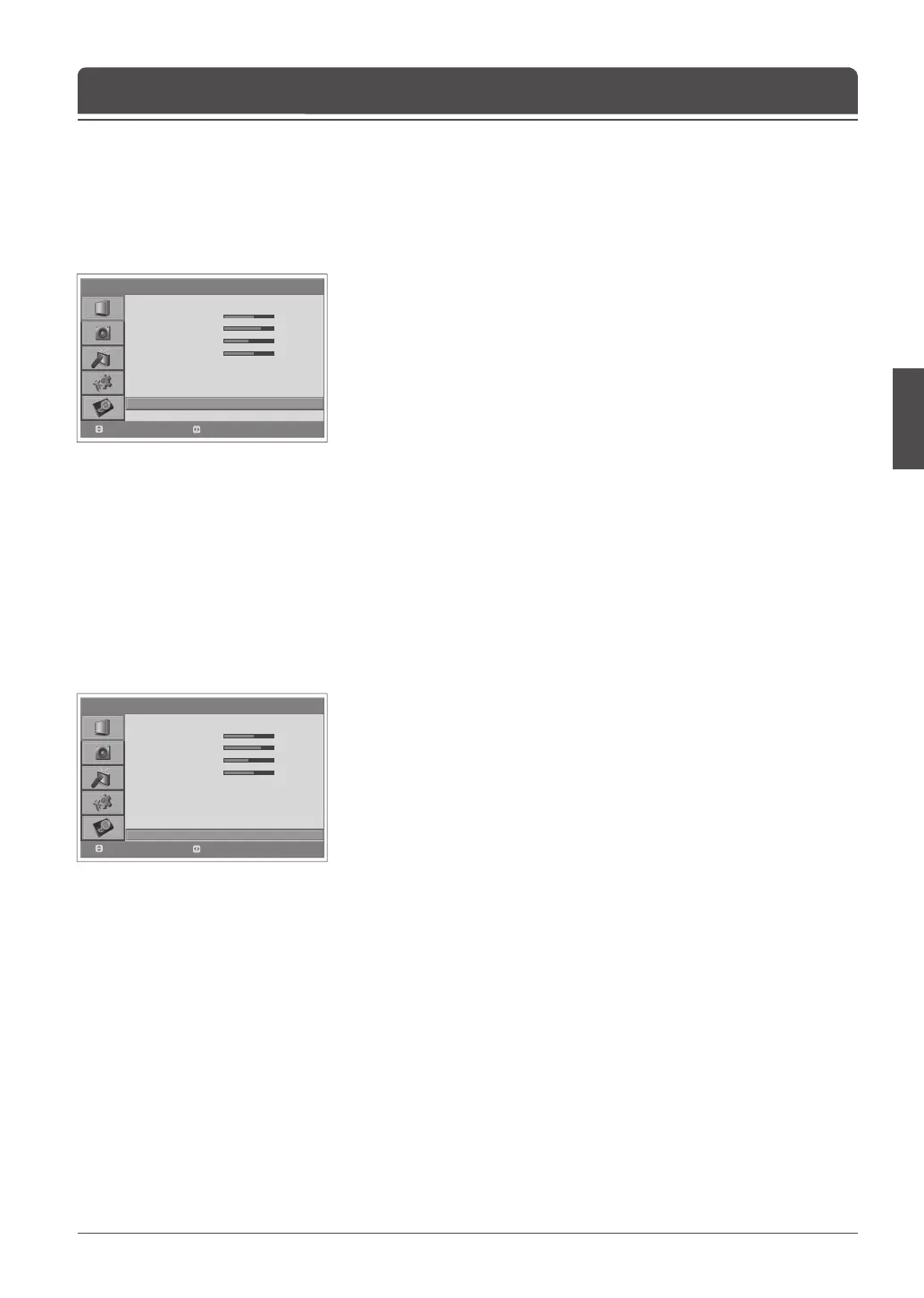
You can adjust the brightness of Liquid Crystal Display (LCD).
1 Press the MENU button.
2 Select Picture using the ▲/▼ button and press the OK or ► button.
3 Select Backlight using the ▲/▼ button.
4 Select the required option using the ◄/► button.
The following options are available:
High > Auto > Low > Medium
5 Press the MENU button to return to Live TV or press the BACK button to
return to the previous menu.
Adjusting Backlight Brightness
If the signal received by your television is weak, you can activate this feature to
help reduce noise that may appear on the screen.
1 Press the MENU button.
2 Select Picture using the ▲/▼ button and press the OK or ► button.
3 Select Noise Reduction using the ▲/▼ button.
4 Select the required option by pressing the ◄/► button.
The following options are available.
Off > Low > Medium > High
5 Press the MENU button to return to Live TV or press the BACK button to
return to the previous menu.
Noise Reduction



 To Next Page
 Loading...









