> > P C
Au t o Configure
H. Po s i tion
V. Position
Clock
Phas e
0
0
0
53
Move
Adjust
> > P C
Au t o Configure
H. Po s i tion
V. Position
Clock
Phas e
0
0
0
53
Move
Adjust
English-68
Adjusts the horizontal feature of screen by increasing or decreasing the number
of pixels.
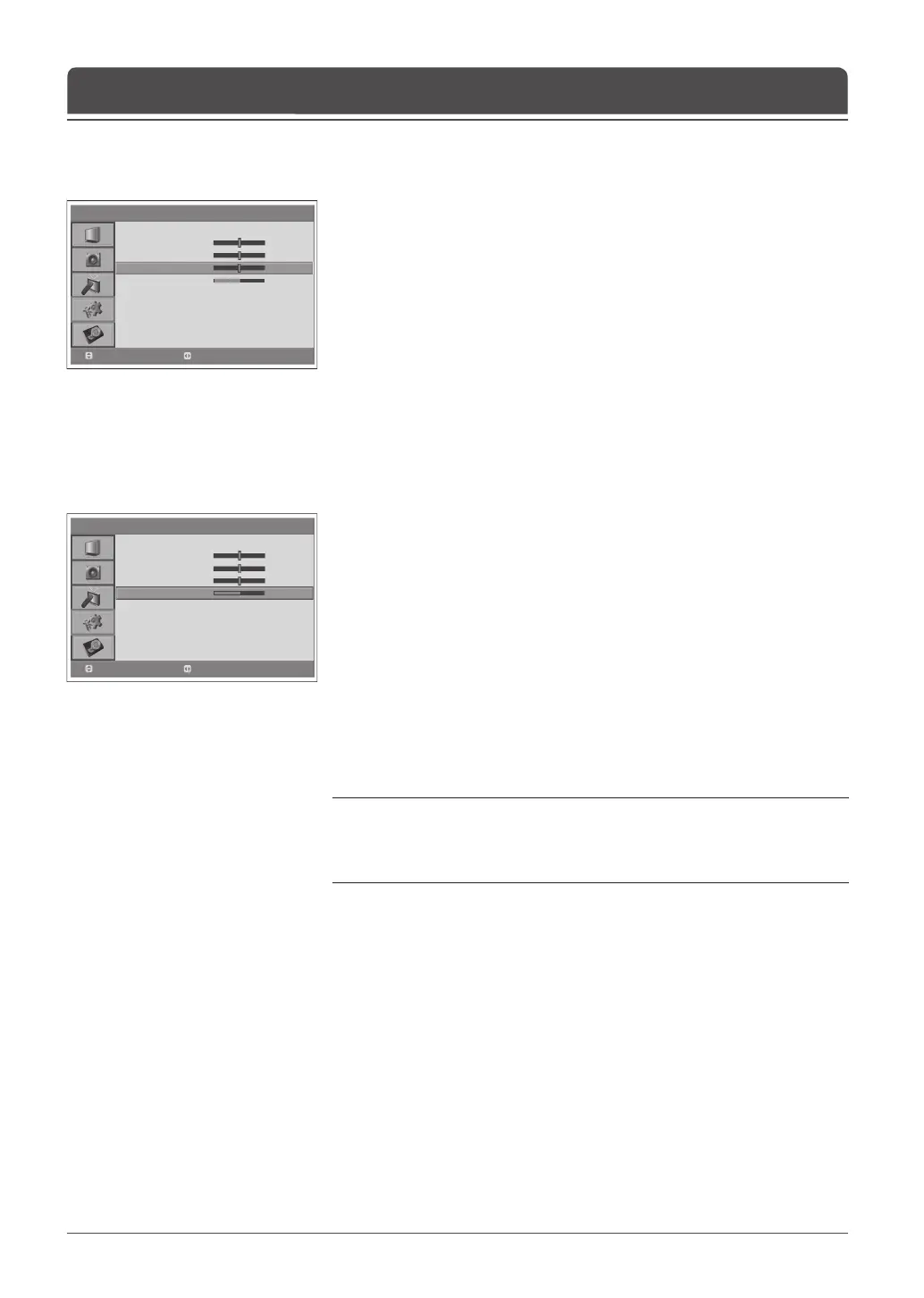
6 Select Clock using the ▲/▼ button.
7 Adjust the optimal horizontal feature using the ◄/► button.
Clock
Sets the focus of screen.
6 Select Phase using the ▲/▼ button.
7 Adjust the optimal focus using the ◄/► button.
Note: If noise is present, change the PC mode to another resolution, change
the refresh rate to another rate until the picture is clear. If the refresh rate of the
PC graphic card can not be changed, change the PC graphic card or consult the
manufacturer of the PC graphic card.
Phase
Chapter 14 >> Setting the PC



 To Next Page
 Loading...









