Chapter 8 >> Setting the Sound
Hyper Sound gives you the spatial sound effect when watching your favourite
shows and movies.
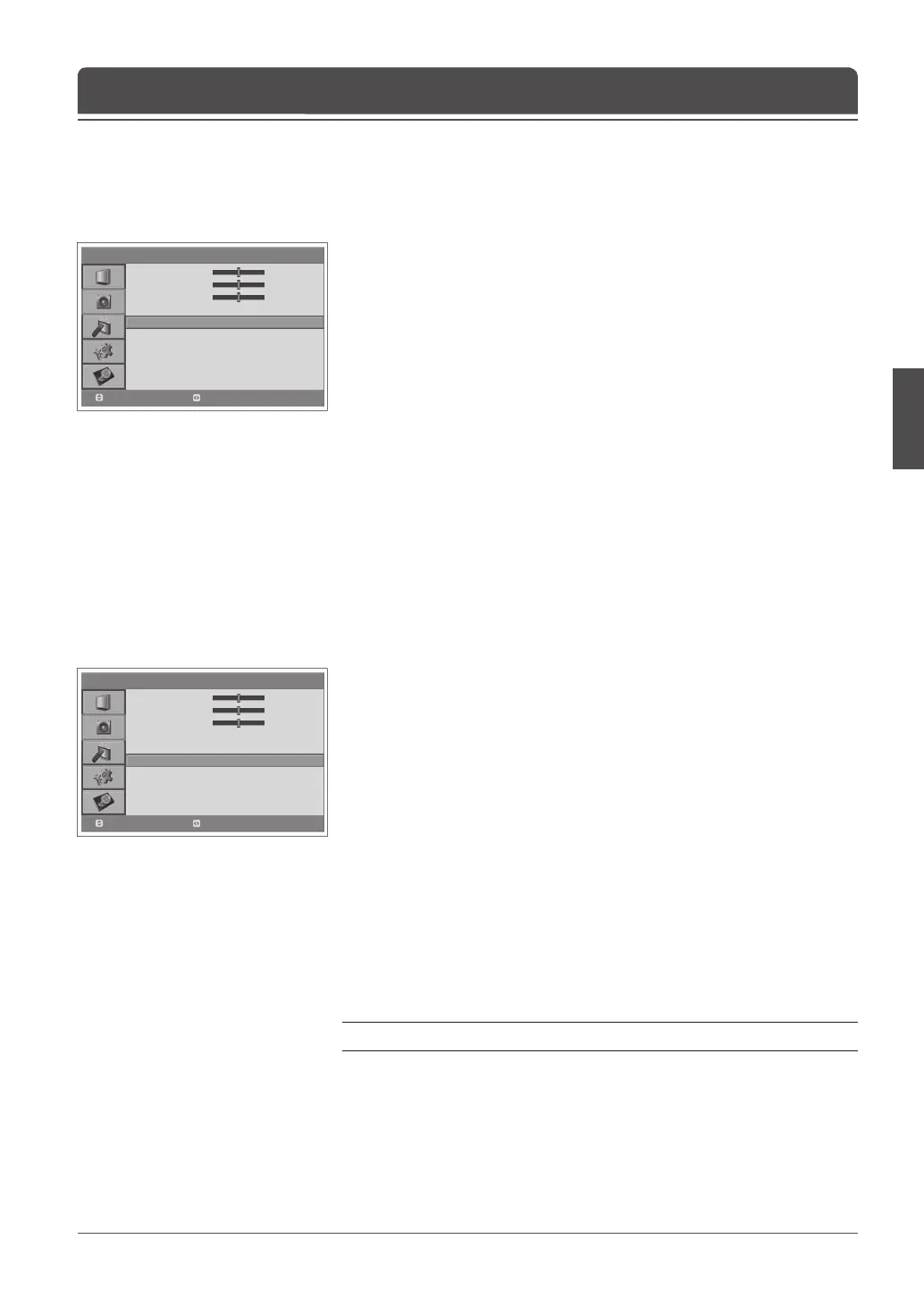
1 Press the MENU button.
2 Select Sound using the ▲/▼ button and press the OK or ► button.
3 Select Hyper Sound using the ▲/▼ button.
4 Select On/Off using the ◄/► button.
5 Press the MENU button to return to Live TV or press the BACK button to
return to the previous menu.
Setting the Hyper Sound
You can fully enjoy the Compressed bitstream sound effect with the optical
output connected to an external digital audio decoder.
1 Press the MENU button.
2 Select Sound using the ▲/▼ button and press the ► button.
3 Select Audio Priority using the ▲/▼ button.
4 Select either PCM or Compressed by pressing the ◄/► button.
PCM
Converts to PCM(2CH) 48kHz audio. Select PCM if your ampli er system is
stereo and/or Dolby Pro-logic.
Compressed
Outputs bit streams (original format) such as Dolby or DTS.
Select Compressed if your ampli er system has multi-channel digital audio
surround decoding (Dolby Digital and/or DTS).
5 Press the MENU button to return to Live TV or press the BACK button to
return to the previous menu.
Note: ‘Dolby’ and the double-D symbol are trademarks of Dolby Laboratories.
Setting up Audio Priority
(for the digital channels only)
> S o u n d
Bass
Treble
Balance
AVL
Hyper Sound
Au d i o Priorit y
0
0
0
On
Off
PCM
Move
Adjust
> S o u n d
Bass
Treble
Balance
AVL
Hyper Sound
Au d i o Priorit y
0
0
0
On
Off
PCM
Move
Adjust



 To Next Page
 Loading...









