Error Message
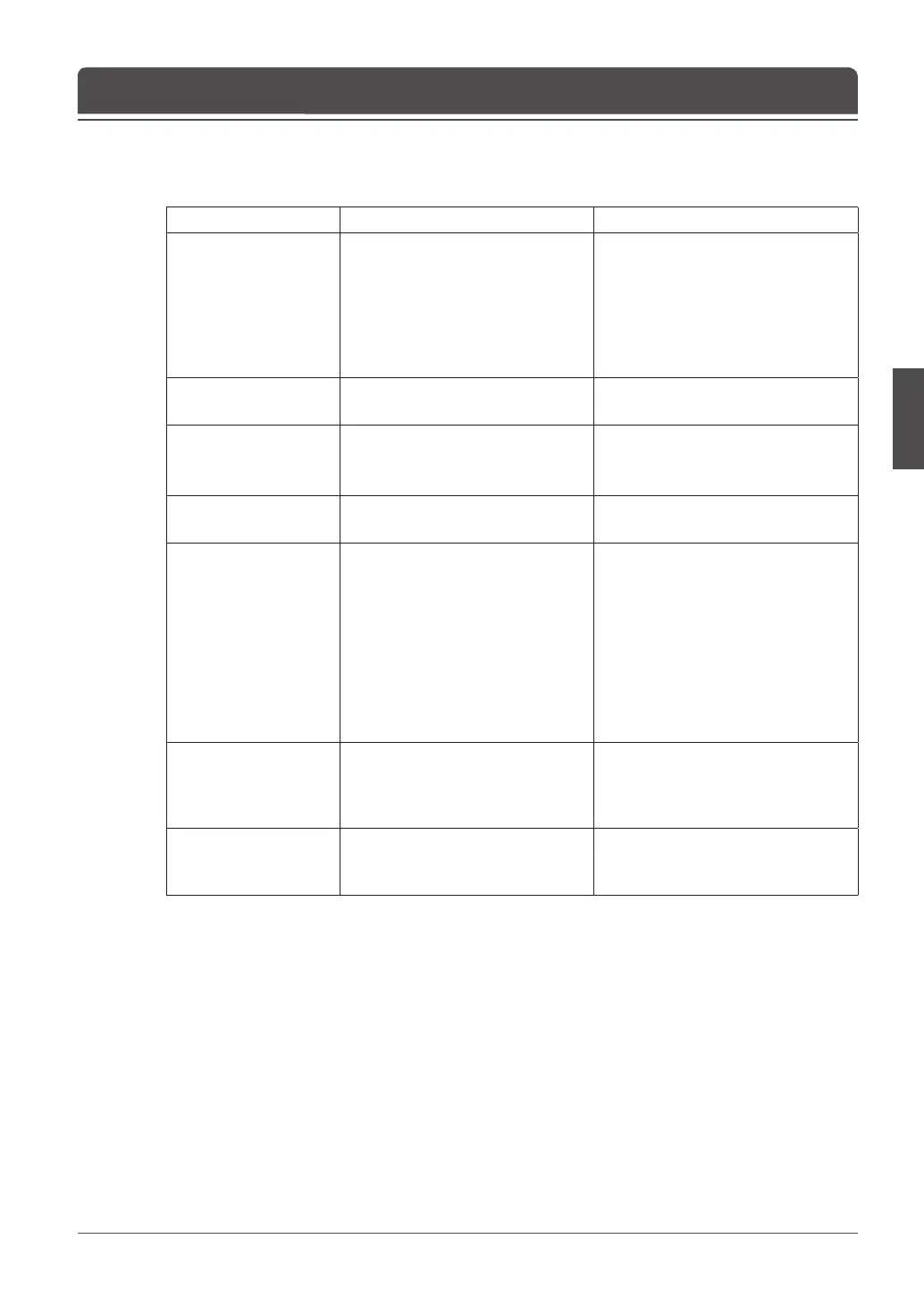
Error message Possible causes What to do
No signal
- The aerial is not pointing properly.
- The AV device is not connected
properly.
- Adjust aerial.
- Check the cable from the aerial. If
you cannot resolve the problem you
may need to have your aerial and
installation tested by a professional.
- Set the AV device correctly.
- Check the cable from the AV device.
Will not accept
- The key(button) is not supported
for this product.
Invalid Mode
- The resolution of connected PC is
not set properly.
- Check the optimal resolution
settings. You may need to download
a new video driver.
No Subtitle Data
- The channel has not the subtitle
data.
- Conrm if the channel is provided
the subtitle data.
The channel is scrambled
or not available.
- The channel has signal, but no
audio or video.
- CI module is not plugged in.
- CI module is not plugged in
properly.
- Wrong CI module is in use.
- Conrm if the channel is currently
on air.
- Insert CI module.
- Reinsert CI module; ensure that it is
inserted in the correct way.
- Insert the appropriate CI module for
the channel(s) you wish to view.
- Contact your CI module retailer
or channel broadcaster for a CI
module replacement.
The channel is scrambled.
- This digital terrestrial receiver
does not support the service
that enables to descramble the
scrambled channels.
The audio is not available.
- The channel has a video signal,
but no audio is provided.
- Press the audio buttons on your
remote control to conrm that the
channel has audio options.
Troubleshooting



 To Next Page
 Loading...









