English
> > P C
Au t o Configure
H. Po s i tion
V. Position
Clock
Phas e
0
0
0
53
Move
Select
> > P C
Au t o Configure
H. Po s i tion
V. Position
Clock
Phas e
0
0
0
53
Move
Adjust
English-67
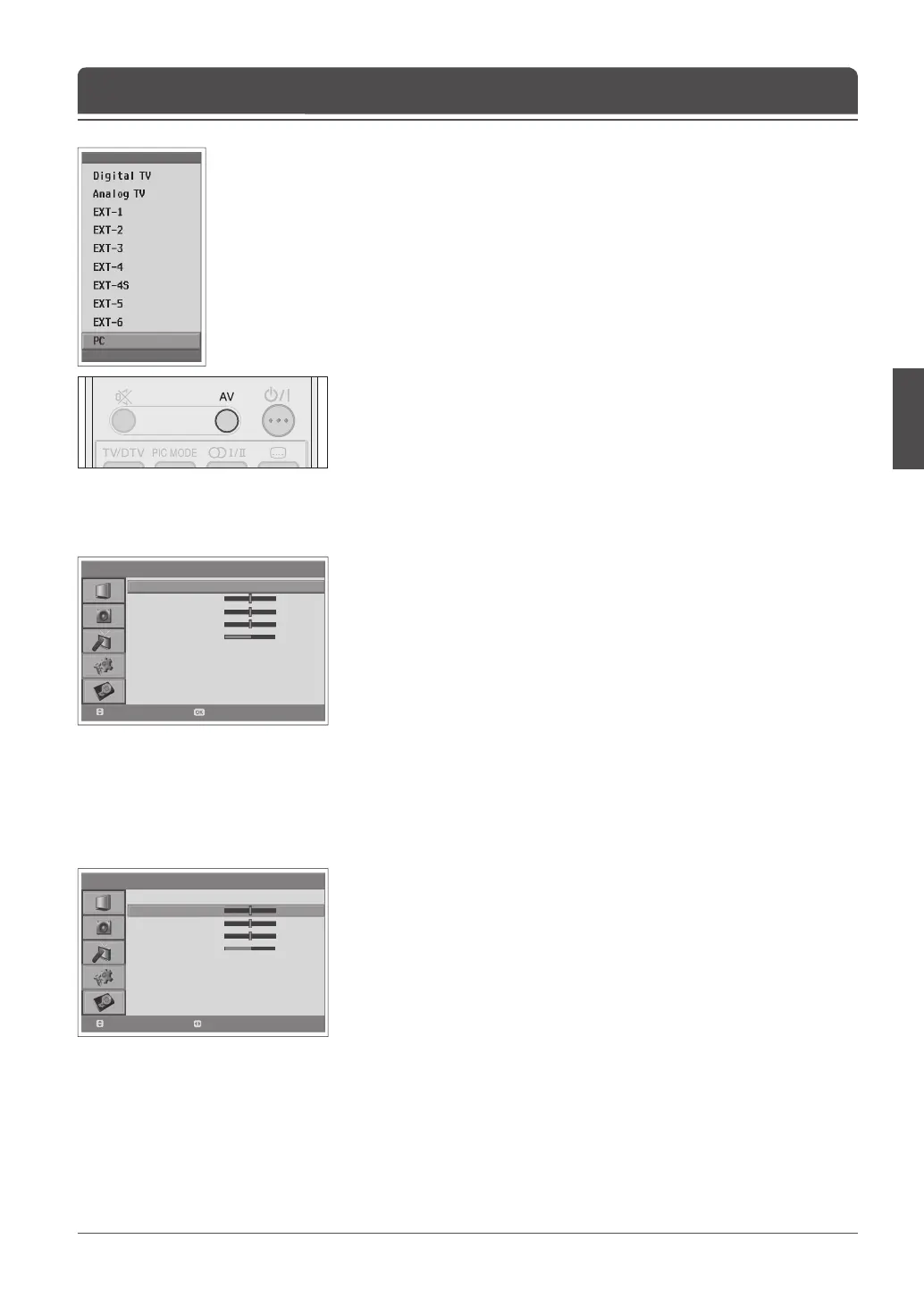
The PC menu is available only when there is a PC input signal.
1 Press the AV button to switch to PC mode.
2 Select PC using the ▲/▼ button and press the OK button.
Automatically optimizes the display. This is recommended for the rst time
connecting to a PC.
3 Press the MENU button.
4 Select Feature using the ▲/▼ button and press the OK or ► button.
5 Select PC using the ▲/▼ button and press the OK or ► button.
6 Select Auto Con gure using the ▲/▼ button and press the OK button.
Auto Confi gure
Adjusts the display position to PC if it does not t the TV screen.
6 Select H. Position/V. Position using the ▲/▼ button.
7 Adjust the optimal position using the ◄/► button.
Position
Chapter 14 >> Setting the PC



 To Next Page
 Loading...









