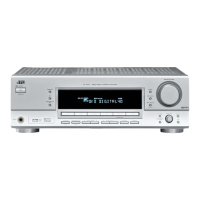
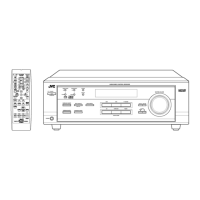
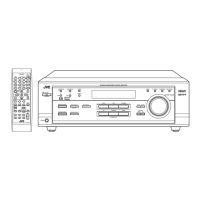
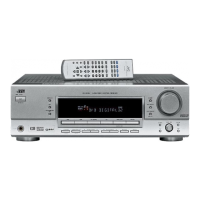
Pares |den¢ifica¢ion
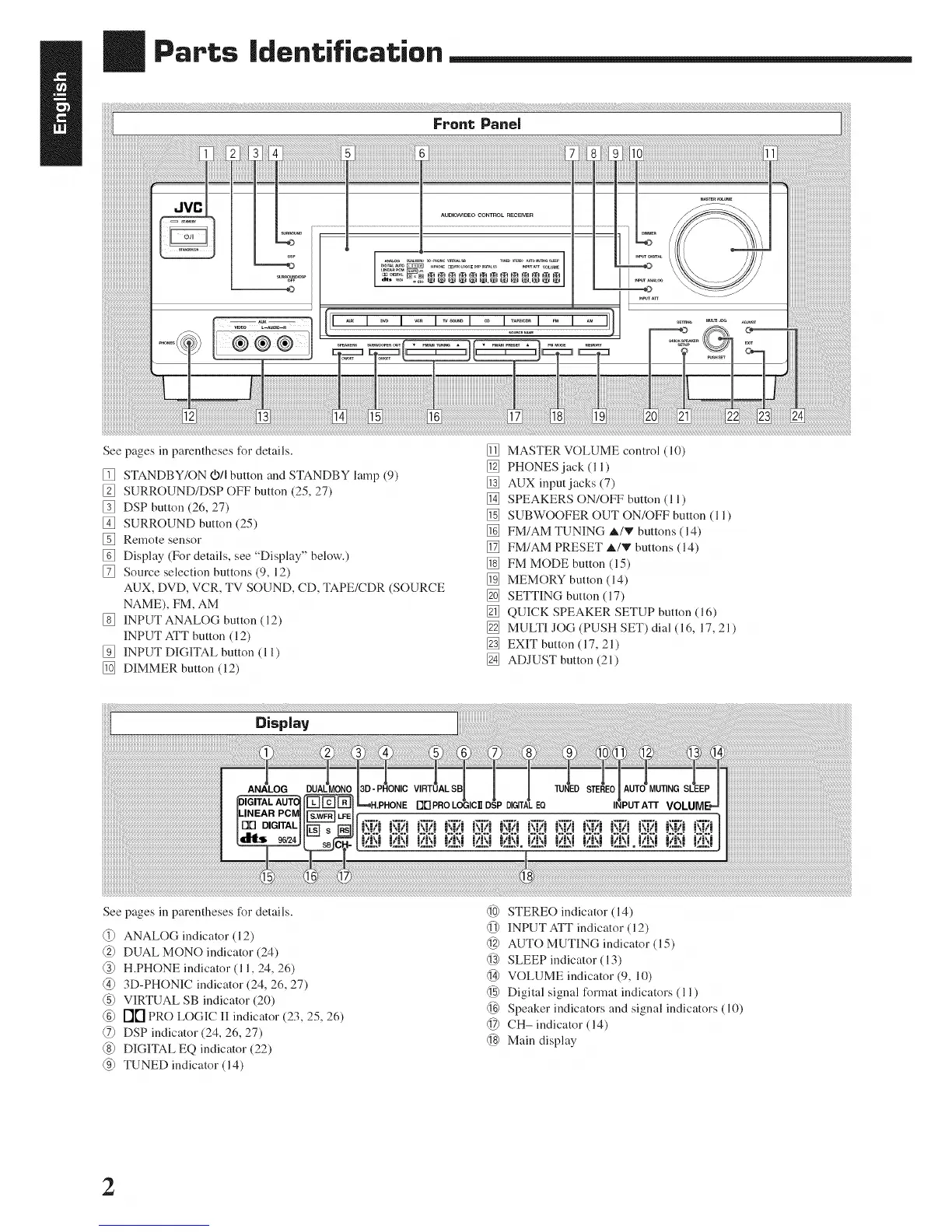
See pages in parentheses for details.
[] STANDBY/ON VII button and STANDBY lamp (9)
[] SURROUND/DSP OFF button (25, 27)
[] DSP button (26, 27)
[] SURROUND button (25)
[] Remote sensor
[] Display (For details, see "Display" below.)
[] Source selection buttons (9, 12)
AUX, DVD, VCR, TV SOUND, CD, TAPE/CDR (SOURCE
NAME), FM, AM
[] INPUT ANALOG button (12)
INPUT ATT button (12)
[] INPUT DIGITAL button (1 l)
[] DIMMER button (12)
[] MASTER VOLUME control (10)
[] PHONES jack (l l)
[] AUX input jacks (7)
[] SPEAKERS ON/OFF button (11 )
[] SUBWOOFER OUT ON/OFF button (11)
[] FM/AM TUNING A/V buttons (14)
[] FM/AM PRESET A/V buttons (14)
[] FM MODE button (15)
[] MEMORY button (14)
[] SETTING button (17)
[] QUICK SPEAKER SETUP button (16)
[] MULTI JOG (PUSH SET) dial (16, 17, 21)
[] EXIT button ( 17, 21)
[] ADJUST button (2 l)
Display
See pages in parentheses for details.
ANALOG indicator (12)
@ DUAL MONO indicator (24)
@ H.PHONE indicator (l l, 24, 26)
@ 3D-PHONIC indicator (24, 26, 27)
@ VIRTUAL SB indicator (20)
@ r'][] PRO LOGIC II indicator (23, 25, 26)
DSP indicator (24, 26, 27)
@ DIGITAL EQ indicmor (22)
@ TUNED indicator (14)
@ STEREO indicator (14)
@ INPUT ATT indicator (l 2)
@ AUTO MUTING indicator (15)
@ SLEEP indicator (l 3)
@ VOLUME indicator (9, 10)
@ Digital signal I_rmat indicators (l 1)
@ Speaker indicators and signal indicators (10)
@ CH- indicator (14)
@ Main display
2


 To Next Page