KaControl for Door Air CurtainsINSTALLATION AND OPERATING INSTRUCTIONS
INSTALLATION AND OPERATING INSTRUCTIONS
1.96
34
Door air curtains
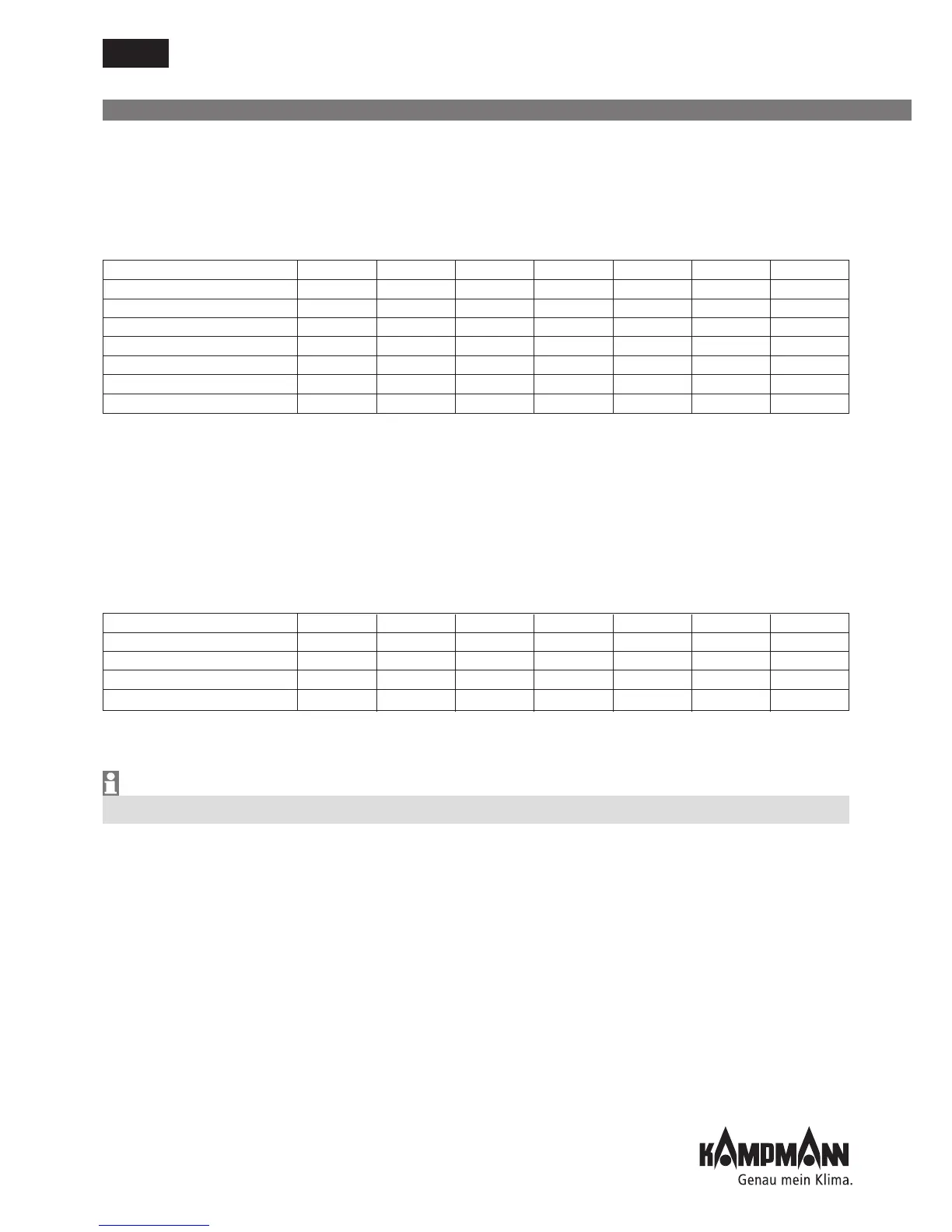
Function P37=0 P37=1 P37=2 P37=3 P37=4 P37=5 P37=6
No display X
Setpoint room temperature X
Current room temperature X
Temperature measurement
AI1 X
Temperature measurement
AI2 X
Temperature measurement
AI3 X
Fan actuation 0..100% X
X = value is displayed, factory setting P37=0
11.3 Parameter Settings
11.3.1 Display of Setpoint Temperature/Room Temperature
Display of setpoint temperature - room temperature
Parameter P37
Various values can be displayed using the large seven-segment display.
11.3.2 Locking Operating Functions
Locking operating functions
Parameter P117
Certain functions and settings can be locked, for instance with office or hotel applications, to
ensure that the system is easy to operate and energy is optimised.
Set parameter P38 to use the Eco/Day functions with the KaController's timer programs.
Function P117=0 P117=1 P117=2 P117=3 P117=4 P117=5 P117=6
ON/OFF (Eco/Day) key XX
Fan setting XX
Time functions XXXXX
Specification of operating modes (Mode)
XXXXX
X = Function is locked, factory setting P117=0
Example:
Set parameter P117 to 1 to lock the timer function.



 To Next Page