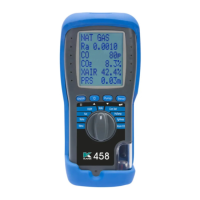
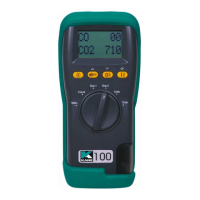
STATUS BAR MENU OPTIONS
Status Bar offers contextual menu options based on your screen.
STANDARD OPTIONS
USING MENU
Rotate dial to MENU to change analyser settings to your requirements.
Navigate through MENU using or & ENTER
As you navigate up or down items move up or down screen returning to the
beginning.
To exit MENU rotate dial to any position but note unsaved changes will be
lost.
Date - Displays current date
Displays selected fuel type - To change,
long press ENTER to display
selection Indicators
Press or to select fuel then press
ENTER
Menu option to edit
KANE458s MANUAL 17
Rotate dial to AUX to change AUX
screen then long press ENTER until
cursor flashes
6.9
6.10
7



 To Next Page
 Loading...