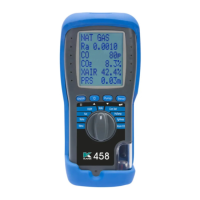
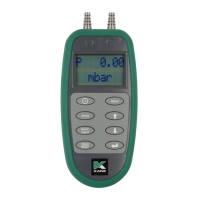
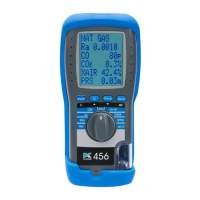
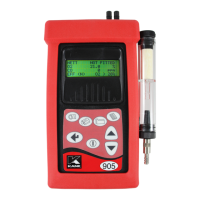
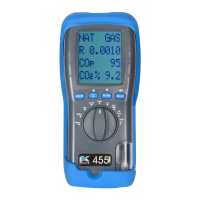
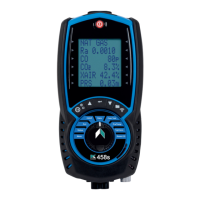
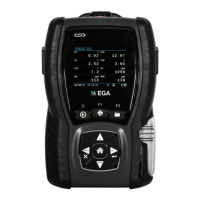
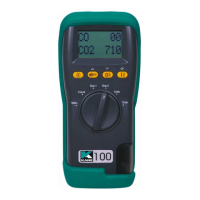
To view a stored test, rotate dial to desired test:
To print test result or logs use optional KANE infrared printer.
Power on printer and place printer infrared receiver in line with analyser
emitter see page 8.
Allow 15cm gap between analyser & printer.
34 KANE458s MANUAL
12.4
NAVIGATING STORED TESTS
13
PRINTING TO INFRARED PRINTER
Select view from test option
using or & ENTER.
Most recent test displayed
Long press & to navigate
to previous tests.



 To Next Page