15
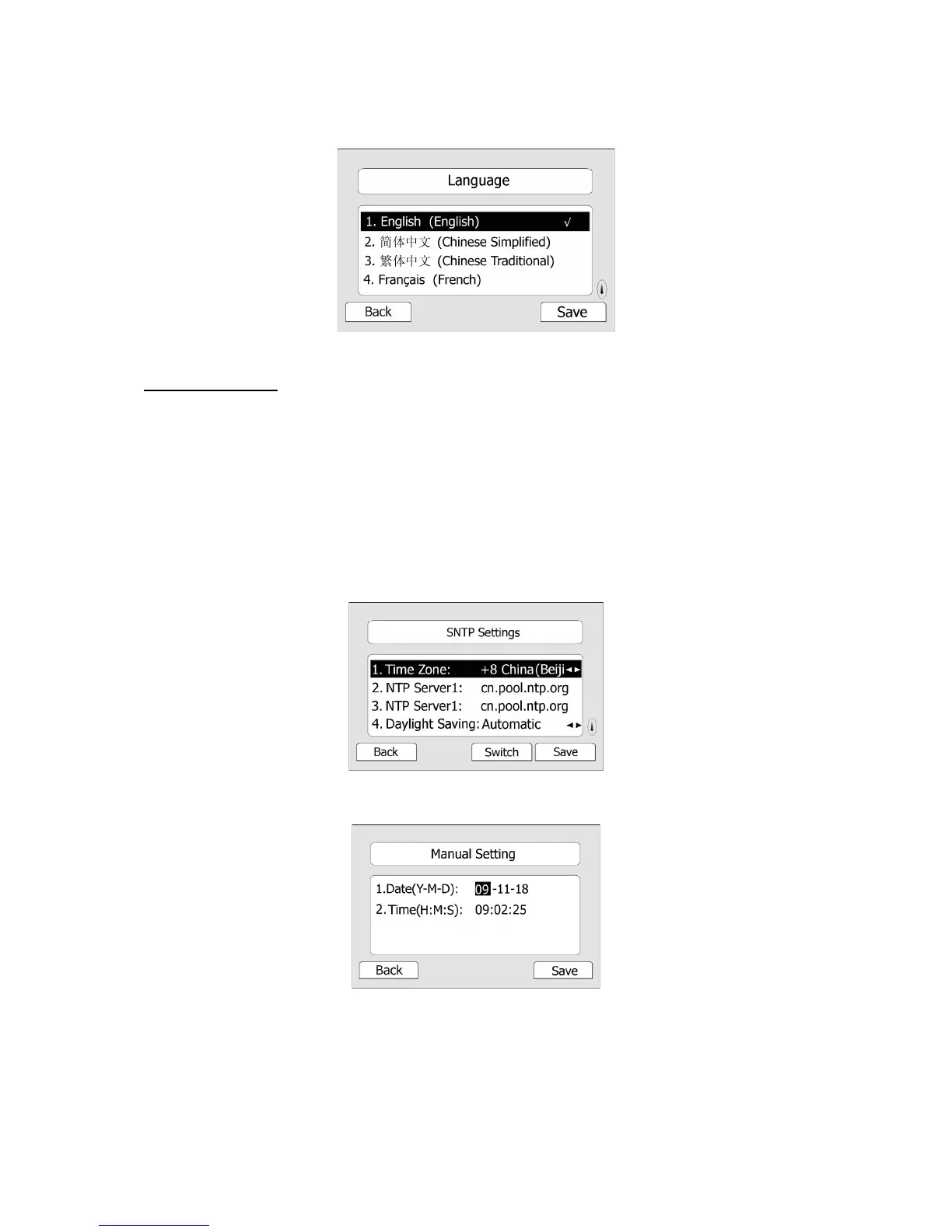
3) Press the Save hot key when the desired language is highlighted. The language appears
on the graphic display will be changed to the one you choose.
4) Press Back hot key to return to the previous screen.
Time and Date
The time and date appears on the idle screen of the IP phone. If the phone can not obtain a
time and date from the call server, please contact your system administrator if the time or
date is incorrect. You can set the time manually or via the SNTP server which is used to
synchronize the time.
To change the Time and Date via the Phone interface:
1) Press MENU->Settings->Basic
Settings->Time & Date.
2) If SNTP Settings is chosen, the phone will automatically get the time from the specific NTP
Server. Use the navigation keys to highlight the specific options and do the relating changes.
You can set the Time Zone, NTP Server1/Server2, and Daylight Saving respectively
3) If Manual is chosen, the time can be set manually. Use the navigation keys to highlight the
option and enter the specific date and time.
4) Press Save hot key, the time appears on the idle screen will be changed. Press Back hot
key to return to the previous screen.
To set the time format via the Phone interface:
1) Press MENU->Settings->Basic Settings->Time & Date->Time & Date Format.



 To Next Page