25
Anonymous call
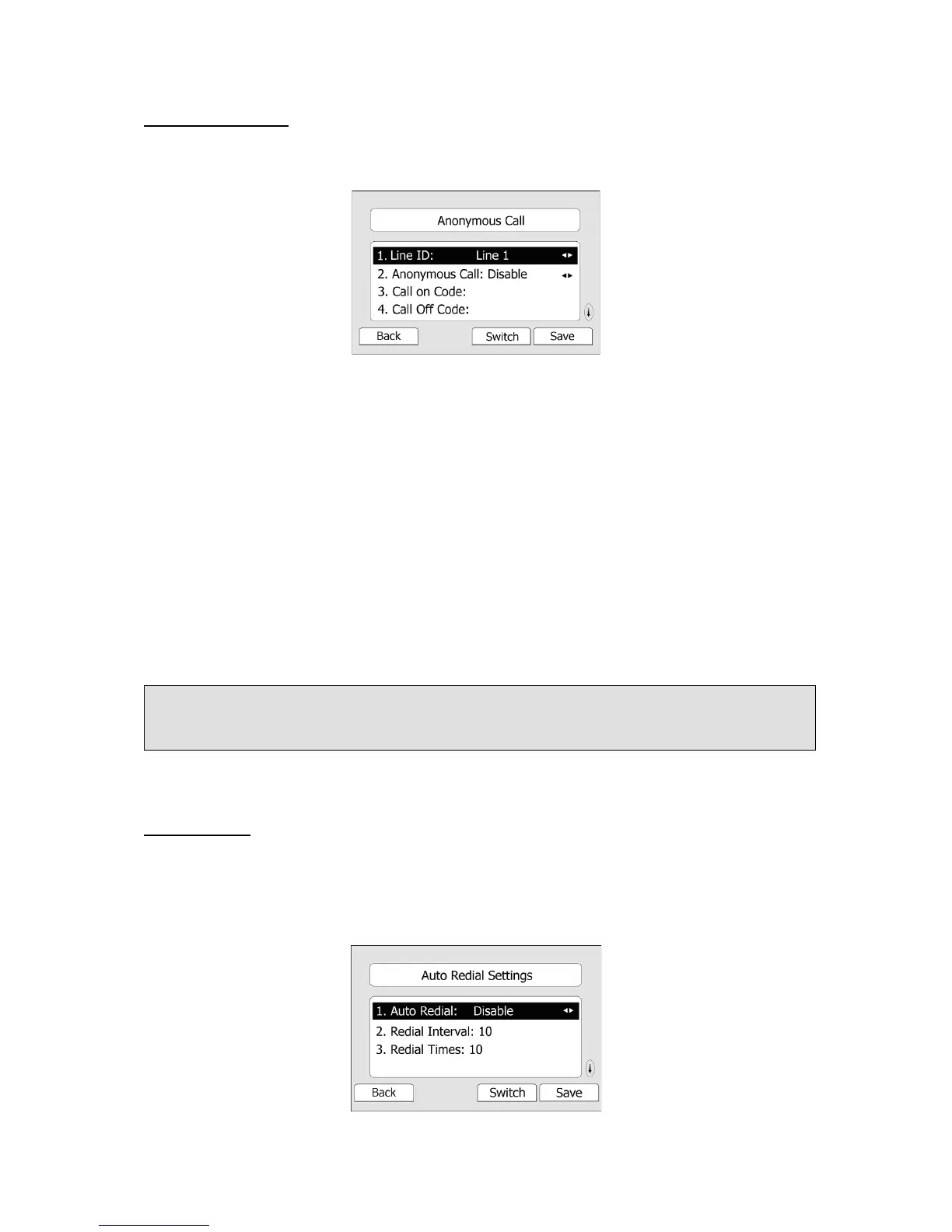
To set the anonymous call via the IP phone interface:
1) Press MENU->Features->Anonymous Call-> Enter to enter the configuration page.
2) By the Switch hot key, you can choose the Line ID.
3) Press the navigation keys to choose whether to enable the anonymous call function. This
feature allows the subscriber to make a call with the display of their calling identification
information blocked.
4) If you want to realize this function by server, please choose and enter the Call On Code
and Call Off Code. When you choose to enable the anonymous call function on your IP
phone, it will send information to the server, and the server will enable/ disable the
anonymous call function for your IP phone automatically.
5) Press the navigation keys to enter and choose whether to enable the anonymous rejection
function. The feature allows the subscriber to reject all calls from callers who have blocked
the display of their calling identification information (calling number and calling name).
6) If you want to realize this function by server, please choose and enter the Reject On Code
and Reject Off Code. When you choose to enable the Rejection option on your IP phone, it
will send information to the server, and the server will enable/ disable the rejection
anonymous call function for your IP phone automatically.
7) Press the Save hot key to save the changes.
Auto Redial
Auto redial is a telephone feature that redials a busy number in a fixed number of times
before giving up.
To set auto redial via the IP phone interface:
1) Press Menu->Features->Auto Redial Settings->Enter to enter the configuration page.
Note:
This configuration is only available for the current default account.



 To Next Page