30
USING THE BASIC CALL FUNCTIONS
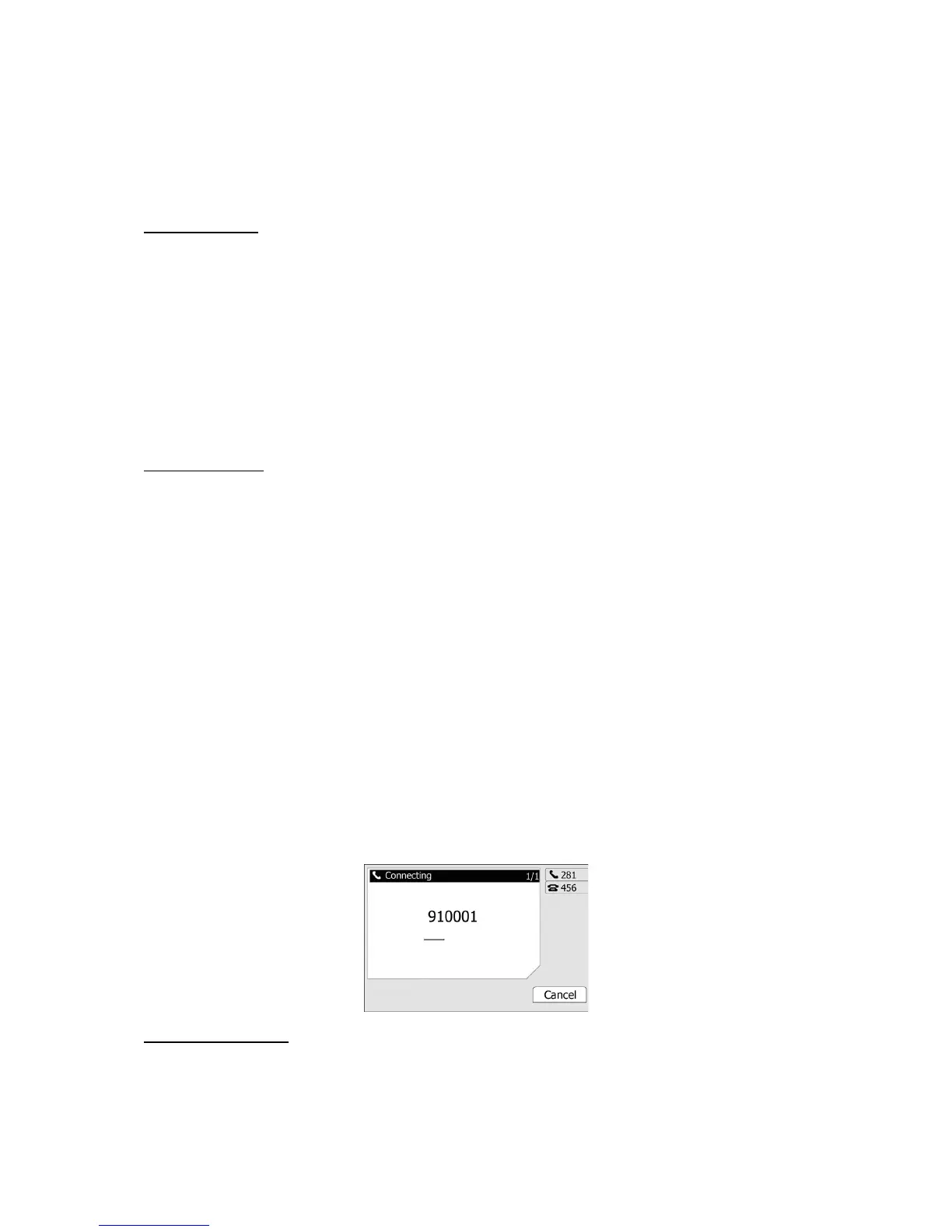
MAKING A CALL
Call Devices
You can make a phone call via the following devices:
1) Pick up the handset, icon will be shown in the idle screen.
2) Press the Speaker button, icon will be shown in the idle screen.
3) Press the Headset button if the headset is connected to the Headset Port in advance. The
icon will be showed in the idle screen.
You can also dial the number first, and then choose the method you will use to speak to the
other party.
Call Methods
If you have registered more than one account, you can choose a certain account to
make your call:
1) Press the Right navigation key to choose a default account when your phone is idle.
2) In the dial-up interface, press the Line hot key to choose an account. Then press the
Select hot key to confirm.
3) Press the six line keys on the keypad to active the chosen account.
Then
1) Dial the number you want to call, or
2) Press the Directory hot key, use the navigation button to highlight your choice, or
3) Press History hot key, use the navigation button to highlight your choice (press Left/Right
button to chose All Calls, Missed Calls, Dialed Calls, Received Calls and Forwarded Calls) or
4) Press the RD button to enter the Dialed Calls interface, then use the Up/Down navigation
keys to choose a record.
5) Press the DSS keys which have been set as speed dial button.
Then press the Send button or Send hot key to make the call out if necessary.
Call Completion
Have encountered such a situation? When you call a contact, but the other side is busy on a
call. Do you want the server to inform you immediately when the contact end the call, in order
to establish a conversation with each other in time? Call Completion can help you to solve
this problem.



 To Next Page