34
DURING AN ACTIVE CALL
Mute
This function allows you to mute the microphone of the active audio device during a call;
you can not be heard by the other party. You can still hear all other parties while mute is
enabled.
To mute/resume a conversation:
Press MUTE button during a conversation, the icon will be shown in the LCD, the
corresponding line key and the power indication LED will blink. Press it again to get the
microphone return to normal conversation.
Call Hold
This call function allows you to place an active call on hold. In this case your IP PBX might
play a melody or message to the other party while waiting. Other calls can be received and
made while having a call on hold.
To hold/retrieve a call:
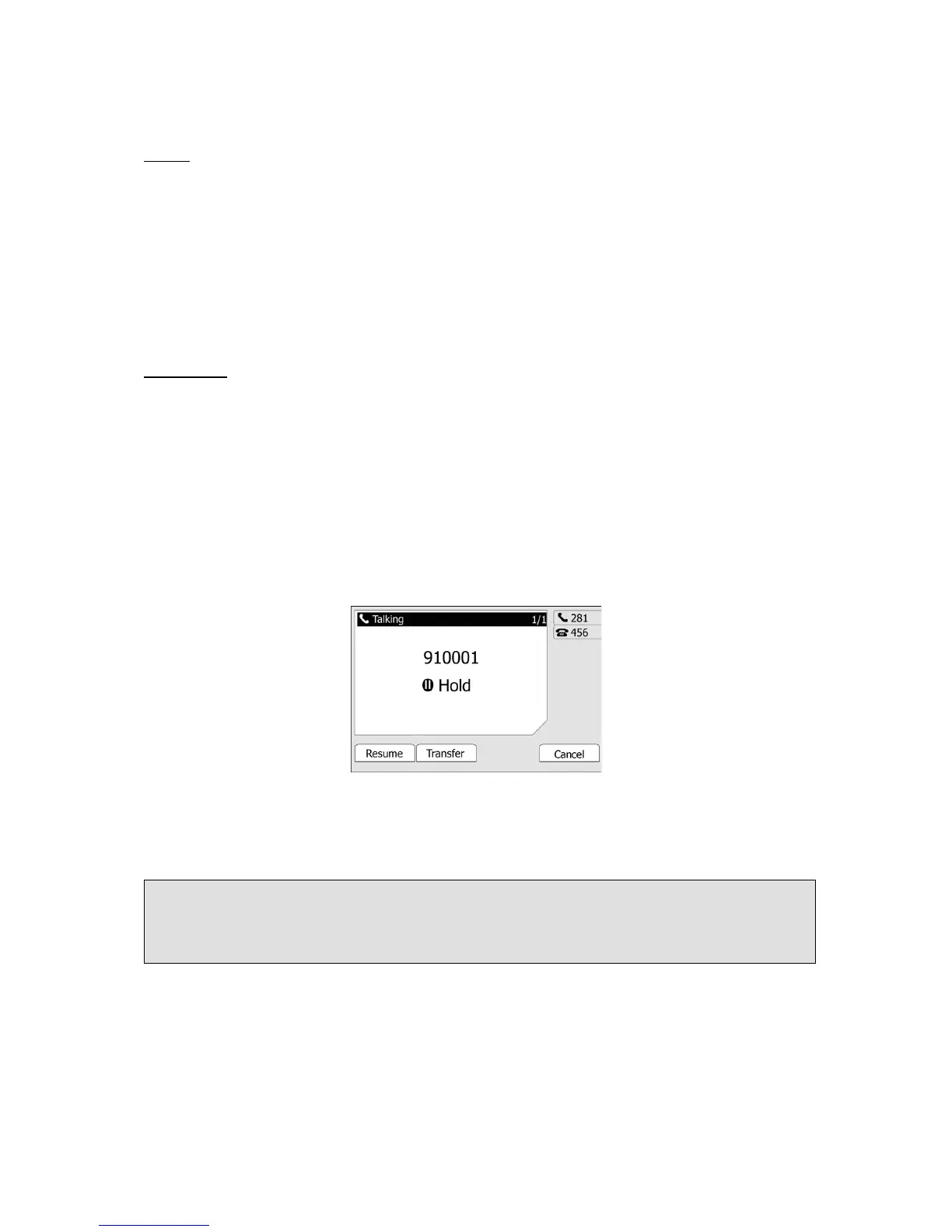
1) Press the HOLD button or Hold hot key to put your active call on hold.
2) During the call, there will be a "dodo.." sound for each 30 second, suggesting that
there is a current call in Hold state.
3) If there is only one call on hold, press the Resume hot key or Hold button to retrieve the
call.
4) If there are more than one call on hold, press the line button and the Up/Down button to
highlight the call, then press the Resume hot key or HOLD button to retrieve the call.
Note:
When you are under the call hold status, putting down the handset, the conversation will go
on over the speaker instead of hanging up the call.



 To Next Page