24
OTHER SETTINGS
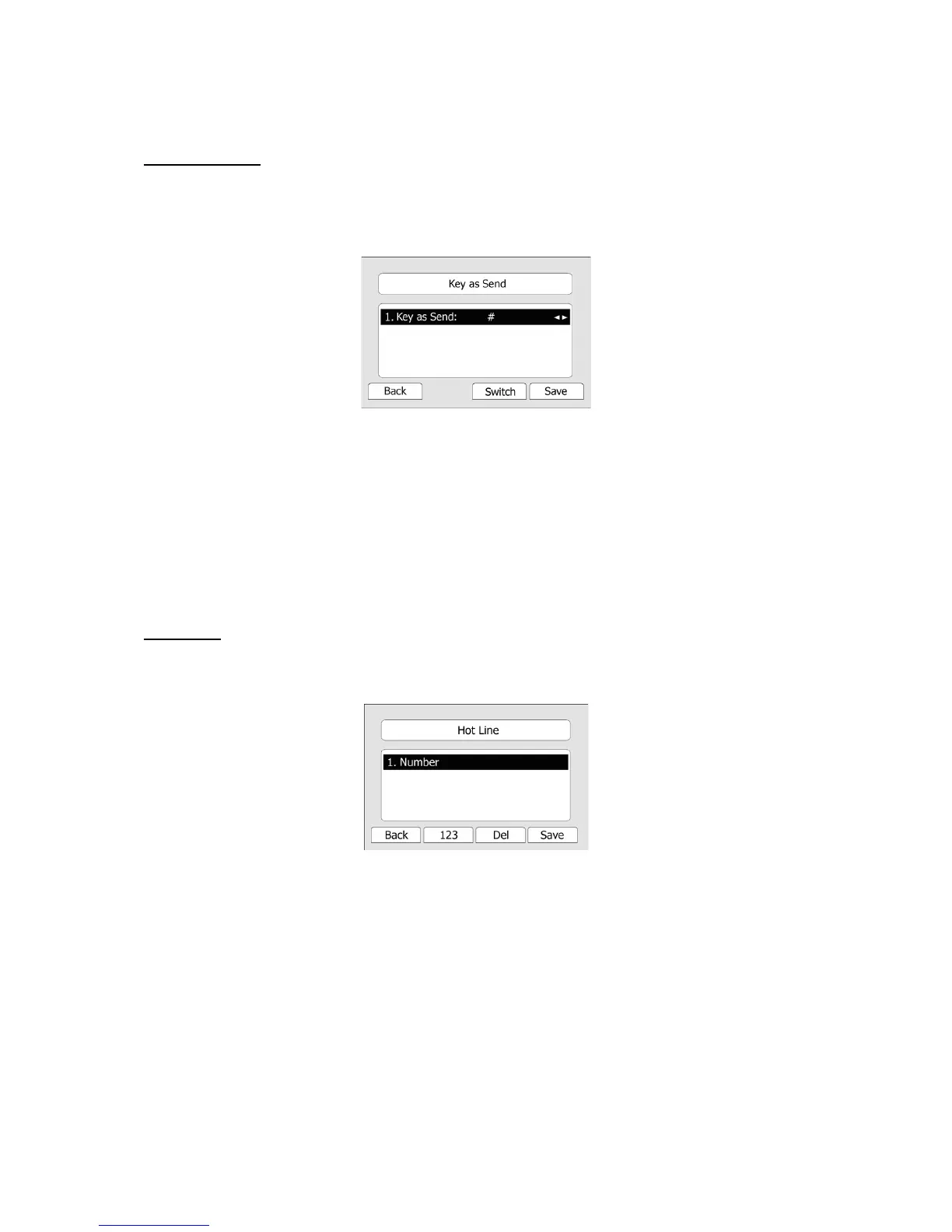
Key as Send
Users can set a specific button (“#” or “*”) to active as the send button.
To set the send key via the IP phone interface:
1) Press MENU->Features->Key as Send->OK to enter the configuration page.
2) Press the Switch hot key to choose a button that you want to use as the send key: “#”, “*”,
or disable this option.
3) Press the Save hot key to save the changes.
To set the send key via the Web interface:
1) Choose Phone->Features->Key As Send.
2) Highlight the specific one in the pull-down menu, then click confirm button to save the
change.
Hot Line
To set the hot line number via the IP phone interface:
1) Press MENU->Features->Hot Line-> Enter to enter the configuration page.
2) Enter the hot line number and set the HotLine Delay time (for example, 20 seconds), then
press the Save hot key to save the changes.
3) When you pick up the handset or press the speaker button, and it will dial out the number
automatically if you do not press any keys for 20 seconds.
To set the Hot Line via the Web interface:
1) Choose Phone->Features.
2) Input the Hotline Number, and then click the Confirm button to save the change.



 To Next Page