45
Reboot
You should reboot the phone when you are challenged, e.g. after applying changes to the
phone configuration.
To reboot via Web interface:
1) Choose Upgrade->Basic.
2) Click Reboot button.
To reboot under the idle status:
When the phone is idle, press the X(or Tran)button on the keypad for 5 second to enter
the reboot interface, you are prompted to confirm the change, press OK hot key to reboot, or
Cancel hot key to cancel the operation and return to previous menu.
Reset to Factory
You should reset the phone only in this case: the phone configuration was changed and the
phone is not functioning anymore. To maintain the configuration of the phone, you need your
system administrator or service provider’s advice.
To reset to factory via phone interface:
1) Press the hot keys Menu, scroll to Settings, press Enter hot key, use the navigation keys
to highlight Advance Settings.
2) You are prompted to enter the required password, the default one is admin.
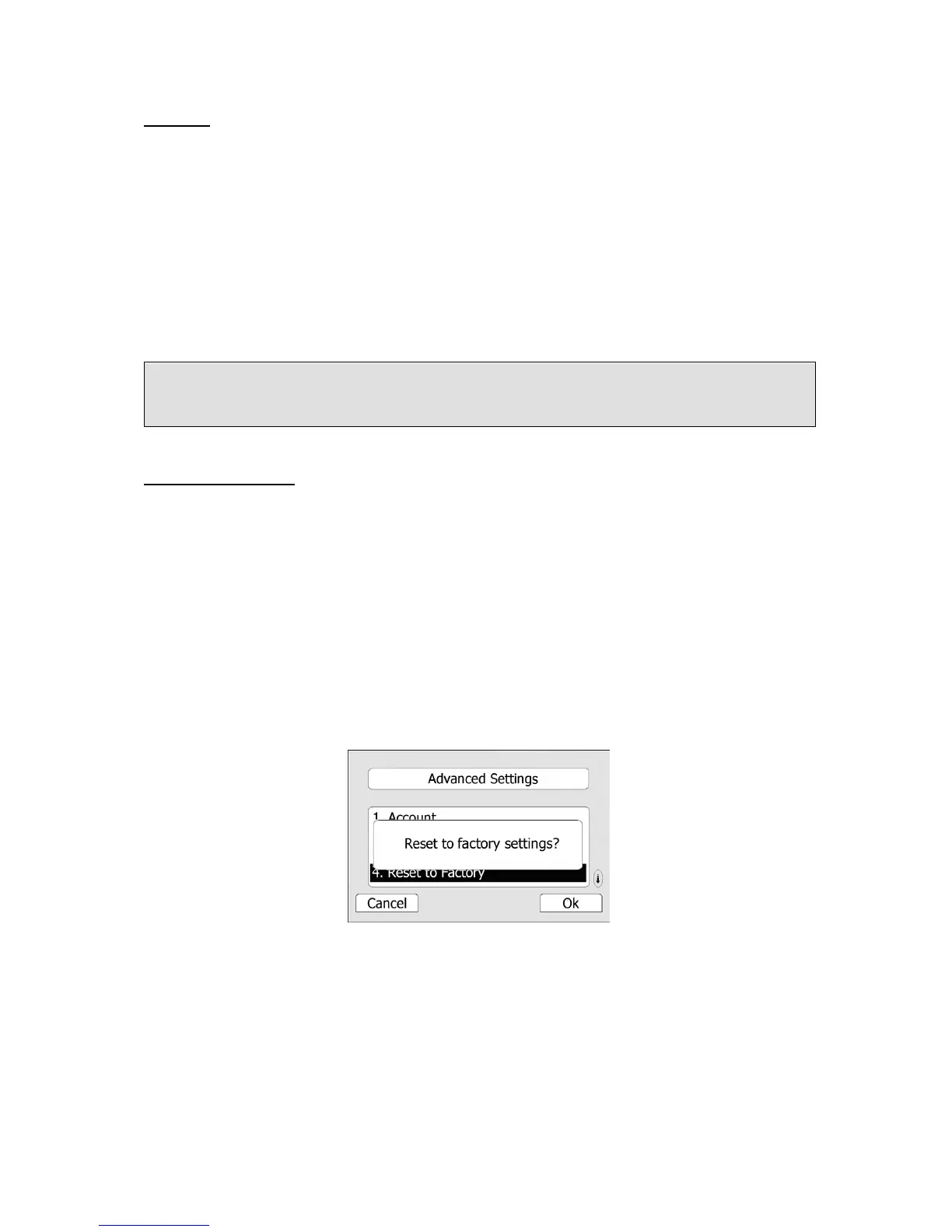
3) Scroll to Reset to factory, press Enter hot key.
4) You are prompted to confirm the change, press OK hot key to reset to factory settings,
press Cancel hot key to return to previous menu.
5) It will take a few minutes to reset, please do not power off during resetting, or it will
cause flash memory error.
To reset to factory under the idle status:
Press the OK button for 5 seconds when the phone is idle, the phone will enter the reset
interface automatically. Press the Ok hot key to save the changes, or press the Cancel hot
key to cancel the operation.
To reset to factory via Web interface:
Note:
Please do not power off during reboot, or it will cause the flash memory error.



 To Next Page