17
Menu Key: The Menu keys can not be used until unlocked. You can not access the menu of
the phone.
Function Keys: The hard function keys can not be used until unlocked. You can not access
the MESSAGE, CONF, HOLD, MUTE, TRAN, RD, History, Directory, DND, OK, X,
navigation Keys, etc.
All Keys: All of the keys can not be used until unlocked. You can only use the phone to
answer the incoming calls.
Lock&Answer: All the incoming calls will be put through automatically (Auto Answer), but can
not be hung up by your party.
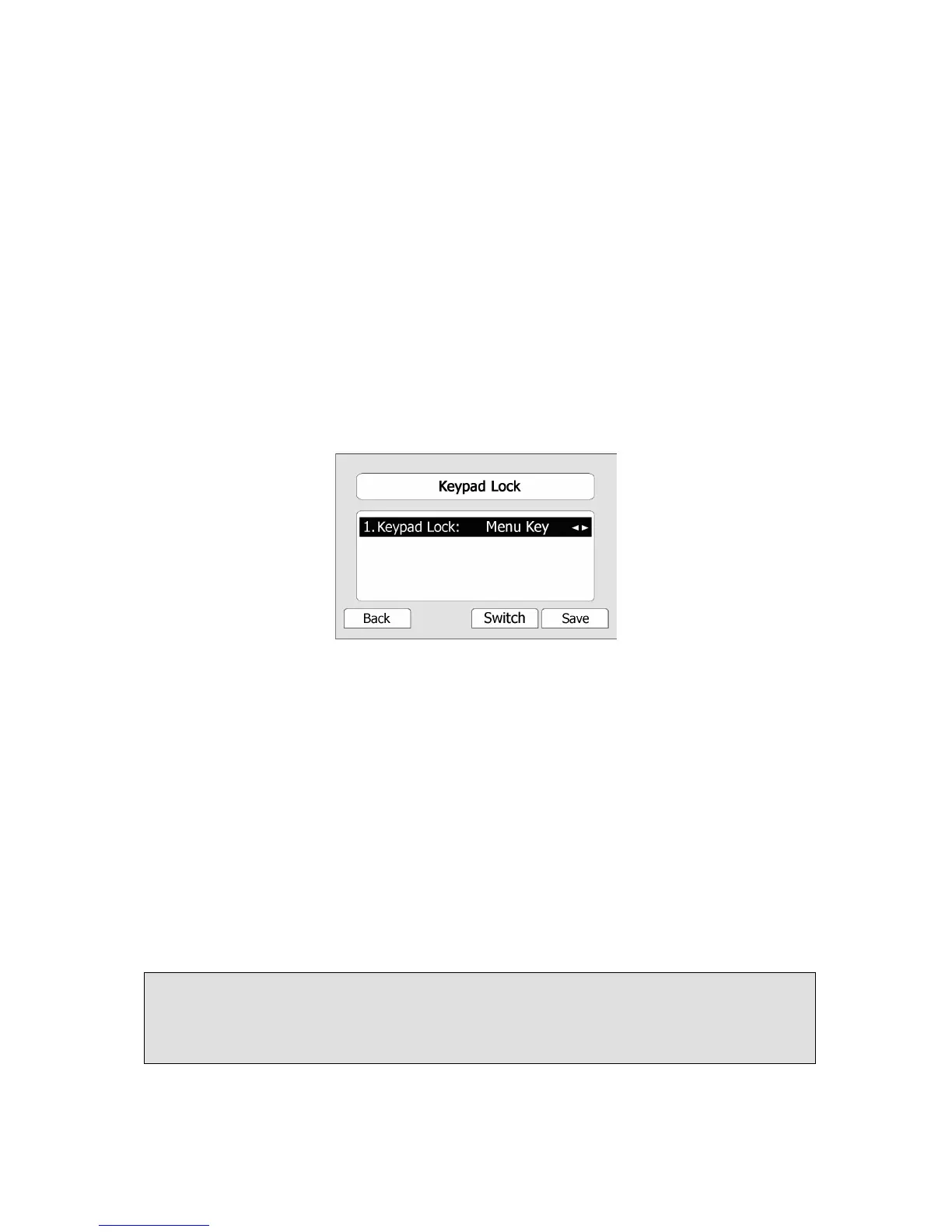
To enable keypad lock via Phone interface:
1) Press Menu->Settings->Advanced Settings, enter the password, and then press Confirm
hot key.
2) Press Phone Setting->Lock.
3) Use the navigation key(or press the Switch hot key)to highlight the one you want to
lock.
4) Press Save hot key to active the change, or Back hot key to return to the previous screen.
5) The icon will be displayed on the top right corner of the idle screen.
6) If you choose Lock&Answer, it will show the icon and on the user interface.
To unlock the phone via Phone interface:
1) Press MENU key, you are prompted for the password.
2) Enter the password, then press Enter hot key, the phone will be unlocked.
3) The icon will be disappearing from the idle screen.
4) If you choose Lock&Answer, you have to enter Menu->Settings->Advanced Settings-
>Phone Setting->Lock to disable this option.
To enable keypad lock via Web interface:
Choose Phone->Preference to do the relating changes. Please refer to the instructions
above for the parameters’ detail.
Note:
1. The default password for unlock is admin.
2. Users can make emergency calls when the phone is locked.



 To Next Page