22
ABSORmatic
®
plus.
9.7 Assist programm “LCD contrast“
(2200)
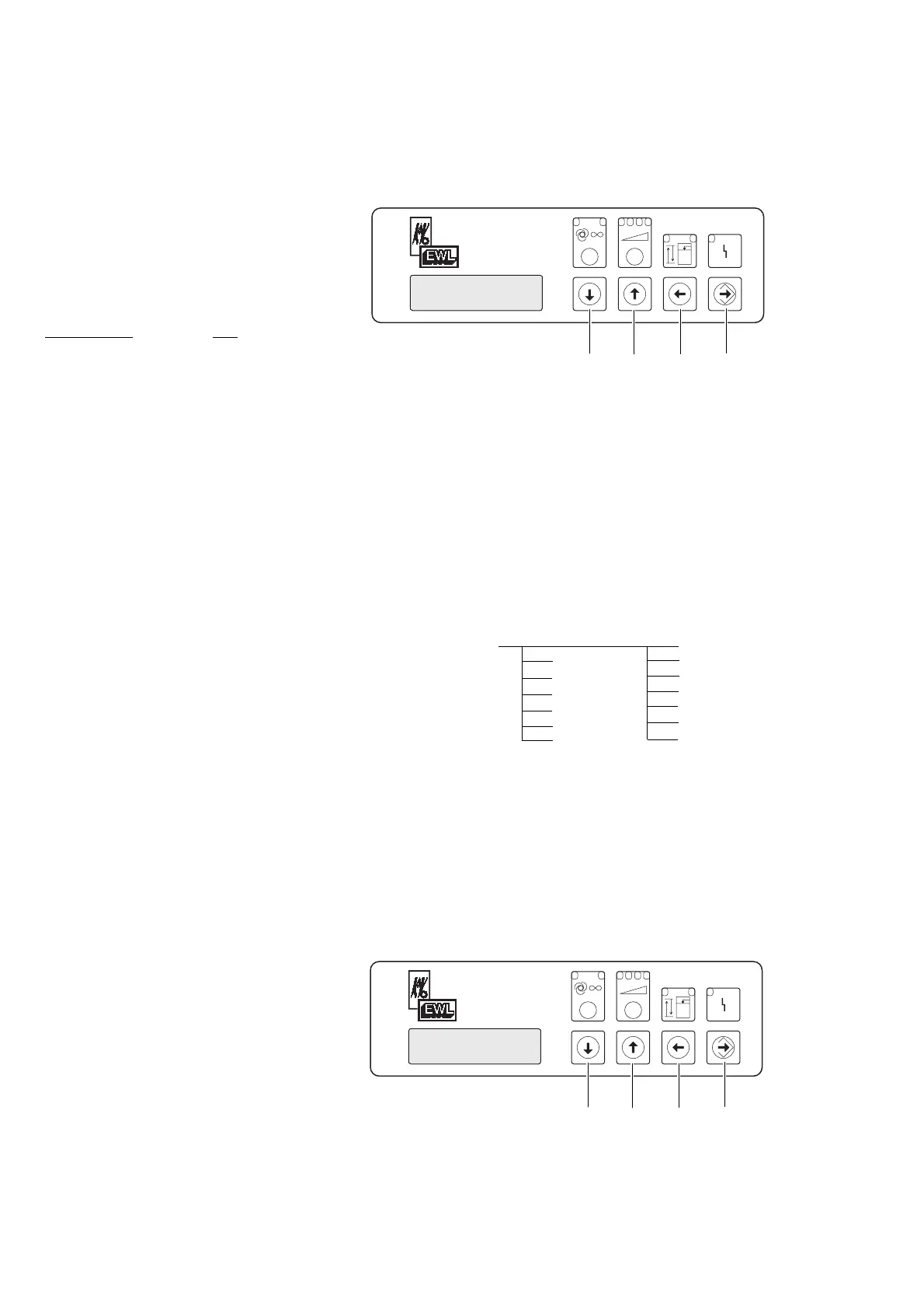
By pressing foil switch “up“ or “down“
select the assist programm LCD contrast
and press foil switch enter .
By pressing foil switch “up“ or “down“
select a setting between 0 and 511 and
memorise the chosen setting by pressing
foil switch enter . If the surrounding tem-
perature is very high a low setting would
make sense, if the surrounding temperature
is very low a high setteing is best chosen.
Factory setting: 255
9.8 Assist programm: “EEPROM initial-
isation“ (2250)
By pressing foil switch “up“ or “down“
select the assist programm “init.EEP-
ROM“. By pressing the enter foil switch
every single adjustable setting will be put
back to the factory settings. The display
readout shows “finished“.
By pressing the foil switch “back“ Á the
assist programm can be left again.
9.9 Assist programm “ automatic sensi-
bility adjustement“ (2300)
By pressing foil switch “up“ or “down“
select the assist programm “autom.sensi-
bility“and press the foil switch enter .
Select the desired workstation
(WP1/WP2/WP3) by pressing foil switch
“up“ or “down“ . The machine to be
measured has to be in stand-by mode or
turned off.
Press foil switch enter . On the upper line
of the display one can read “motor off“.
The lower parameter of the eletricity value
is being determined. The display changes to
“motor on“. The machine to be measured
has to be turned on, or if the case the
micromotor run at low speed. Once the
measurement is terminated there are three
values displayed on the bottom line of the
display: the parameter of the lower value,
the parameter of the upper value and the
value of th automatically calculated starting
point at which the absormatic plus starts to
function.
Press foils switch enter . The calculated
starting point value is registered. If one
choses not to work with this starting point
value press the foil switch “left-back“ .
By pressing the foil switch “back“ you
can leave the assist programm.











 To Next Page