24
ABSORmatic
®
plus.
9.12 Assist programm “active carbon fil-
ter control“ (2500)
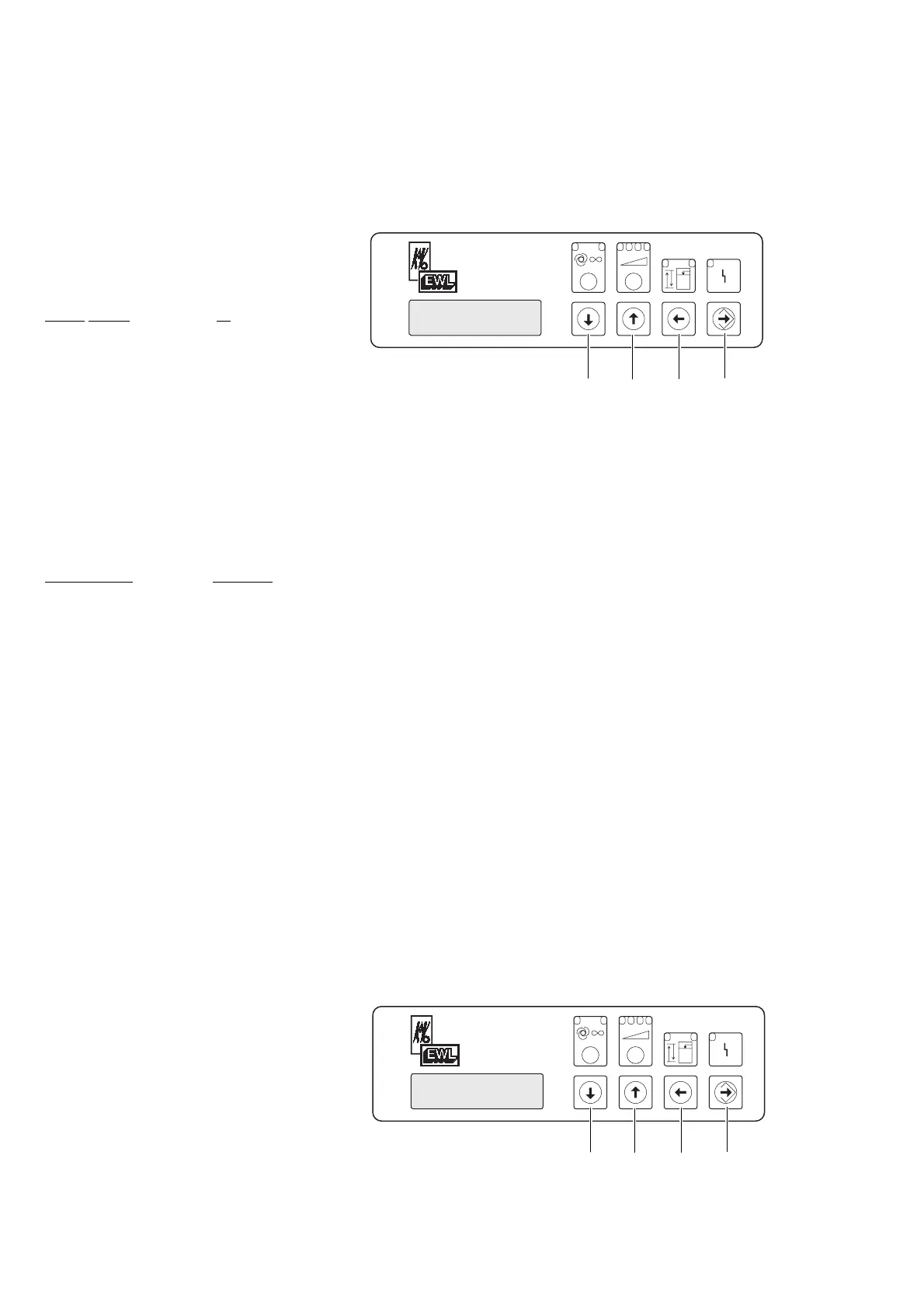
By pressing the foil switch “up“ or
“down“ call up the assist programm
“carbon filter“ and press foil switch enter .
Press foil switch “up“ or “down“ ,
choose yes or no and press foil switch enter
no = time registration of the active carbon
filter is off
yes = time registration of the active carbon
filter age is on
factory
setting: no
9.13 Assist programm “Time to change
actif carbon filter“ (2450)
By pressing foil switch “up“ or “down“
call up assist programm
“carb.filt.change“ and press enter .
By pressing foil switch “up“ or “down“
select desired carbon filter age setting.
Press enter with foil switch enter .
Factory setting: 800 hours
9.14 Assist programm “time since carbon
filter was changed“ (2455)
By pressing foil switch “up“ or “down“
call up assist programm “carbon
filt.age“ and press enter . The age of the
active carbon filter is shown in worked
hours.
With the foil switch “left-back“ you get
out of the assist programm “carbon filt.
age“.
9.15 Help program “Reset active carbon
filter monitoring time“ (2550)
By pressing “up“ or “down“ keys,
call up “Filter time reset“ help program and
press Enter key Û.
By pressing “up“ or “down“ key,
select “yes“ or “no“.
If “no“ is selected for filter time reset, the
expired time remains unchanged.
If “yes“ is selected for filter time reset, the
expired time is reset to 0.
Save the selected value using the Enter key
.
With “no“, you will exit the help program.
With “yes“, the display shows terminated.
By pressing the “back“ key Á, the help
program is exited.











 To Next Page