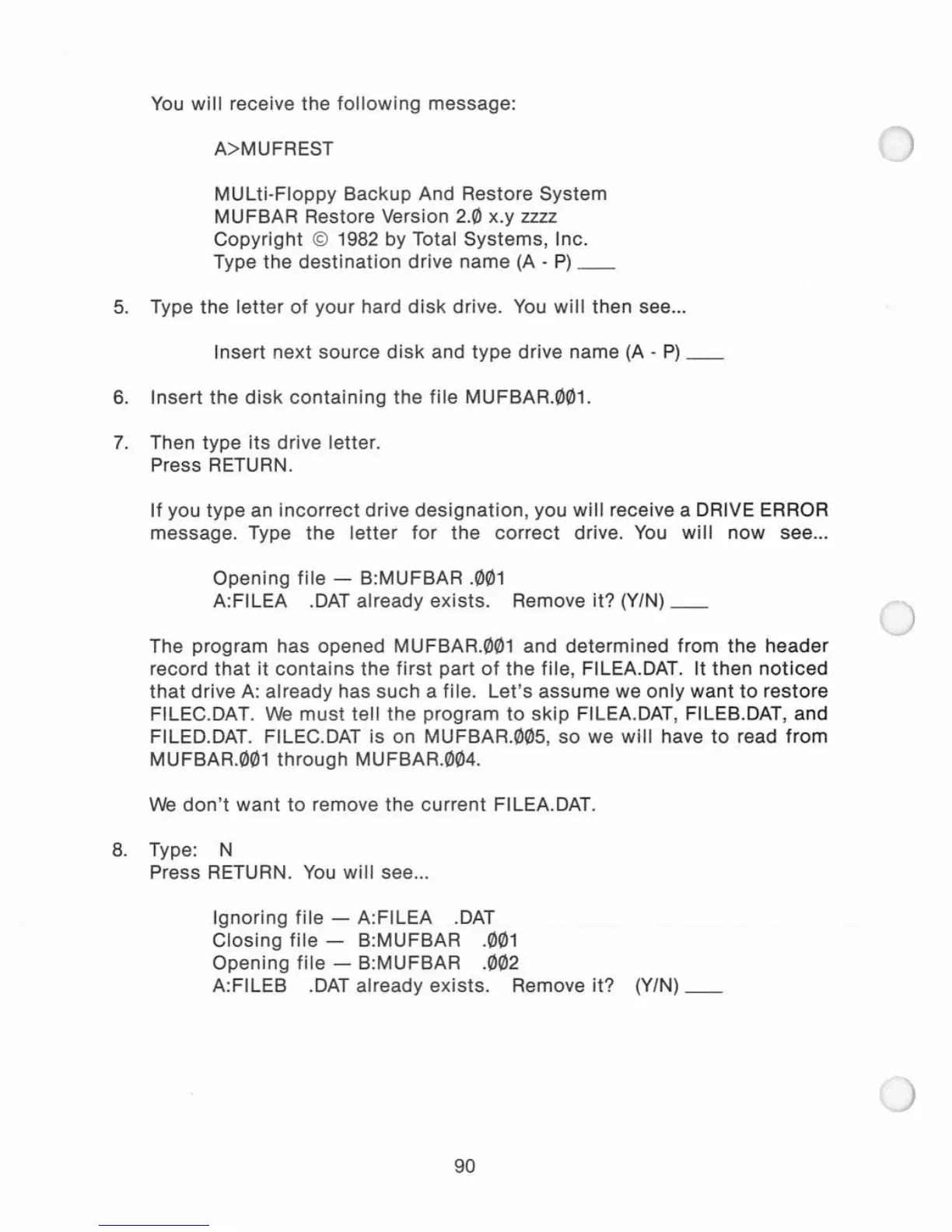
You
will
receive the
following
message:
A>MUFREST
MUlti-Floppy
Backup And Restore System
MUFBAR Restore Version 2.0 x.y zzzz
Copyright
© 1982 by Total Systems, Inc.
Type the
destination
drive name
(A
-
P)
__
5.
Type the
letter
of
your hard
disk
drive.
You
will
then see
...
Insert next source
disk
and
type
drive name
(A
-
P)
__
6.
Insert the
disk
containing
the
file
MUFBAR.001.
7.
Then type
its
drive letter.
Press
RETURN.
If
you type an
incorrect
drive
designation,
you
will
receive a DRIVE ERROR
message. Type the
letter
for
the
correct
drive.
You
will
now
see
...
Opening file - B:MUFBAR
.001
A:FILEA
.DAT
already exists. Remove it? (YIN)
__
The program has opened MUFBAR.001 and
determined
from the header
record
that
it
contains
the
first
part
of
the
file, FILEA.DAT. It then
noticed
that
drive
A:
already has such a file.
Let's
assume
we
only
want
to
restore
FILEC.DAT.
We
must
tell the program
to
skip
FILEA.
DAT,
FILEB.DAT, and
FILED.DAT. FILEC.DAT is on MUFBAR.005, so we
will
have
to
read
from
MUFBAR.001
through
MUFBAR.004.
We
don't
want
to remove the
current
FILEA.DAT.
8.
Type: N
Press RETURN.
You
will
see
...
Ignoring
file
- A:FILEA .DAT
Closing
file
- B:MUFBAR
.001
Opening
file
- B:MUFBAR .002
A:FILEB
.DAT
already exists. Remove it? (Y/N)
__
90



 To Next Page