EasyManua.ls Logo

Kaypro 10 - Page 148

Kaypro 10
155 pages
Print Icon
To Next Page IconTo Next Page
To Previous Page IconTo Previous Page
Loading...
[
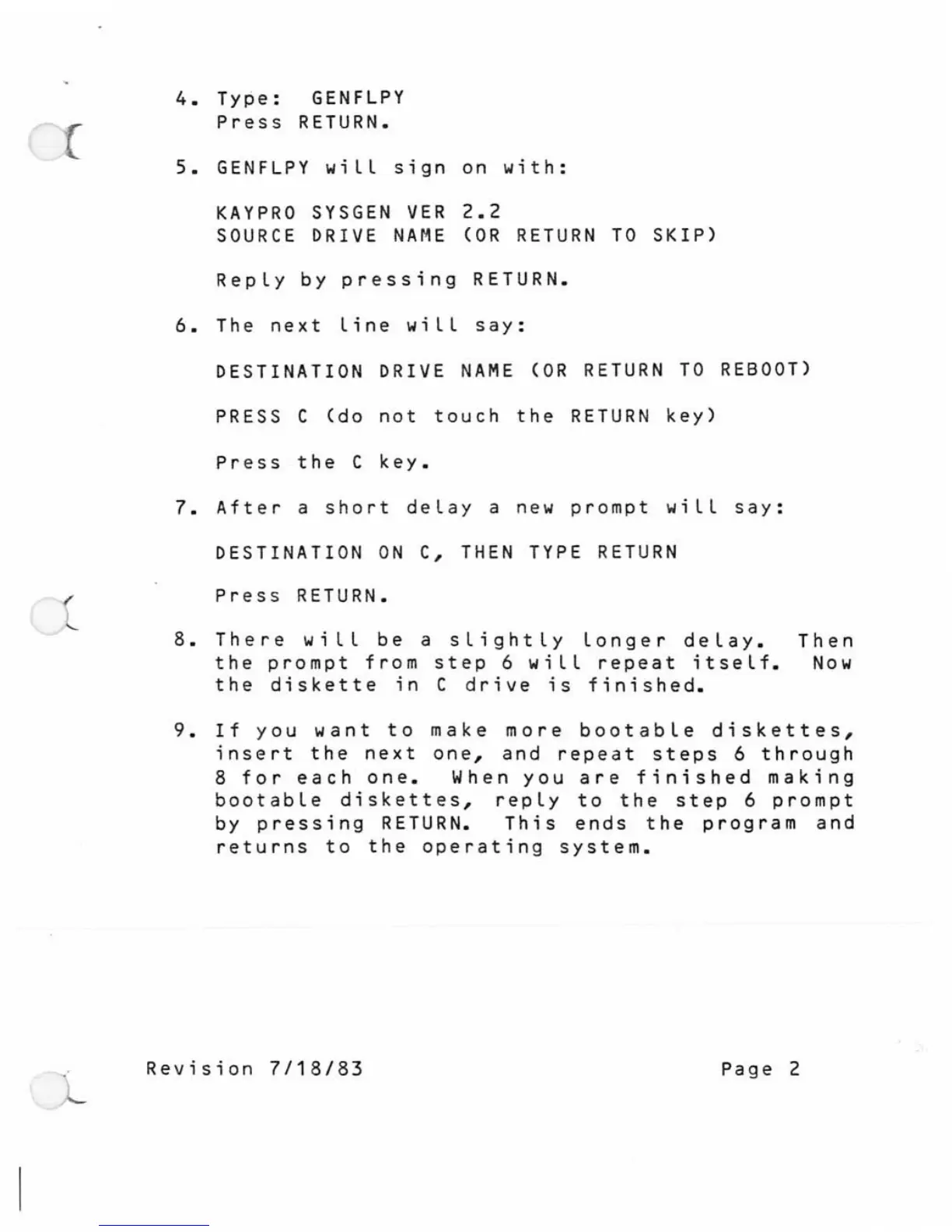
4.
Type:
GENFLPY
Press
RETURN.
5.
GENFLPY
wiLL
sign
on
with:
KAY
PRO
SYSGEN
VER
2.2
SOURCE
DRIVE
NAME
(OR
RETURN
TO
SKIP)
RepLy
by
pressing
RETURN.
6.
The
next
Line
wiLL
say:
DESTINATION
DRIVE
NAME
(OR
RETURN
TO
REBOOT)
PRESS C
(do
not
touch
the
RETURN
key)
Press
the
C
key.
7.
After
a
short
deLay
a
new
prompt
wiLL
say:
DESTINATION
ON
C,
THEN
TYPE
RETURN
Press
RETURN.
8.
There
wiLL
be
a
sLightLy
Longer
deLay.
Then
the
prompt
from
step
6 wiLL
repeat
itseLf.
Now
the
diskette
in
C
drive
is
finished.
9.
If
you
want
to
make
more
bootabLe
diskettes,
insert
the
next
one,
and
repeat
steps
6
through
8
for
each
one.
When
you
are
finished
making
bootabLe
diskettes,
repLy
to
the
step
6
prompt
by
pressing
RETURN.
This
ends
the
program
and
returns
to
the
operating
system.
Revision
7/18/83
Page
2

Related product manuals