Operating Instructions KBL 3500
22
Adjusting the volume (optional feature)
This section is only applicable to units with an audio option.
Level 0 – 9 Stepwise volume adjustment
After the tanning program has started, the volume is
set to the value defi ned in the service menu.
To decrease the volume, press the
minus
button.
To increase the volume, press the
plus
button.
To turn off the sound, select level 0 with the
minus
button.
Selecting the audio source (optional feature)
This section is only applicable to units with an audio option. You
can choose between the options MP3 player and studio music
if both audio sources are available and have been activated in
the service menu. The selected source will be marked.
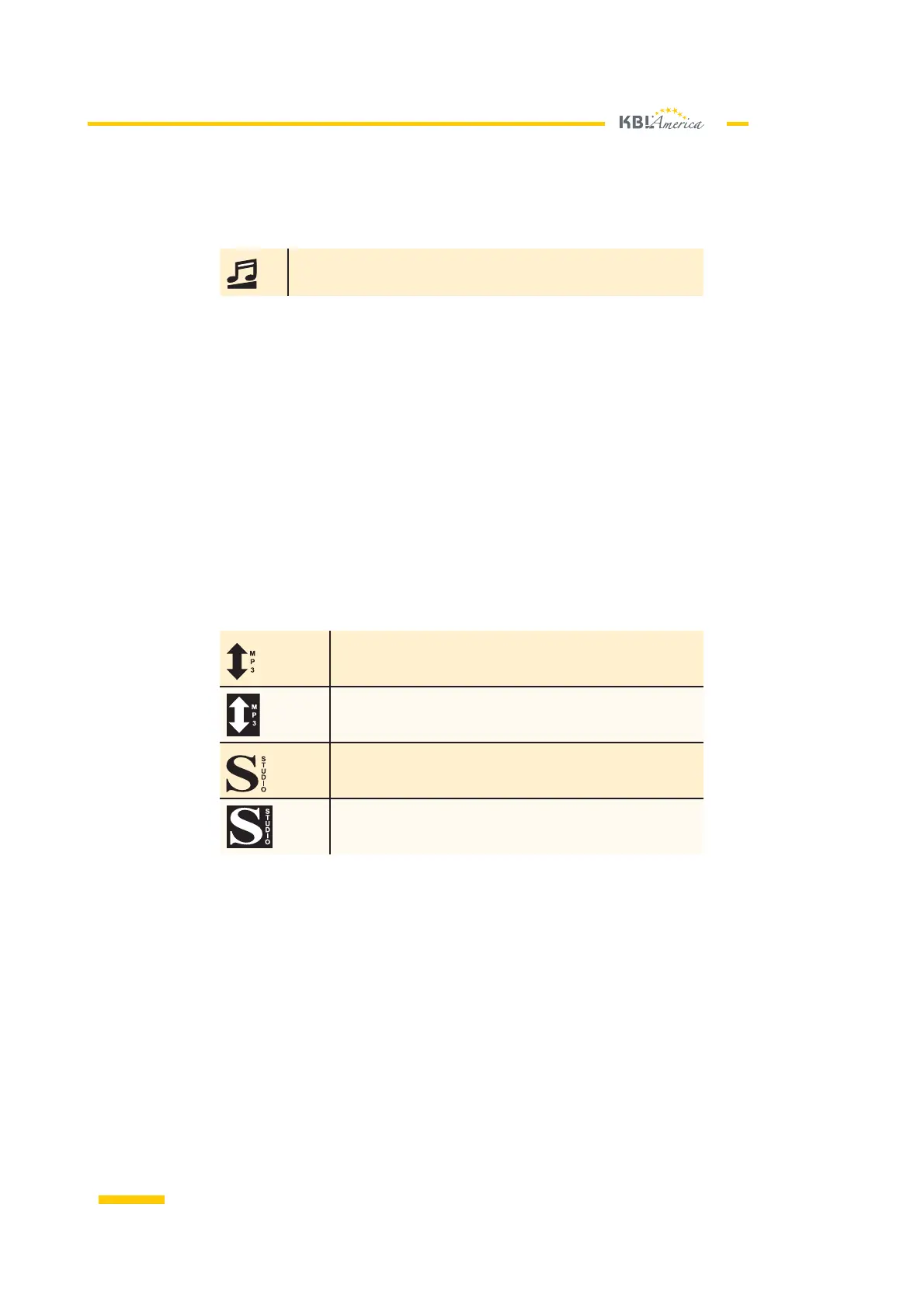
The MP3 player is available as an audio
source but has not been selected..
The MP3 player has been selected as the audio source.
Studio music is available as an audio
source but has not been selected.
Studio music has been selected as the audio source.
After the tanning program has started, the audio source that
has been set as the default in the service menu is used.
If MP3 has been selected as the audio source, a track is chosen
randomly and played after the unit has been started. After that,
the proximate tracks are played one after the other.
When you change from MP3 to studio, the player remembers the current
track and continues with it after changing back from studio to MP3.
•
•
•
Symbol on
display 1
Symbol on
display 1
Adjusting the
volume
Adjusting the
volume
Symbols on
display 2
Symbols on
display 2
Selecting MP3
player and track
Selecting MP3
player and track













 To Next Page