Pattern indicator Screen Pattern Selection Buttons
5_nsar_= ?r.
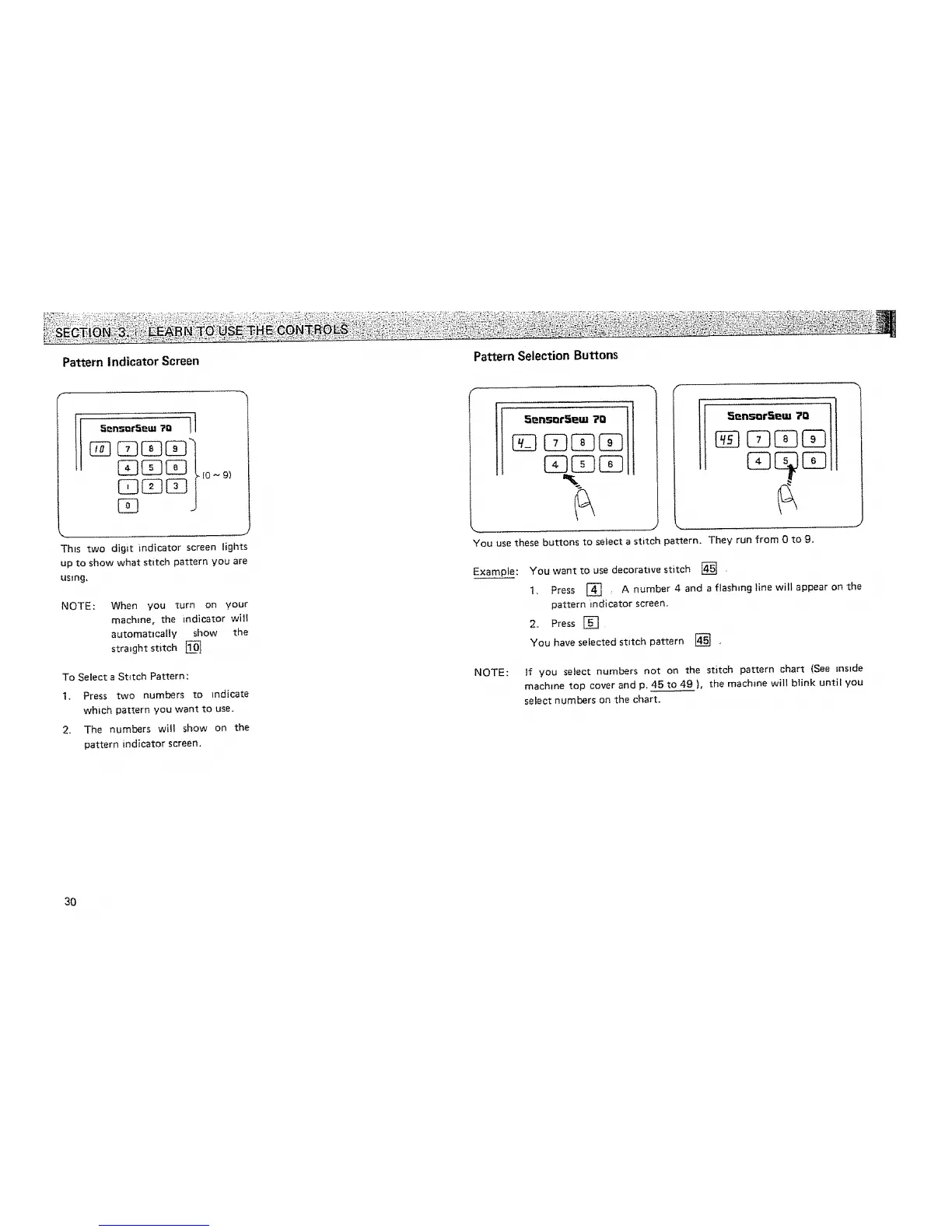
This two digit indicator screen lights
up to show what stitch pattern you are
usmg_
NOTE:
When you turn on your
machine, the indicator vvi]i
automatlcafly show the
straight stitch
To Select a Stitch Pattern:
1. Press two numbers to indicate
which pattern you want to use.
2. The numbers will show on the
pattern indicator screen,
5_n_DrS_m 70
°°°°°,'°°'°II
You use these buttons to select a stitch pattern. They run from 0 to 9,
Exampte: You want to use decorative stitch [] ,
1. Press [] A number 4 and a flashing line witl appear on the
pattern _ndicator screen,
2. Press []
You have selected stitch pattern _ ,
NOTE: If you select numbers not on the stitch pattern chart (See inside
machine top cover and p, 45 to 49 ), the machine will blink until you
select numbers on the chart.
30






 To Next Page