Reverse Stitch and Auto-Lock Buttons
Both of these buttons will secure seams.
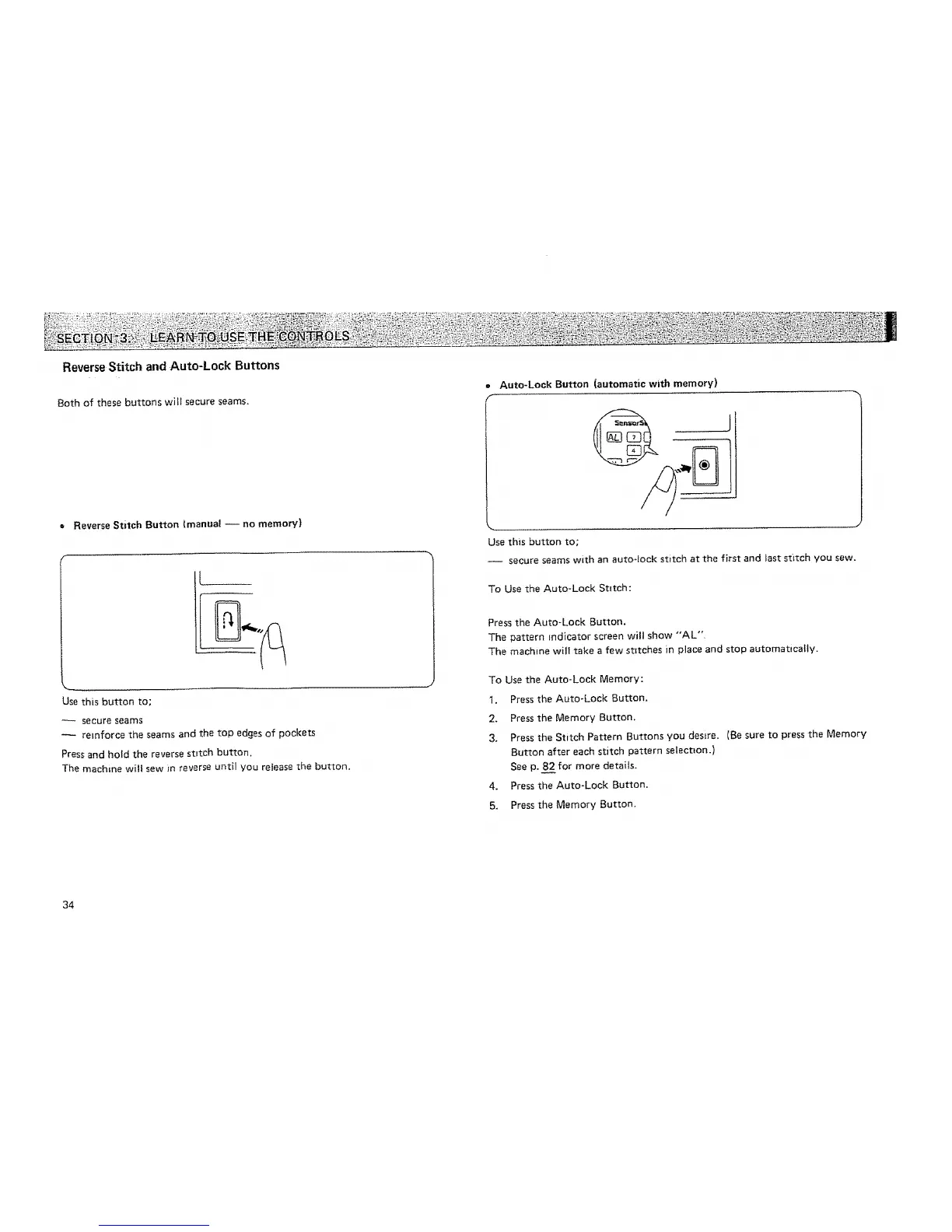
= Reverse Stitch Button (manual -- no memory)
Use this button to;
secure seams
reinforce the seams and the top edges of pockets
Press and hold the reverse stttch button.
The machine will sew _n reverse until you refease the button.
34
Auto-Lock Button (automatic with memory)
J
Use this button to,
-- secure seams with an auto-!ock stitch at the first and last stitch you sew.
To Use the Auto-Lock Stitch:
Press the Auto-Lock Button.
The pattern indicator screen will show "'AL".
The machine will take a few stitches in place and stop automatically.
To Use the Auto-Lock Memory:
1, Press the Auto-Lock Button.
2. Press the Memory Button.
3. Press the Stitch Pattern Buttons you desire. (Be sure to press the Memory
Button after each stitch pattern selection.)
See p. 8_2for more details.
4. Press the Auto-Lock Button,
5. Press the Memory Button.






 To Next Page