Clean the Bobbin Holder
To insure that your machine operates at its best, you need to keep the
essential parts clean at all times.
The bobbm area can attract dust and tint. Your machine can become sluggish
or knock loudly if a thread is caught.
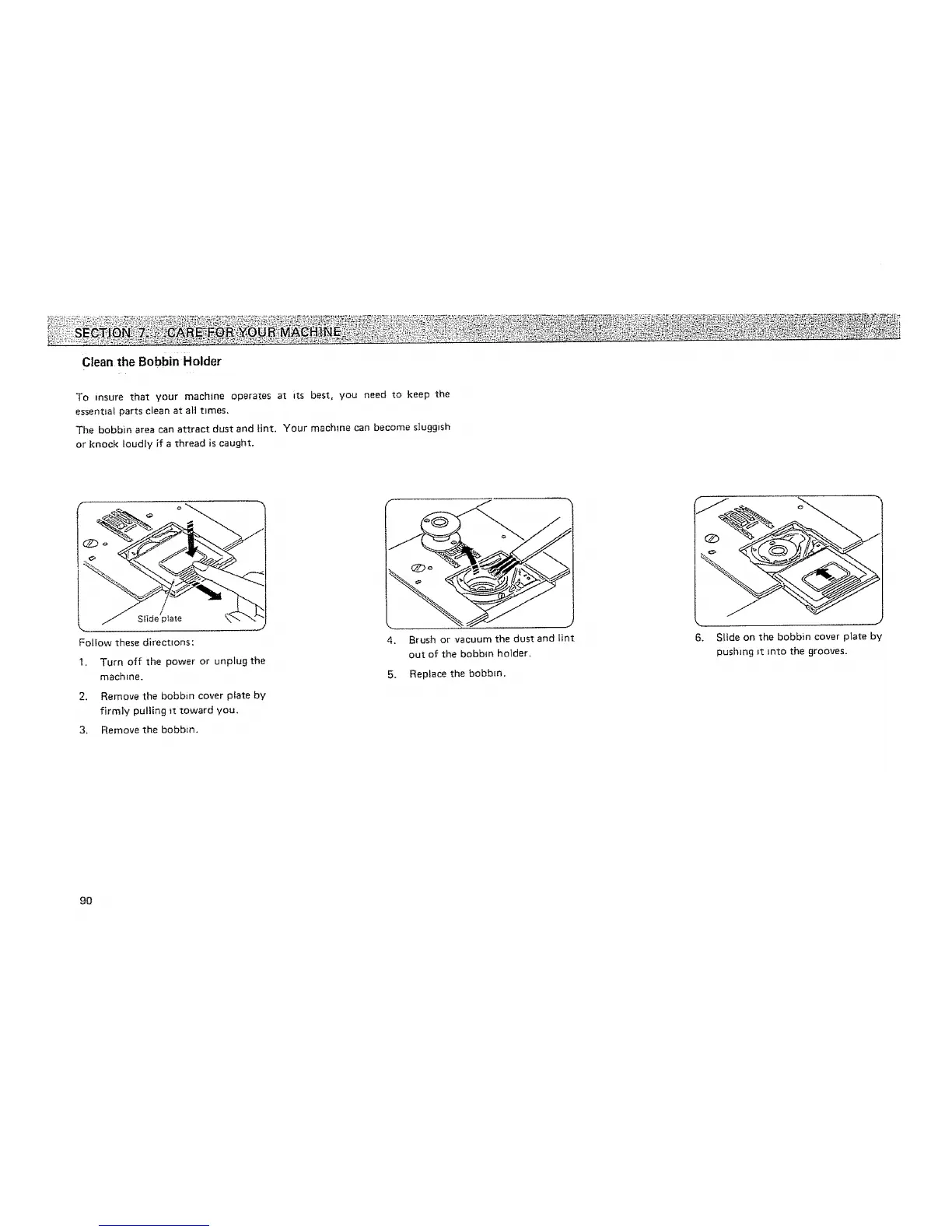
Follow these directions:
I. Turn off the power or unplug the
machine.
2. Remove the bobbin cover plate by
firmly pulling _t toward you.
3. Remove the bobbin.
4. Brush or vacuum the dust and lint
out of the bobbin holder,
5. Replace the bobbin.
6, Slide on the bobbin cover plate by
pushing _t into the grooves.
9O






 To Next Page