44
8
STORING IN PM CHANNELS
1 Confirm that the following conditions have been
satisfied:
• The transceiver is in the receive mode.
• Scan is not being used.
• Microphone Control is OFF.
2 Configure the transceiver as you like.
• For the items that can be stored, see page 42.
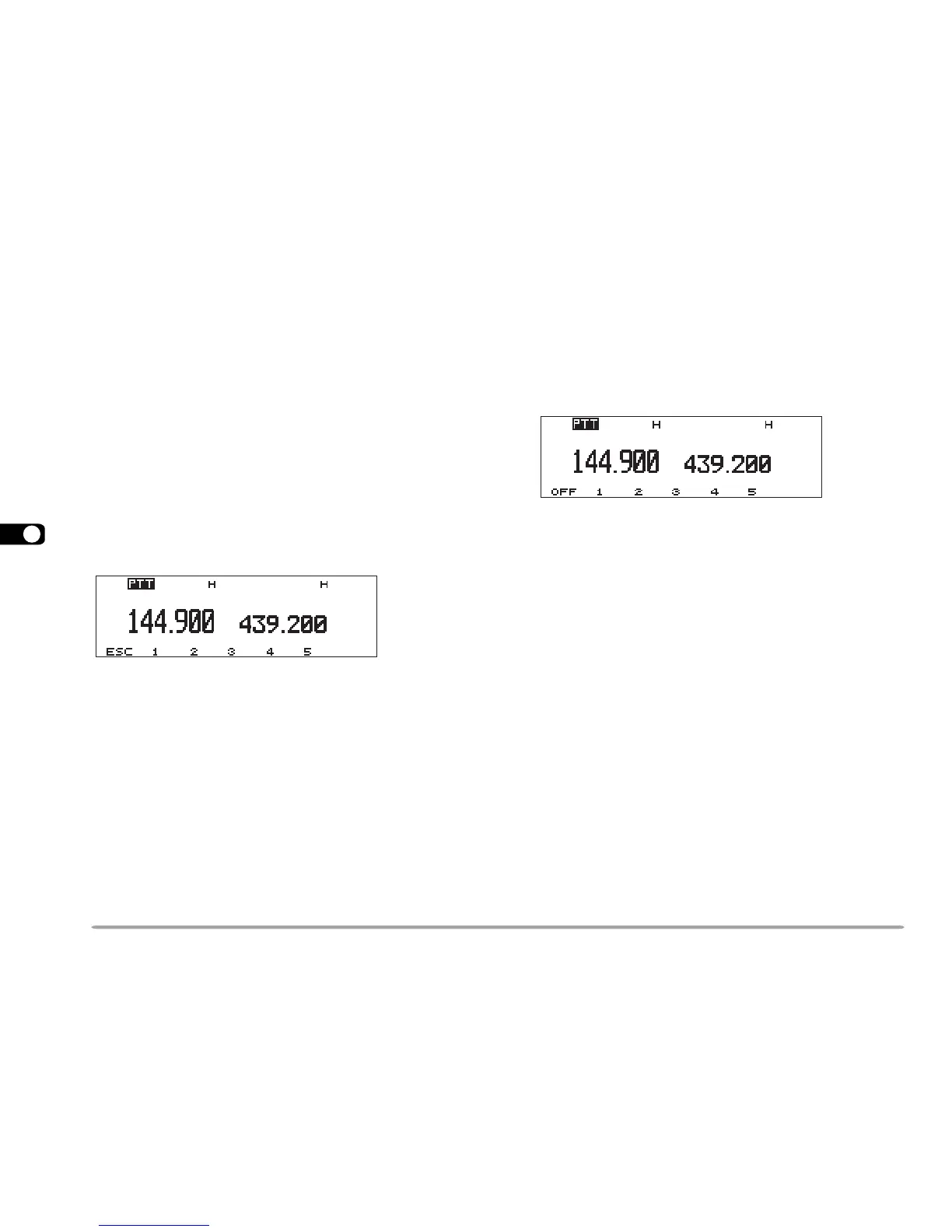
3 Press [F], [P.IN].
• The PM channel numbers 1 to 5 appear and blink at the
bottom of the display.
4 Press [1] to [5] corresponding to the desired PM
channel.
• The settings listed in page 42 are stored in the PM
channel.
RECALLING A PM CHANNEL
1 Press [PM].
• The PM channel numbers 1 to 5 appear at the bottom of
the display.
2 Press [1] to
[5] corresponding to the desired PM
channel.
• The contents of the selected channel are recalled.
• The current PM channel number appears at the upper
right corner. “s” before “PM” indicates that Auto PM
Store mode {page 45} has been selected.
• To exit PM Recall mode, press [PM], then press [OFF].
Note: You cannot recall a PM channel while transmitting.





 To Next Page