68
14
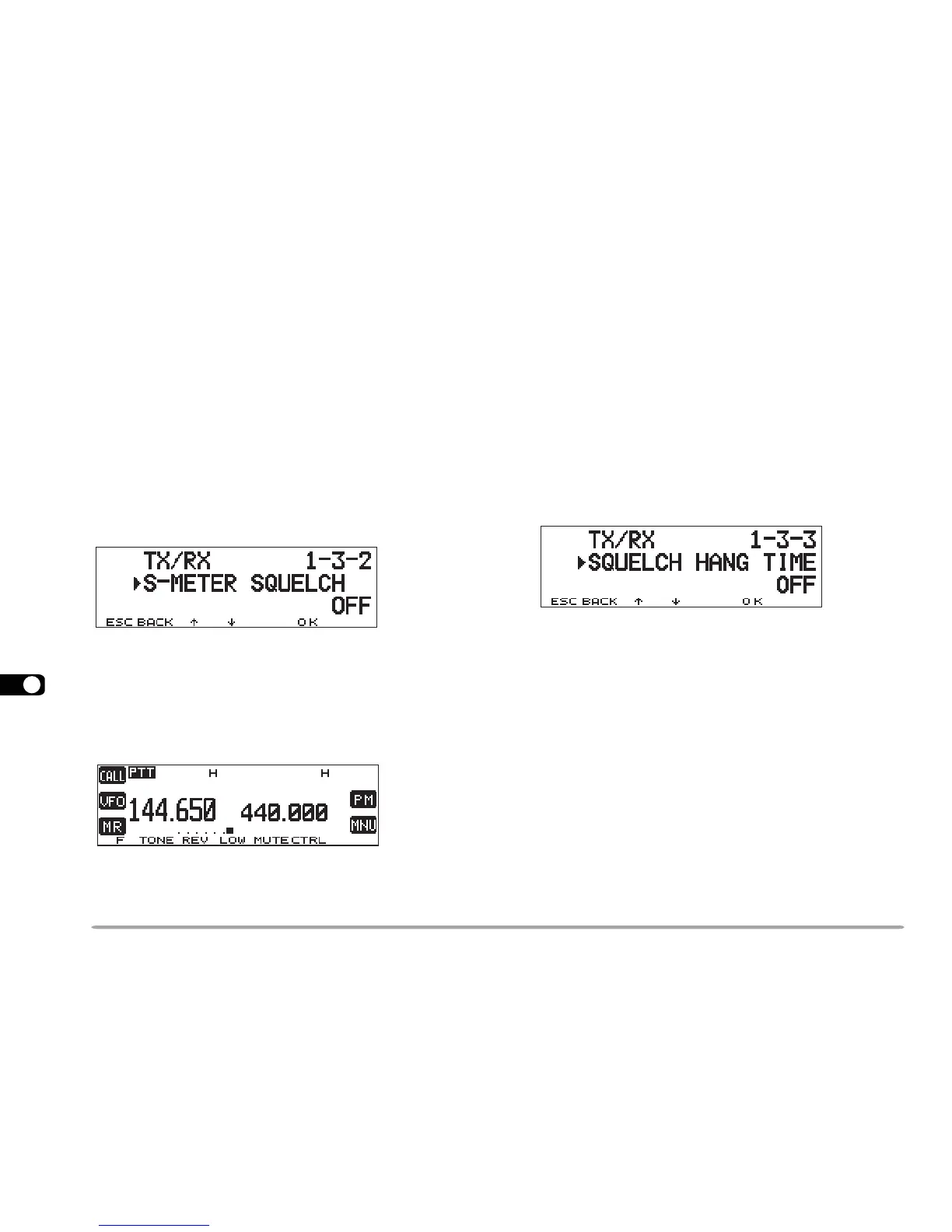
S-METER SQUELCH
S-meter Squelch causes the squelch to open only when
a signal with the same or greater strength than the S-
meter setting is received. This function relieves you from
constantly resetting the squelch when receiving weak
stations that you have no interest in.
1 Select the desired band.
2 Press [MNU] to enter Menu mode.
3 Select 1–3–2 (S-METER SQUELCH), then press
[OK].
4 Press [
cc
cc
c]/ [
dd
dd
d] to switch the function ON (or OFF).
5 Press [OK] to complete the setting.
6 Press [MNU] to exit Menu mode.
• The S-meter setting segments appear.
7 To select the desired S-meter setting, turn the left
(band A) or right (band B) SQL control depending on
which band you selected.
■ Squelch Hang Time
When using S-meter Squelch, you may want to adjust
the time interval between when the received signals
drop and when the squelch closes.
Access Menu 1–3–3 (SQUELCH HANG TIME) and
select from OFF (default), 125, 250, and 500 msec.





 To Next Page