67
14
TRANSCEIVER LOCK
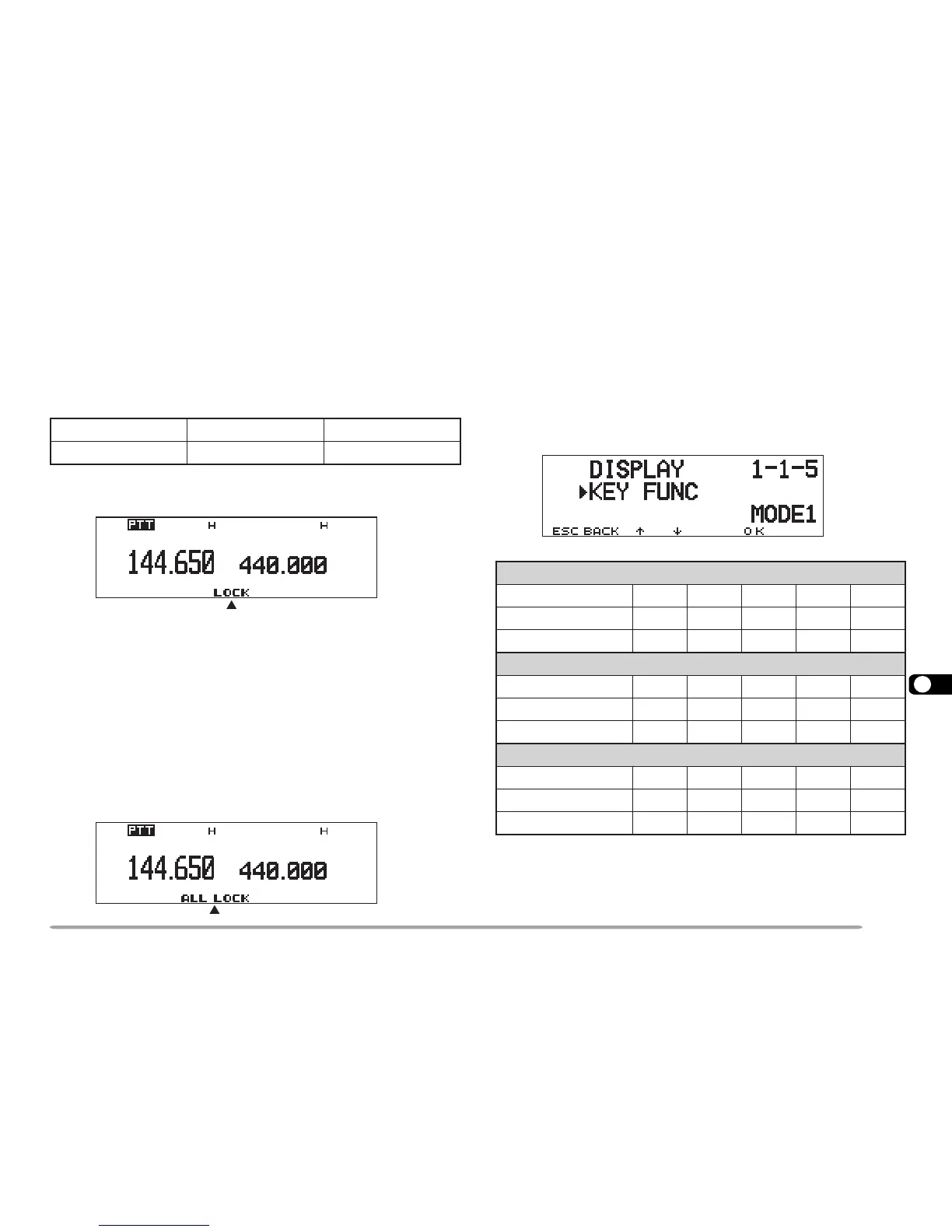
Transceiver Lock is suitable for a typical mobile
installation where you alter most functions with your
microphone. This Lock disables all functions excluding
the following:
Press
[F], [MHz] to switch the function ON (or OFF).
• “LOCK” appears when the function is ON.
ALL-CONTROL LOCK
All-control Lock is ideal when you have no plans to
transmit but you want to monitor a specific frequency.
This Lock disables all functions excluding power ON/
OFF and All-control Lock ON/OFF.
After switching Transceiver Lock ON, switch OFF the
transceiver, then press [MHz]+ POWER ON to switch
the function ON (or OFF).
• “ALL LOCK” appears when the function is ON.
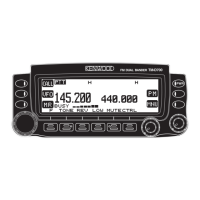
CHANGING MULTI-FUNCTION BUTTON LABELS
The functions to be frequently used may differ among
persons. You can change the defaults of the 5 buttons
located below the display.
Access Menu 1–1–5 (KEY FUNC) and select mode 1
(default), 2, or 3.
RWP hctiws ]F[]F[ , ]zHM[
LQS slortnoc LOV slortnocsyekciM
1edoM
]YEK[ ENOTVERWOLETUMLRTC
]YEK[,]F[ LES.TTFIHSPETS
LAUSIV
MID
]YEK[,)s1(]F[ TSILNOM.PNOCBGSMSOP
2edoM
]YEK[ LES.TTFIHSPETS
LAUSIV
MID
]YEK[,]F[ TSILNOM.PNOCBGSMSOP
]YEK[,)s1(]F[ ENOTVERWOLETUMLRTC
3edoM
]YEK[ TSILNOM.PNOCBGSMSOP
]YEK[,]F[ ENOTVERWOLETUMLRTC
]YEK[,)s1(]F[ LES.TTFIHSPETS
LAUSIV
MID







 To Next Page