65
14
DISPLAY DIMMER
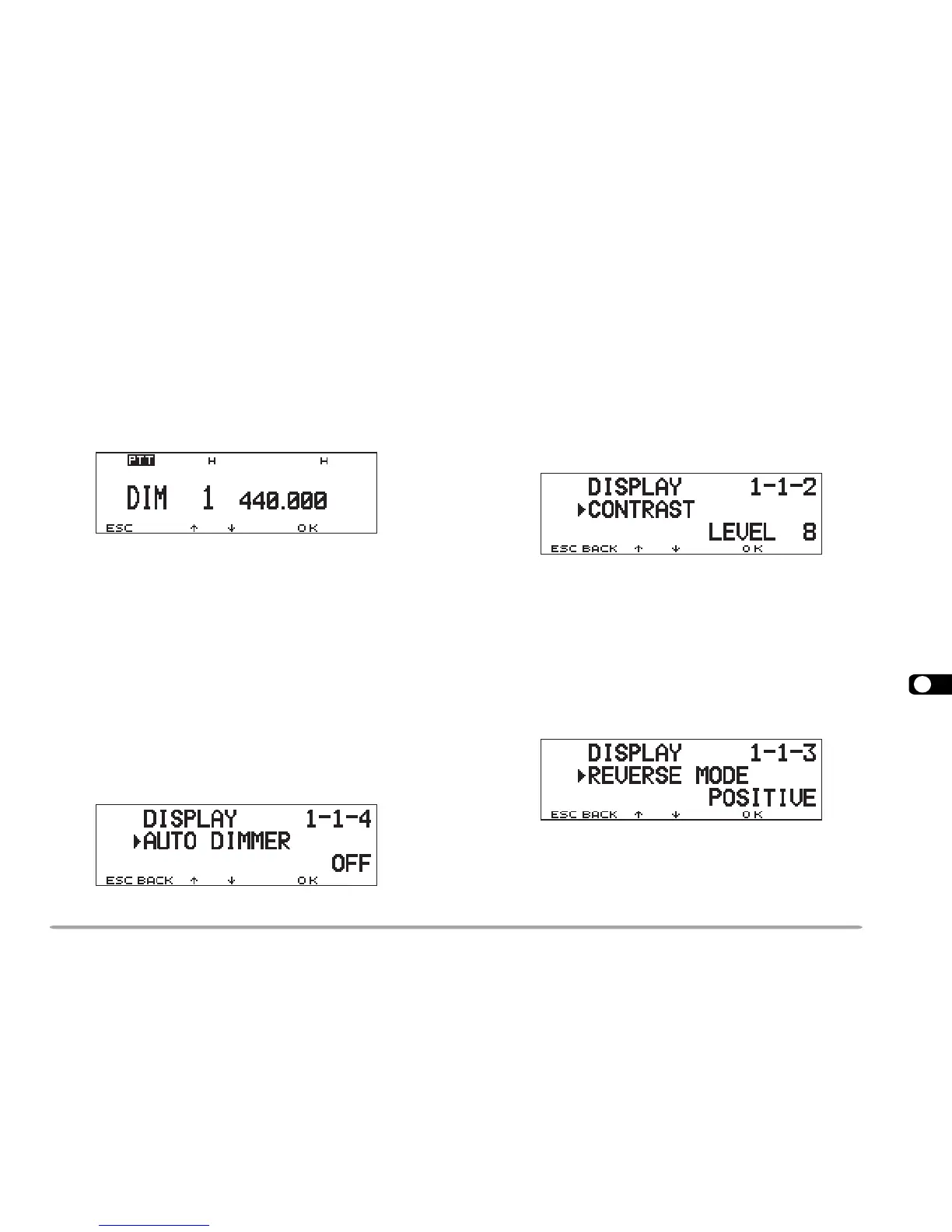
You can manually change the display illumination to suit
the lighting conditions where you are operating.
1 Press [F], [DIM].
• The current illumination level appears and blinks; The
default is level 1.
2 Press [
cc
cc
c]/ [
dd
dd
d] to select from 5 levels, including OFF.
3 Press [OK] to complete the setting.
Note: Selecting OFF automatically switches Auto Dimmer Change ON.
AUTO DIMMER CHANGE
This function increases the display intensity one step
brighter for approximately 5 seconds when you press a
front panel button or Mic key, or turn the Tuning control.
No change occurs if you have selected the brightest
level. Access Menu 1–1–4 (AUTO DIMMER) and select
“ON”.
DISPLAY CONTRAST ADJUST
The display visibility changes depending on ambient
conditions, for example between daytime and nighttime.
When you find the display is not clear, use this function
to select the optimum display contrast.
Access Menu 1–1–2 (CONTRAST) and select from
levels 1 to 16. The default is level 8.
Note: The display contrast may be affected by a change in temperature.
Adjust the contrast as necessary.
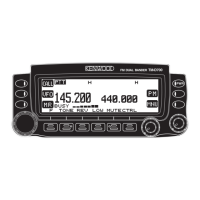
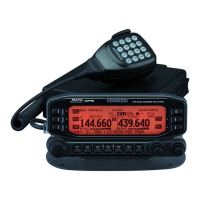
POSITIVE/ NEGATIVE REVERSAL
You can change the display status between Negative
and Positive (default) using Menu 1–1–3 (REVERSE
MODE).





 To Next Page