EasyManua.ls Logo

KERUI PG-103 - User Manual

KERUI PG-103
29 pages
Print Icon
To Next Page IconTo Next Page
Loading...
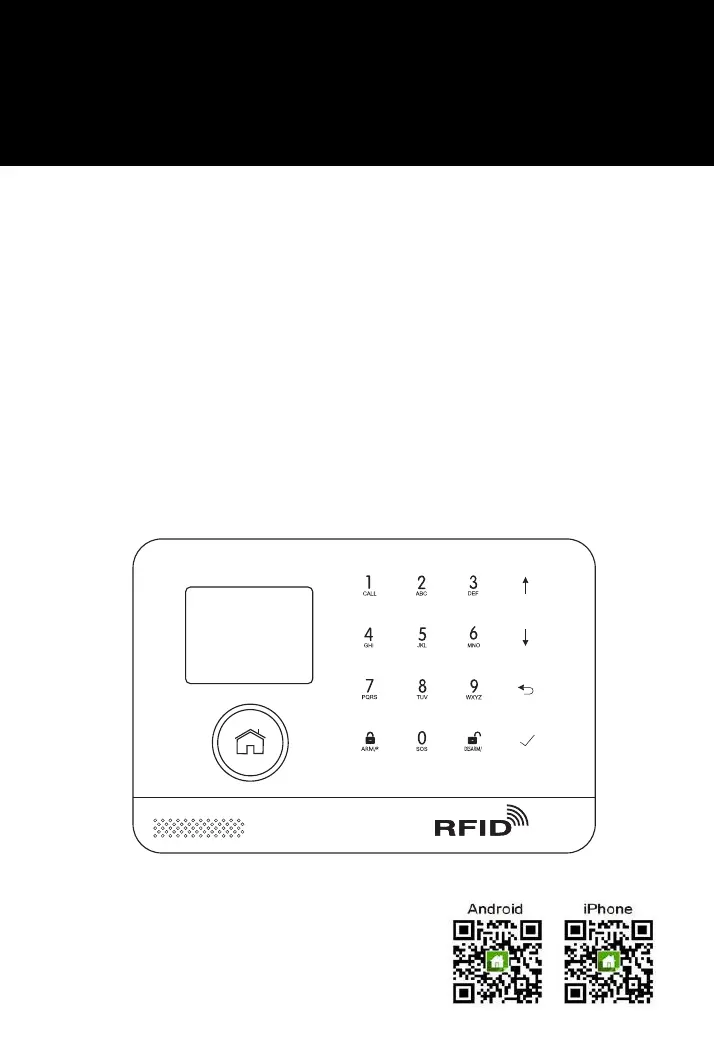
Cellular + Wi-Fi Smart Security System
USER’S GUIDE

Questions and Answers

  • V
    victoria01Sep 12, 2025
    How do I fix a KERUI PG-103 Security System with no sound when the alarm is triggered?
    • R
      Ruben Owens MDSep 12, 2025
      If your KERUI Security System has no sound when the alarm is triggered, check whether the siren sounds switch is on. You can also set the alarm tone and siren ring within the app.
  • N
    Nathan ChenSep 13, 2025
    What does the SM icon indicator mean on my KERUI PG-103 Security System?
    • K
      kyoungSep 13, 2025
      The SM icon indicator on your KERUI Security System provides information about the SIM card status. An 'X' in grey indicates that the hub has not detected a GSM SIM card or there is no SIM signal. A grey icon means the hub is detecting the SIM card signal. A white icon shows that the hub has detected a GSM signal.
  • S
    smithjenniferSep 15, 2025
    How to start up KERUI PG-103 alarm?
    • S
      Susan ThomasSep 15, 2025
      To start up the KERUI Security System alarm, make sure the alarm hub power adapter is properly connected to AC power and ensure the power is on.

Summary

DO THIS FIRST

Things to Note Before Getting Started

Important conditions for successful setup of the security system.

System Requirements

Necessary hardware and software for system setup and operation.

Quick Menu Functions Overview

Menu Function Descriptions

Remote Control Operation

RFID Tag Usage

Placement and Installation Tips

Smart Hub Placement

Guidance on where to position the Smart Hub for optimal performance.

Door;Window Sensor Placement

Instructions on how to position door/window sensors and magnets.

PIR Motion Detector Installation

PIR Mounting Height & Detection Area

Recommended mounting height and detection range for PIR sensors.

Getting Started: SIM Card Installation

SIM Card Installation Guide

Steps for inserting the Micro-SIM card for cellular connectivity.

Cellular Network Connection

Setting Up Phone Numbers for Alerts

Procedure to configure phone numbers for SMS and call notifications.

Pairing New Remote Controls

Remote Control Pairing Process

Instructions for adding new remote controls to the system.

Pairing Wireless Sensors

Sensor Zone Configuration

Steps to pair sensors and assign them to specific zones and modes.

Pairing RFID Tags

RFID Tag Pairing Procedure

Guide on how to add RFID tags to the system.

Pairing Wireless Sirens

Mobile Application Guide

Using the Smart Security System

System Security Levels

Explanation of the three security modes: Away, Home, and Disarm.

Arming and Disarming Methods

Ways to arm and disarm the system using panel, tag, or app.

System Operation Methods

Smart Hub Features

Resetting to Factory Settings

Factory Reset Methods

Two methods for restoring the system to its default factory configuration.

Troubleshooting Common Issues

KERUI PG-103 Specifications

General IconGeneral
BrandKERUI
ModelPG-103
CategorySecurity System
LanguageEnglish

Related product manuals