User Manual
SUPM1
page 87 of 94© KEYMILE December 2015 EN/LZTBU 372 129/1 RC
94
User Interface Reference
The monitoring of the TSF and RTSF alarms is disabled by default.
8.3.5 AP: / unit-x / port-y, Performance Management
For the a description of the general aspects of the performance management
(PM) functions, please refer to [302] User Guide “XMC25/XMC23/XMC22”.
The following counter group is available for the SUPM1 ports:
• “Protection” group, see section 8.3.5.1 AP: / unit-x / port-y, Performance
Management - Protection (on page 87),
The following counter intervals are available, depending of the counter
group:
8.3.5.1 AP: / unit-x / port-y, Performance Management - Protection
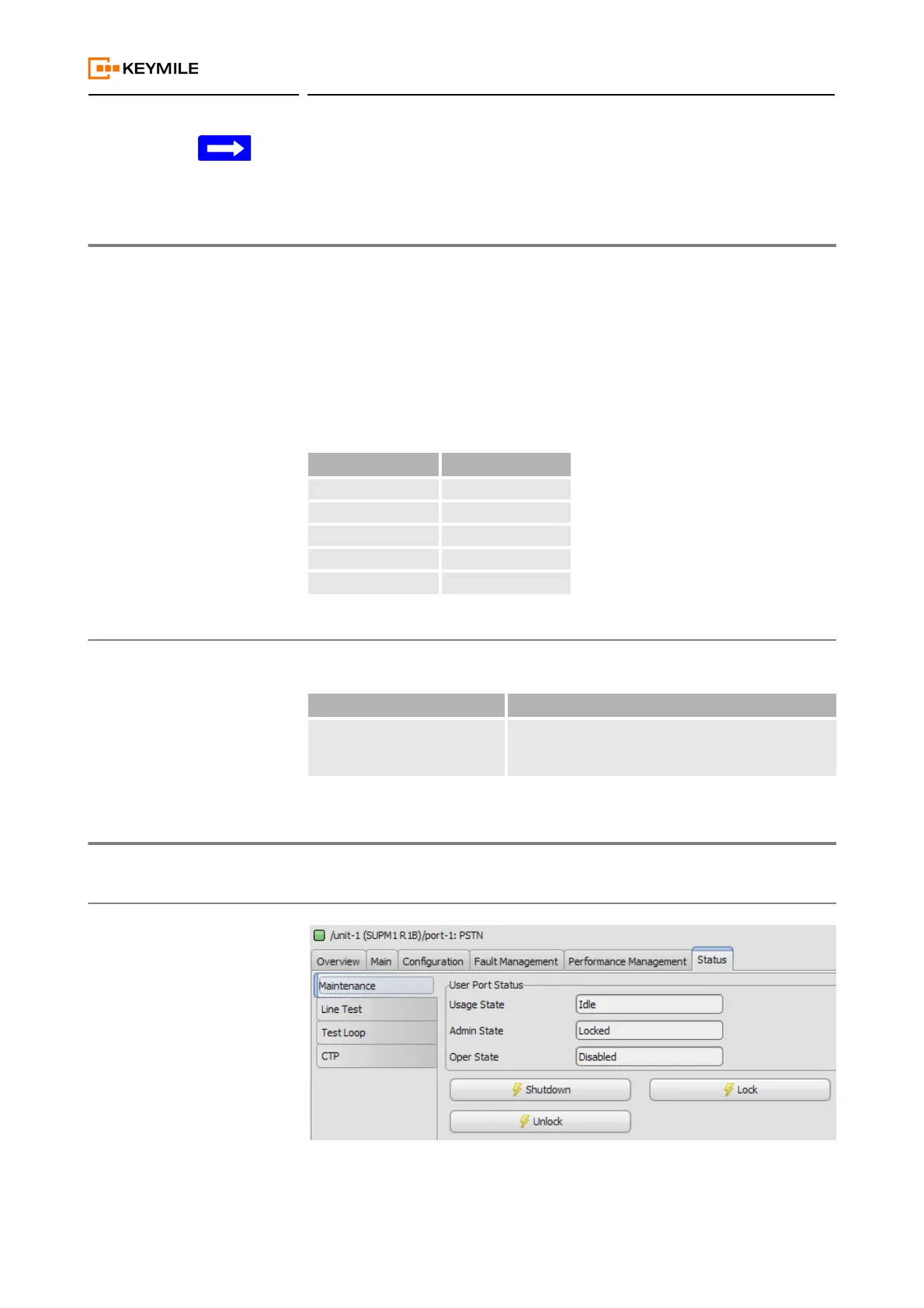
8.3.6 AP: / unit-x / port-y, Status
8.3.6.1 AP: / unit-x / port-y, Status - Maintenance
Table 50: PM counter interval availability
Counter interval Protection
User Counter yes
History 15min yes
History 24h yes
Alarm 15min no
Alarm 24h no
Table 51: PM group: Protection
PM parameter Description
Switch-Over The protection switch-over count gives information
about the number and distribution of protection
switching events.


 To Next Page