5 Local Operation
32 Keysight J7201A/B/C Operating and Service Manual
Getting Started with J7201A/B/C
Keysight J7201A/B/C attenuator control unit can be easily configured to drive your DUTs via the
front panel operations. This section will equip you with fundamental knowledge and guide you
through the configuration of J7201A/B/C.
Turn on J7201A/B/C
1 Connect AC power supply to J7201A/B/C. You should observe:
– the background LED of the power button is red which illustrates that J7201A/B/C is in standby
mode.
2 Press once on power button to turn on the J7201A/B/C.
– The power button will turn green and the backlight of LCD screen will turn on simultaneously.
– The attenuators will undergo a self check mode. At this point you will hear a buzzing sound as a
result of self- check in progress. Please note that this is not a defect.
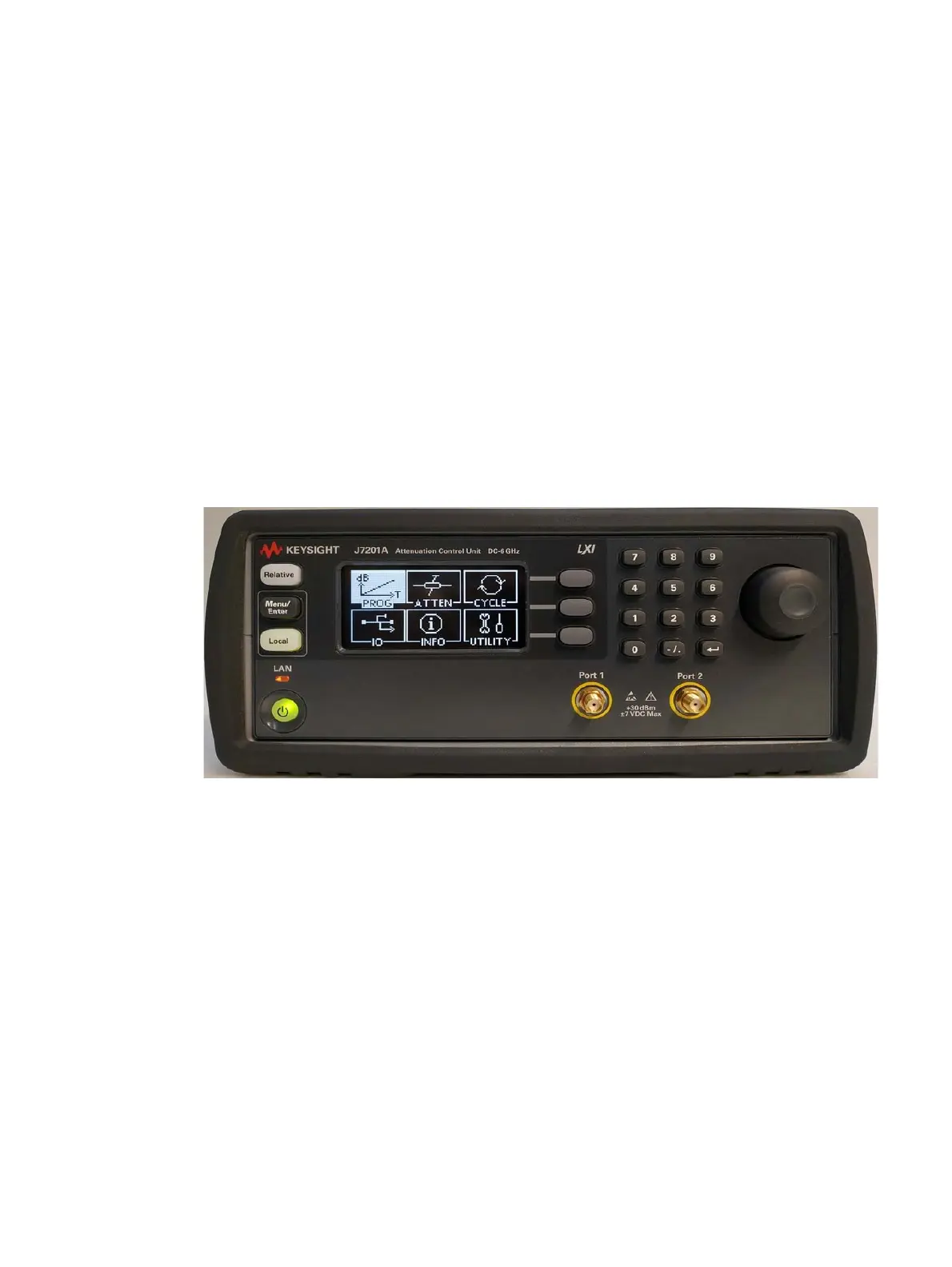
– Once the self check completes, the selection menu will be displayed on the LCD screen.
Figure 5-1 J7201A/B/C main menu
3 The Local button is lighted up and front panel operation is ready.
4 You may begin using the J7201A/B/C.



 To Next Page