Local Operation 5
Keysight J7201A/B/C Operating and Service Manual 37
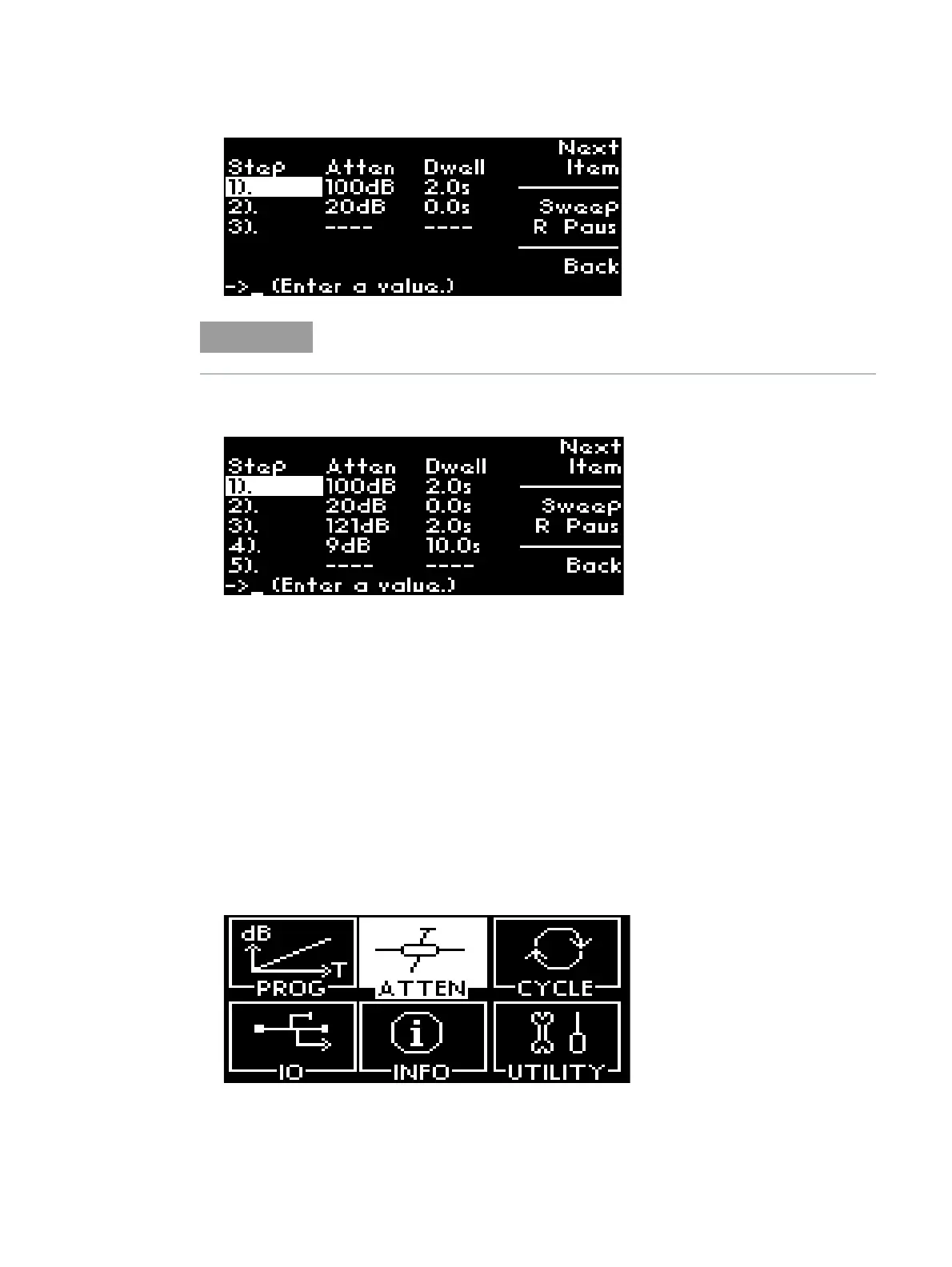
6 The Illustration displays setting of Step 1-4 with different attenuations and dwell times.
7 The cycling of the steps will trigger line by line and sweep until the defined sweep cycles.
For this example, the step will sweep Step 1-4 for 2 cycles since sweep cycle is set as 2.
ATTEN menu
The main function of this submenu is to provide manual attenuation during measurement. You can
always choose to use corrected values if accurate and precise attenuation at particular frequency
point is required. Multiple options for attenuation steps are available such as 1, 5 and 10 steps for
your own choice and application.
Display Uncorrected/Corrected Values
To display uncorrected and corrected values:
1 Navigate to the ATTEN icon using the navigation rotary encoder and press Menu/Enter button
once.
2 In Unc screen, absolute attenuation value of 121dB is shown.
The maximum number of steps allowed is 20.



 To Next Page