5 Local Operation
48 Keysight J7201A/B/C Operating and Service Manual
Relative menu
The relative function enables the user to set the attenuation values relative to the absolute
attenuation for specific application. The currently displayed attenuation is used as a reference
value when this feature is turned on and user may set positive or negative attenuation values from
the reference value. When relative function is disabled, the display returns absolute value of
attenuation setting.
Set Relative Attenuation Value
To set relative attenuation value:
1 In Atten, set attenuation desire attenuation value using keypad.
2 Press Relative button once and button will turn green indicating that the relative feature is
turned on.
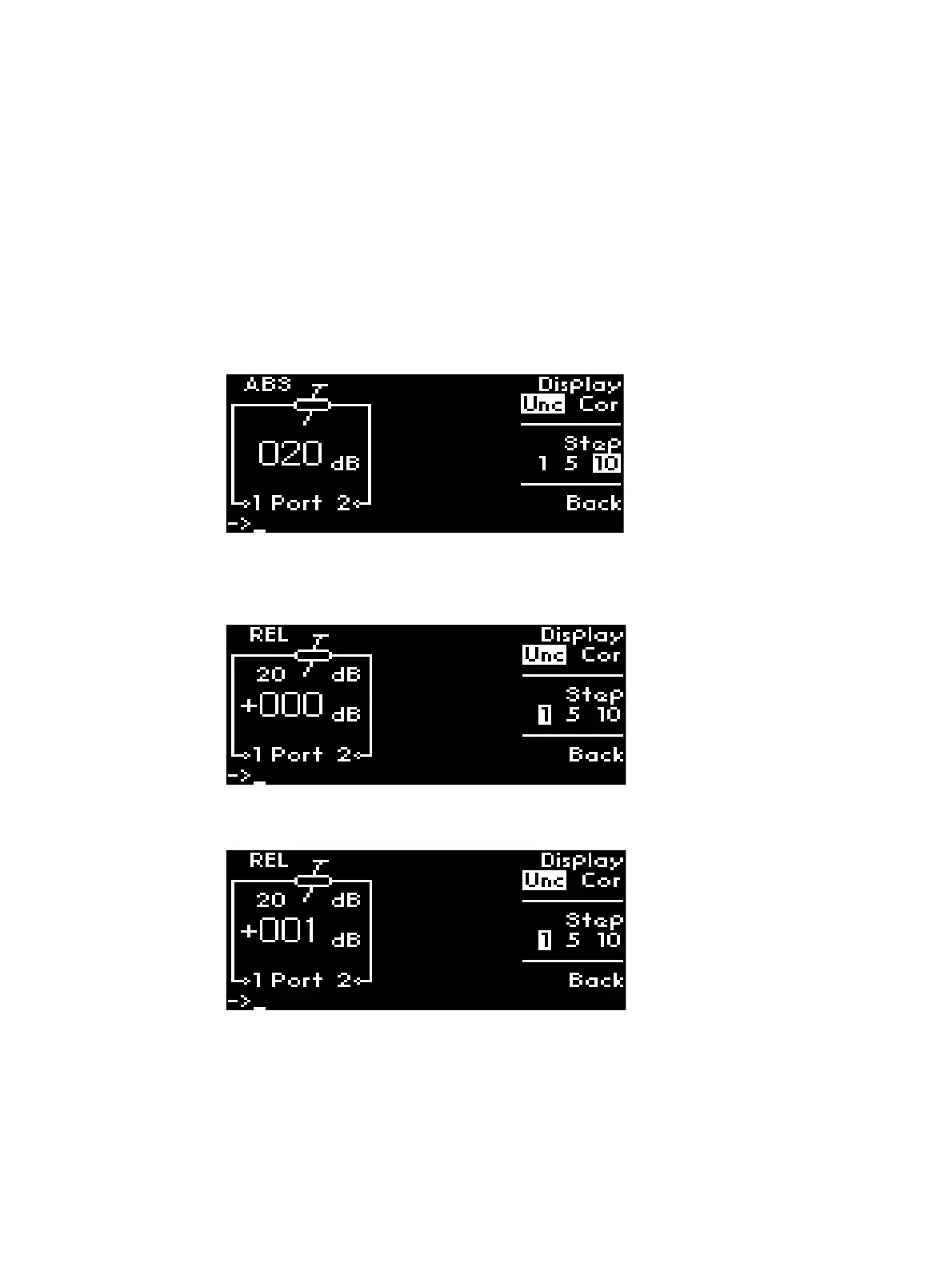
3 Note that REL appears and value 20 dB is set as the relative attenuation.
4 Tune rotary knob to adjust the desired attenuation which will be relative to 20 dB attenuation
value. For example, the absolute attenuation is set to 21 dB in the illustration.



 To Next Page