5 Local Operation
44 Keysight J7201A/B/C Operating and Service Manual
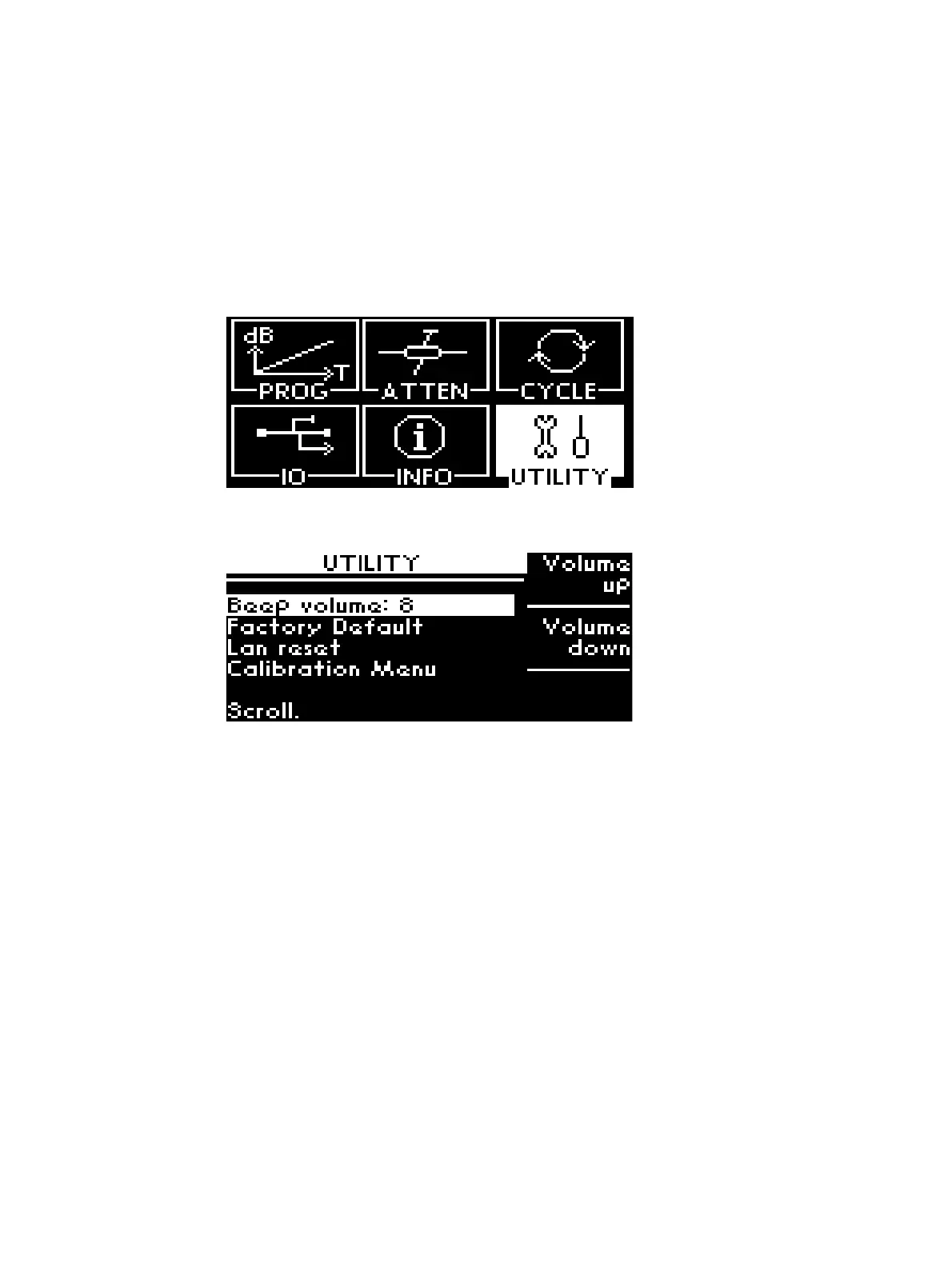
UTILITY menu
There are information such as beep volume, factory default, LAN reset and calibration menu in this
UTILITY menu.
Display and Adjust Beep Volume
To display and adjust beep volume:
1 Navigate to UTILITY icon and press Menu/Enter button once.
2 You can choose Beep volume to increase and lower the beep volume of the attenuation box by
pressing the softkeys Volume up or Volume down.



 To Next Page